# Are weekly webinars available to view on-demand?
> Source: https://support.associationsphere.com/are-weekly-webinars-available-to-view-on-demand | Updated: 2025-01-22T16:27:32Z
Yes! We have previously recorded versions of the weekly webinars available on the training hub. Access to the training hub is a subscription benefit for customers with Essential or Essential Plus support package. You can reach out to the training team at [training@associationsphere.com](mailto:training@donorview.com) to receive the link to the training hub.
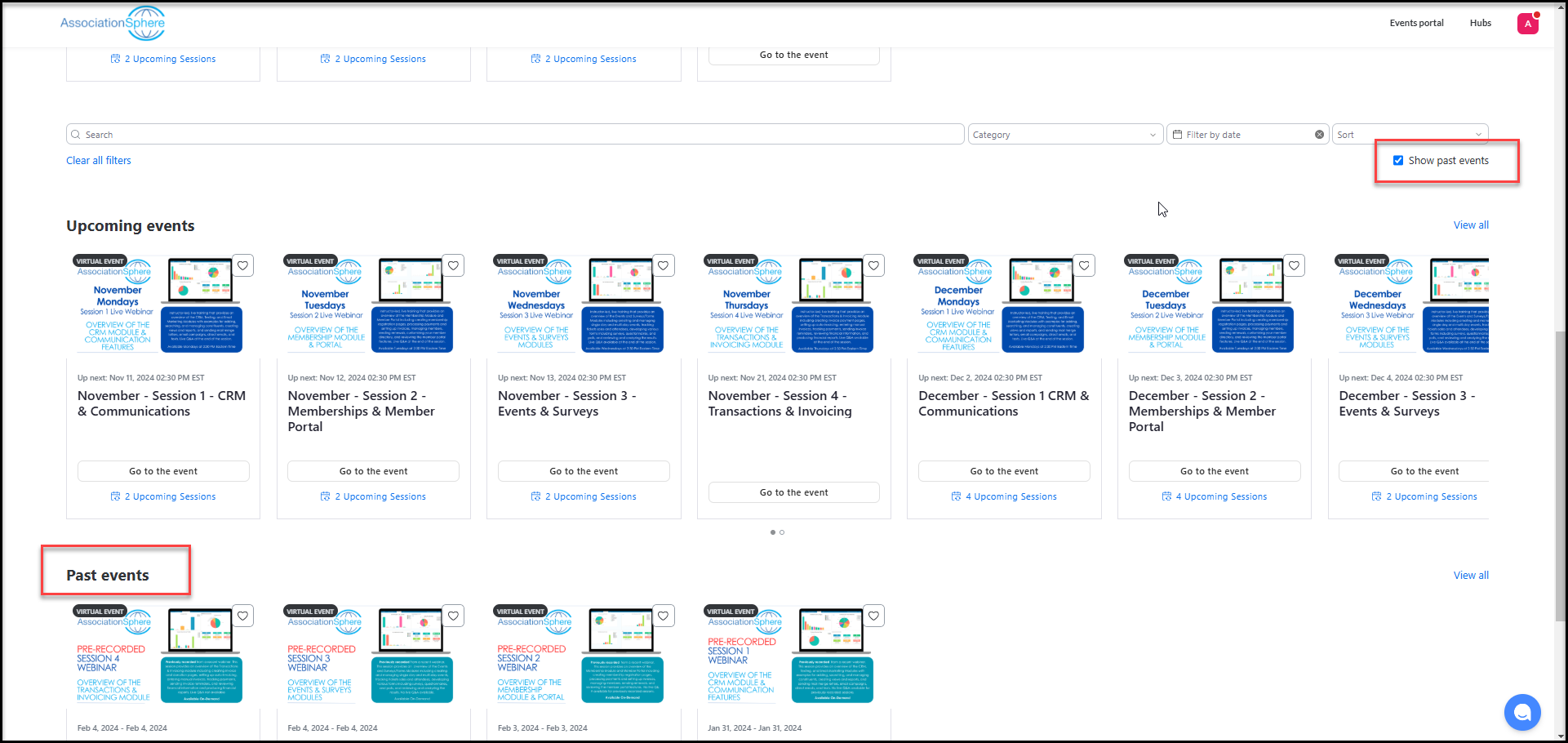
To view the webinars available on-demand, check the box next to **Show p****ast events** under the Filter menu on the right side of the training hub window or scroll to the bottom of the page to see Past events.
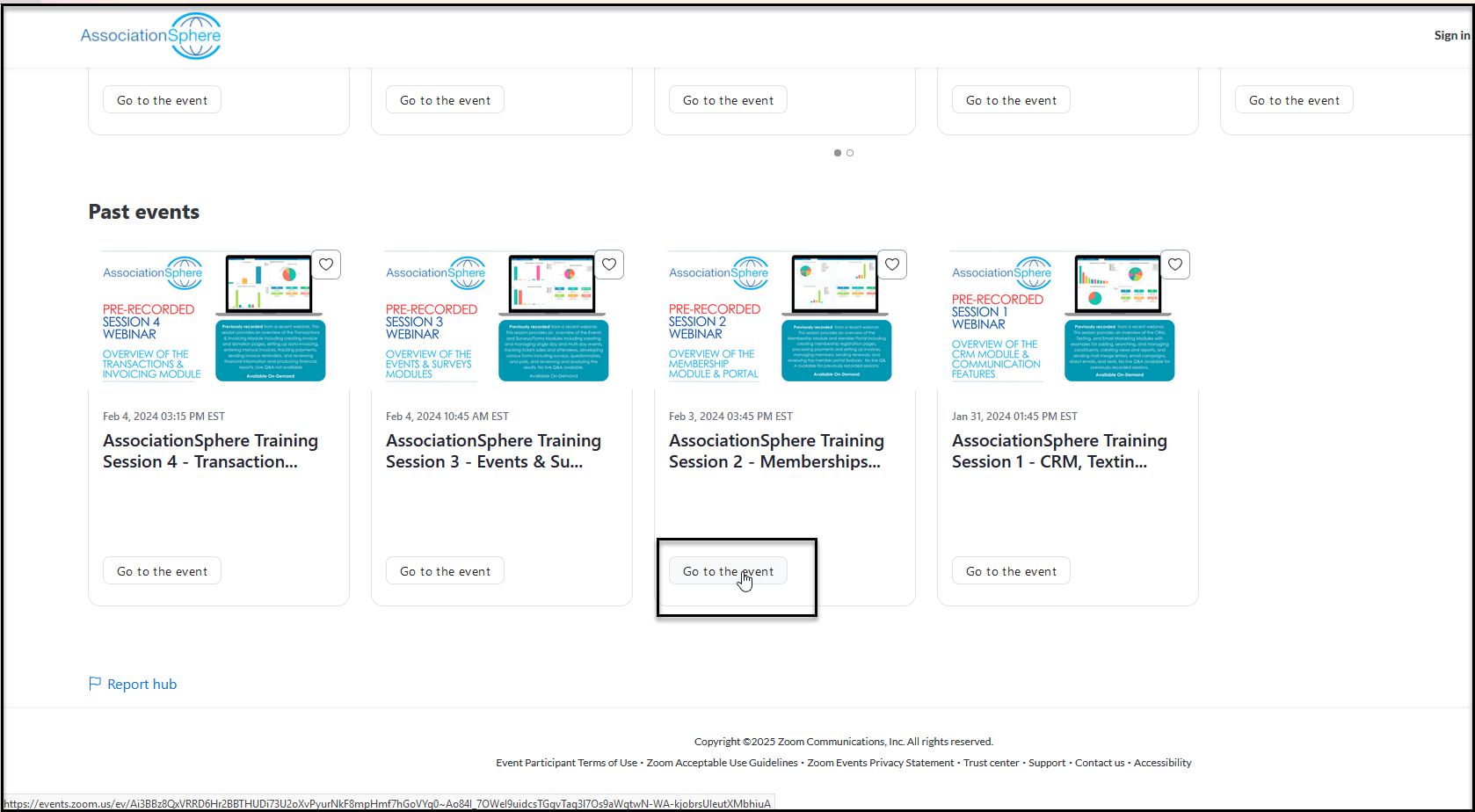
 Click on **Go to the Event**.
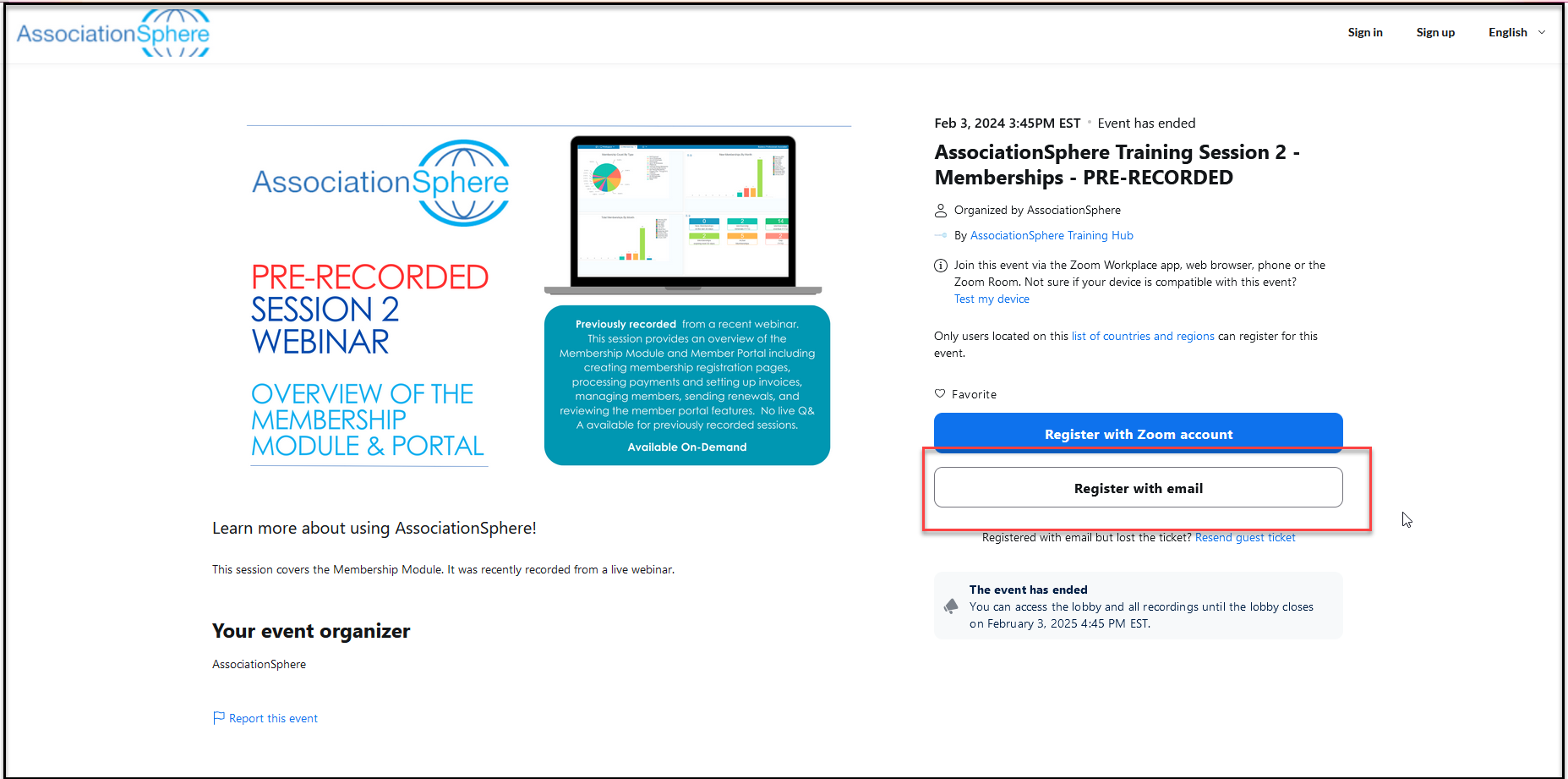
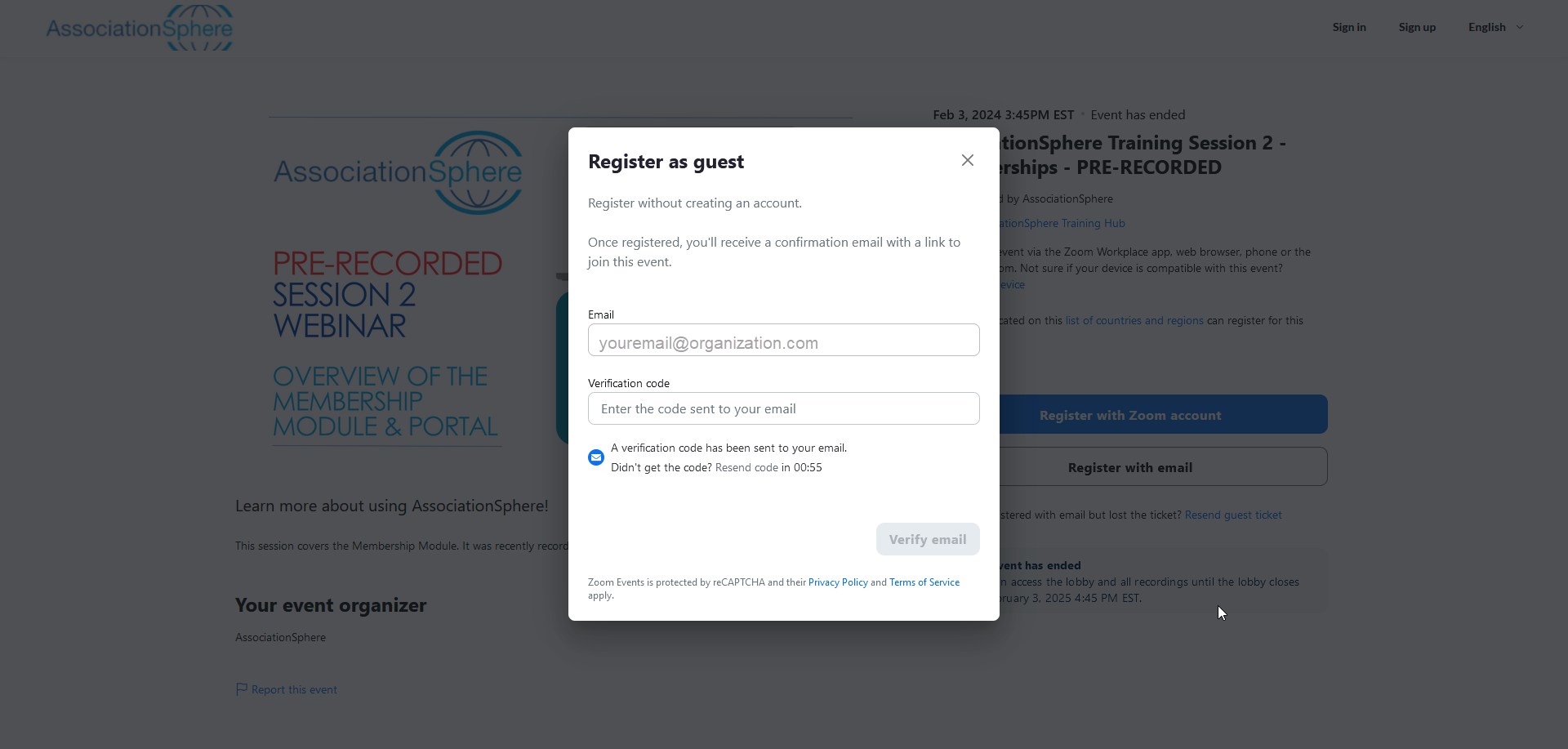
 Click on **Register with email** or if you already have a zoom account, you can click on **Register with Zoom account**.
 If you are using email, you will see a popup asking you to enter a verification code that was sent to your email. Enter the code in the box.
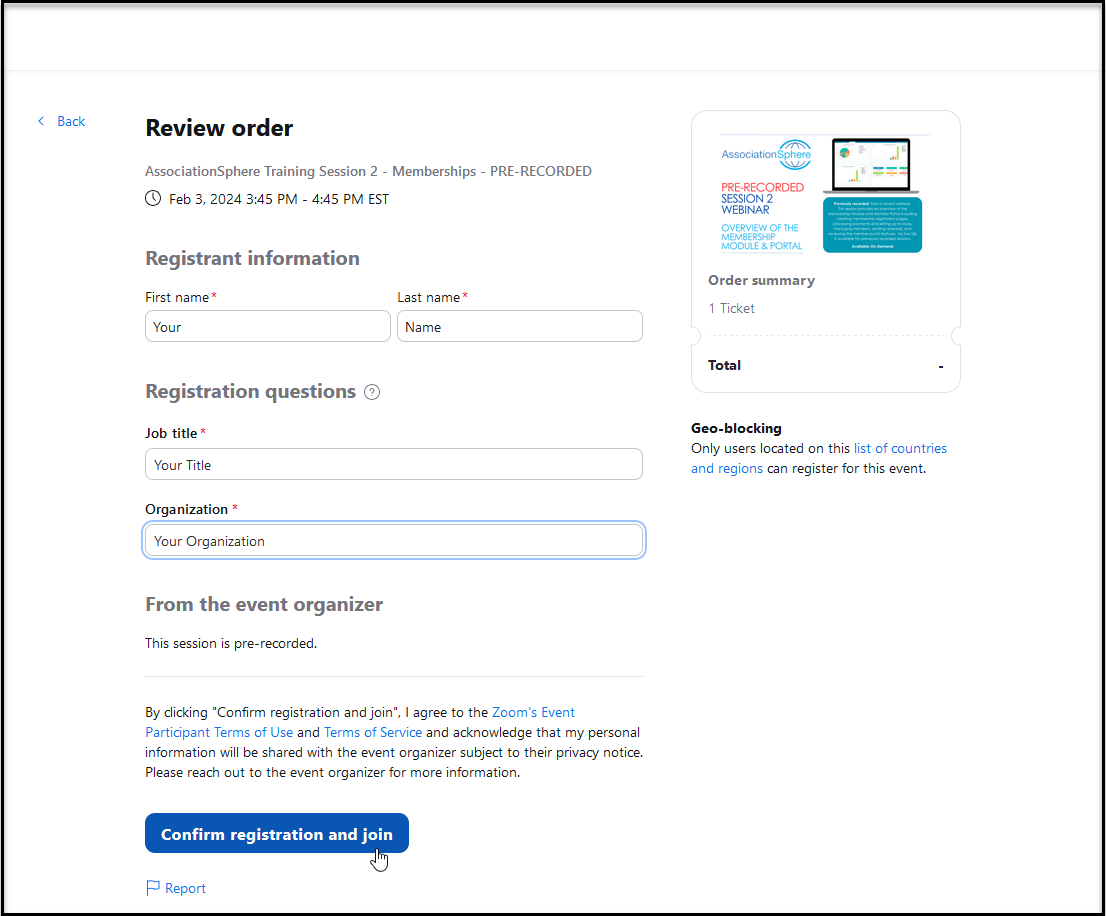
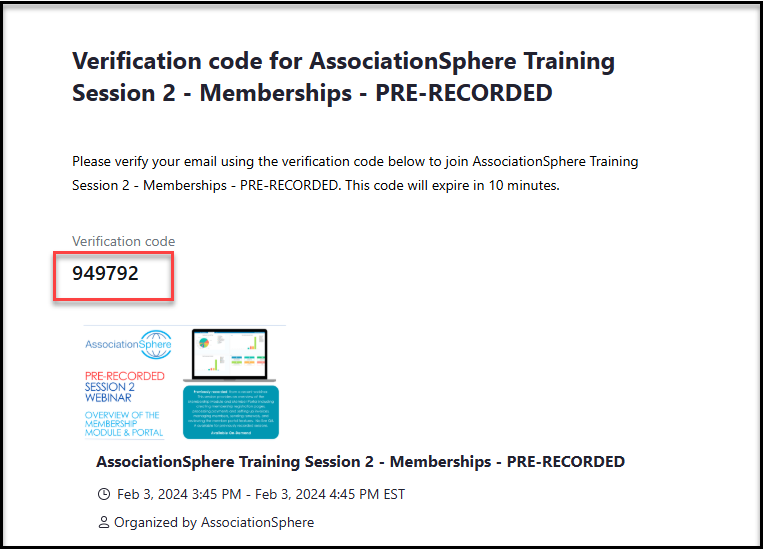 Once you have entered the code or registered with a Zoom account, you will be asked to enter your name, title and the organization that uses AssociationSphere. Click **Confirm Registration and Join** to go to the lobby.
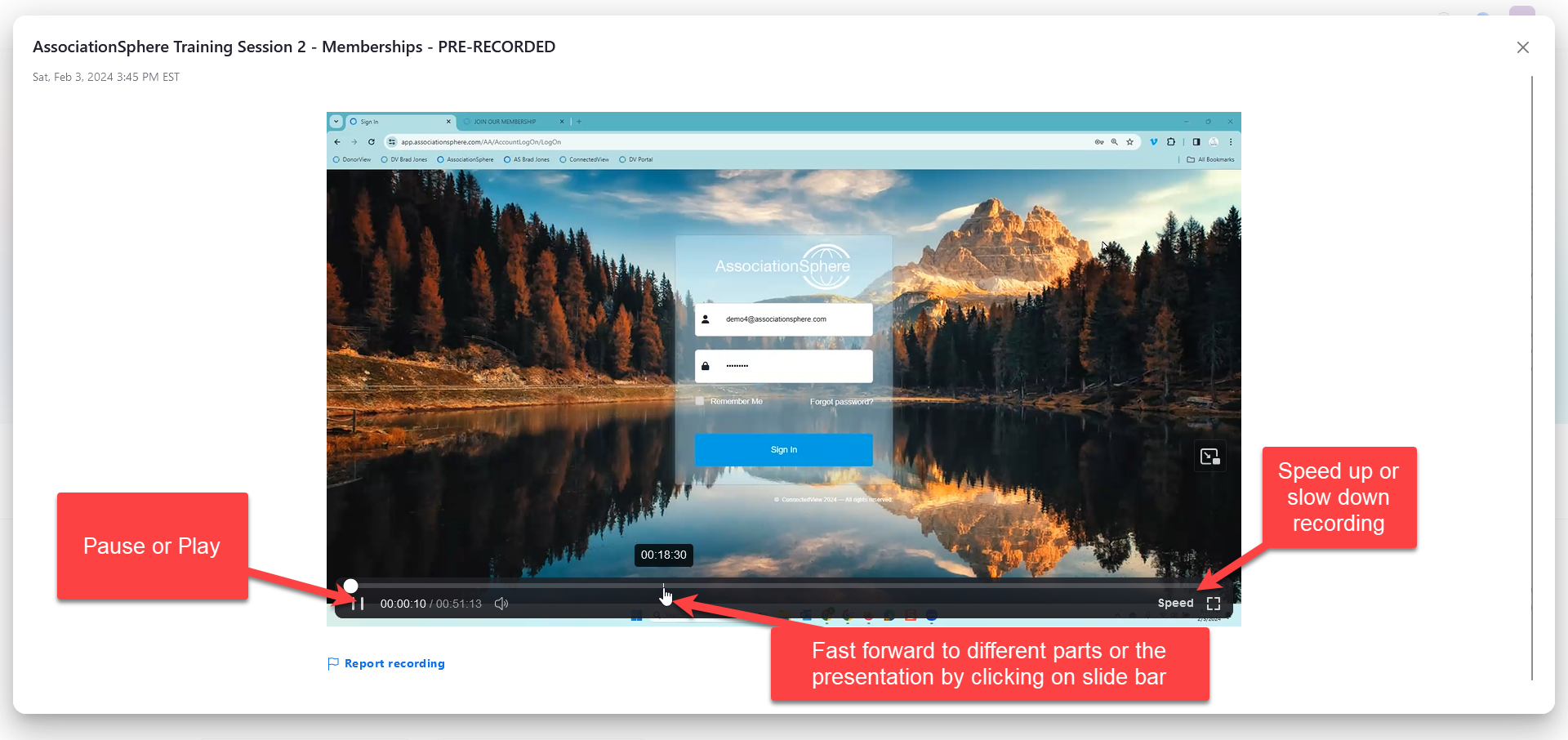
 In the lobby, click **Watch Recording** to open the video.
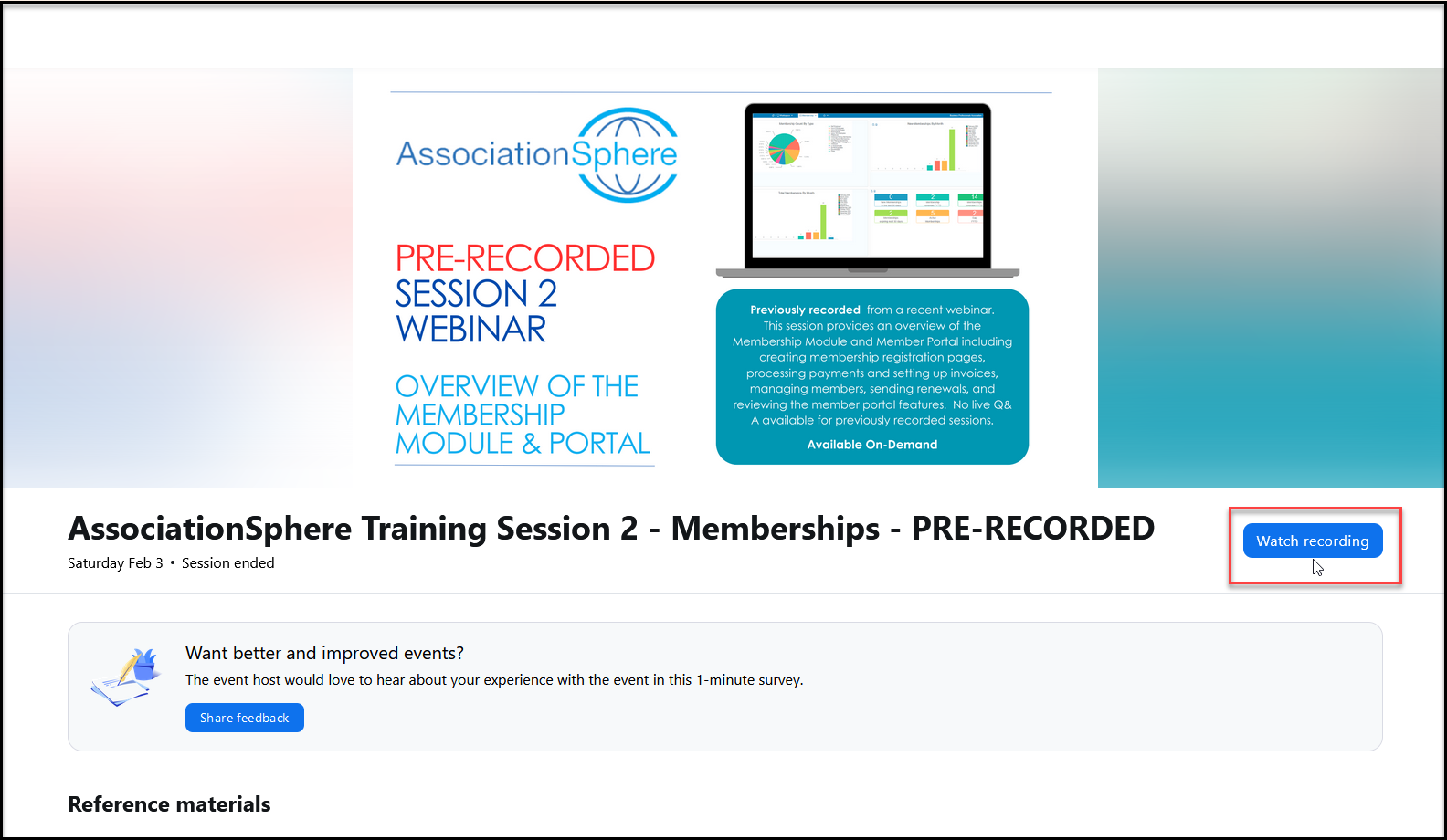 Here you can pause, fast forward, and speed up or slow down the video as desired.
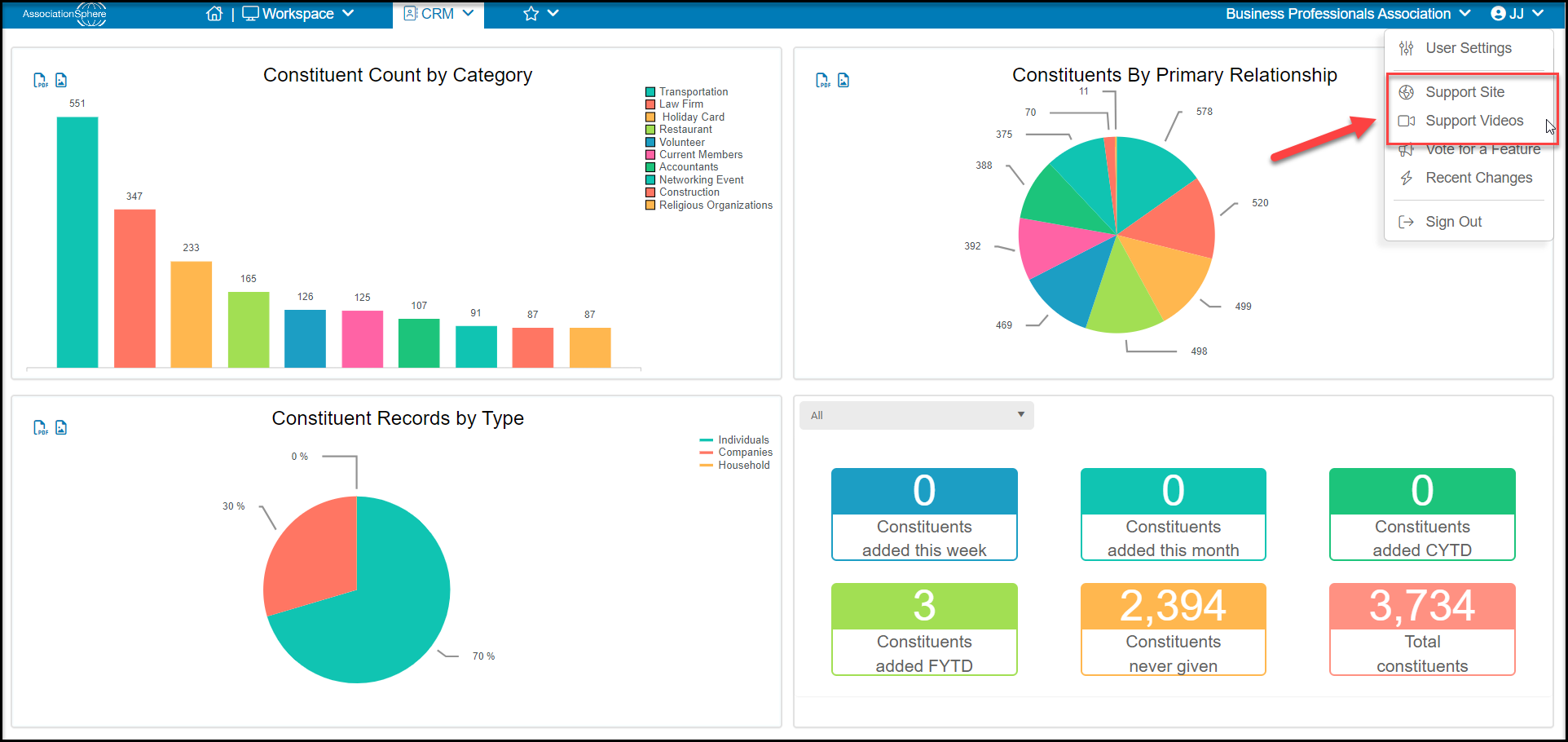
 All customers, including those with Basic Support, also have unlimited access to the training video library accessible in the menu under your user initial in the top right corner of the software.