# Can an event registrant upload a document?
> Source: https://support.associationsphere.com/can-an-event-registrant-upload-a-document | Updated: 2024-08-25T23:59:27Z
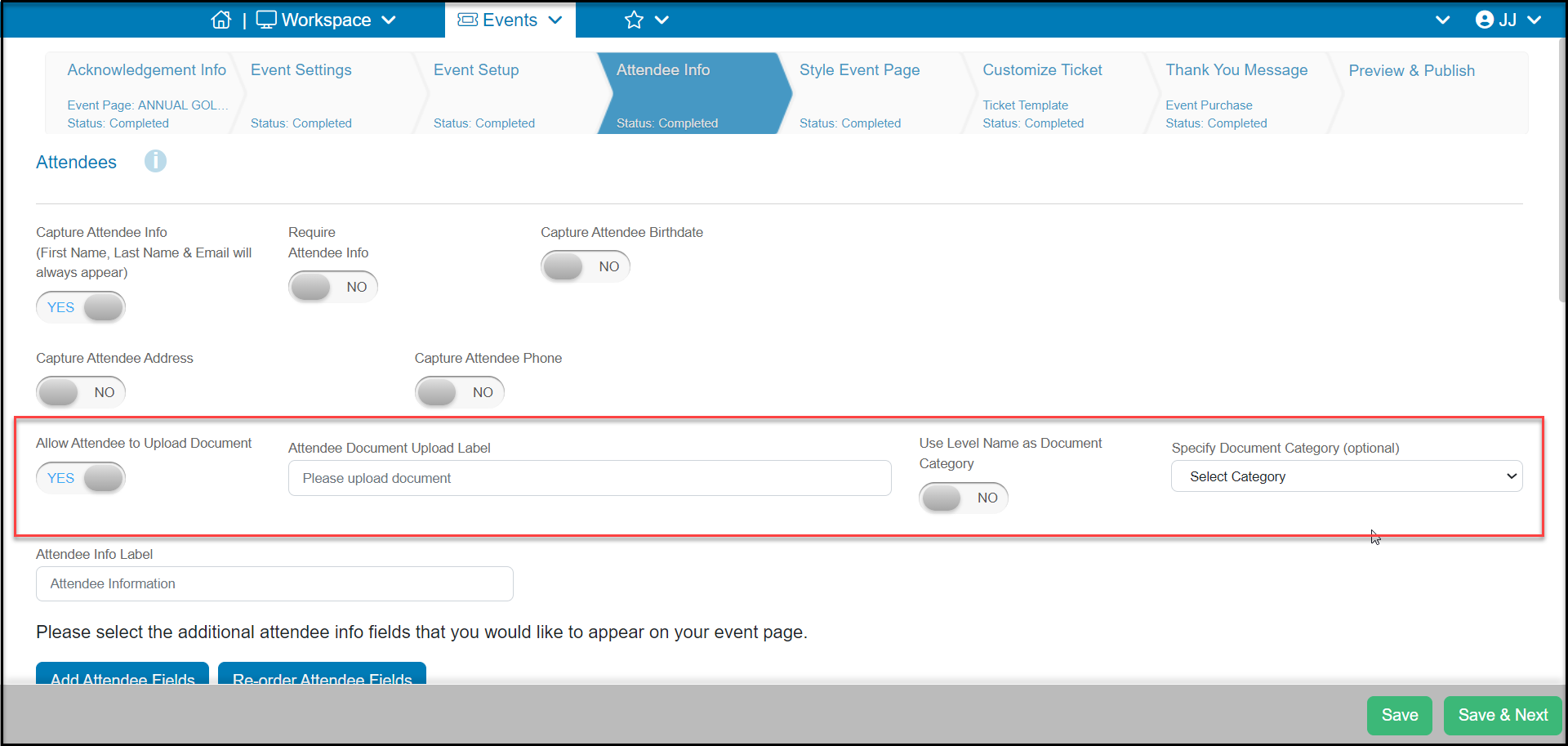
Yes, while a person is registering for an event they can upload a document for each attendee. During the setup of the event on the Attendee Info tab you can activate document uploads by marking **Allow Attendee to Upload Document** to **YES**. The other fields revealed include:
- **A****ttendee Document Upload Label**- This is what will appear on the event page to describe the document you need uploaded.
- **Use the Level Name as Document Category**- when set to YES, the ticket level name will be entered as the document category.
- Alternatively you can **Specify Document Category (optional)** and choose the document category from the picklist.
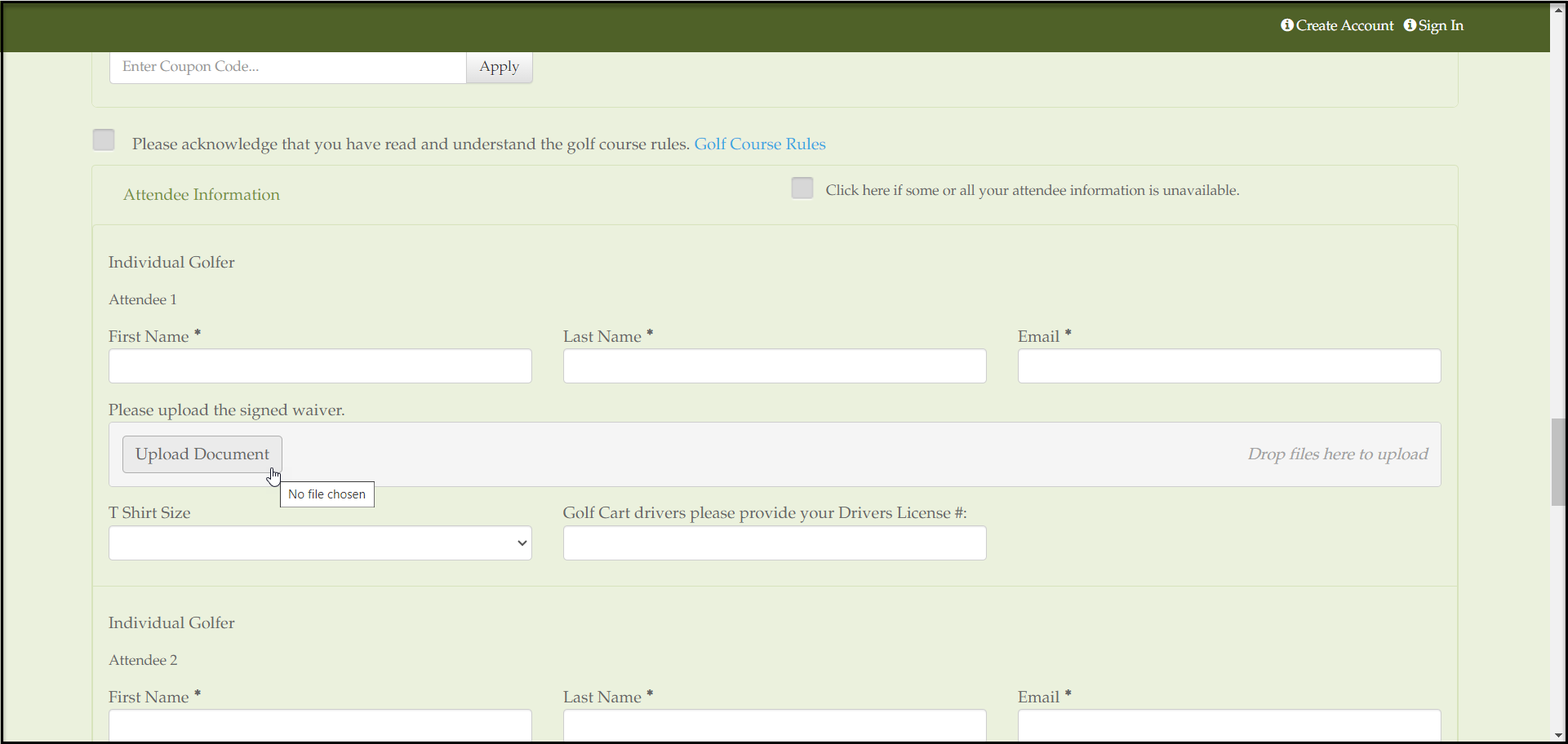
 On the event page, each the registrant can upload the requested document for each attendee.
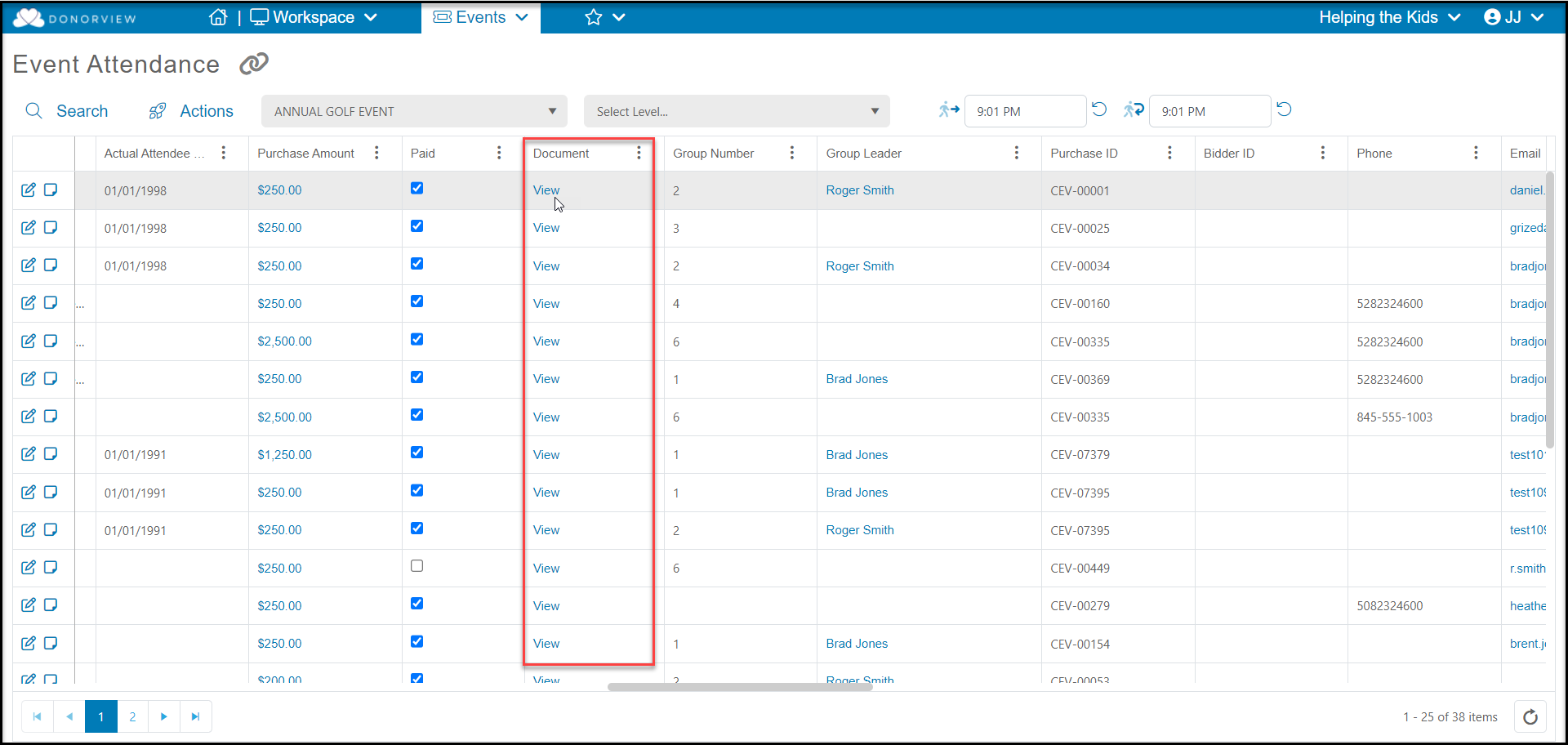
 The document will then be uploaded onto that attendee's Constituent record under their Documents tab. You will also see on the Event Attendance grid a column called, "Document" where you will see a "View" link on each row where a document was uploaded for that Attendee. Clicking the "View" link will open the attendee's Documents tab where you can find a clickable link to view the document.