# Can I reset a Portal Users password?
> Source: https://support.associationsphere.com/can-i-reset-a-portal-users-password | Updated: 2026-06-05T12:43:27Z
Yes, on the Portal Users page you will find a grid of all your current portal users.
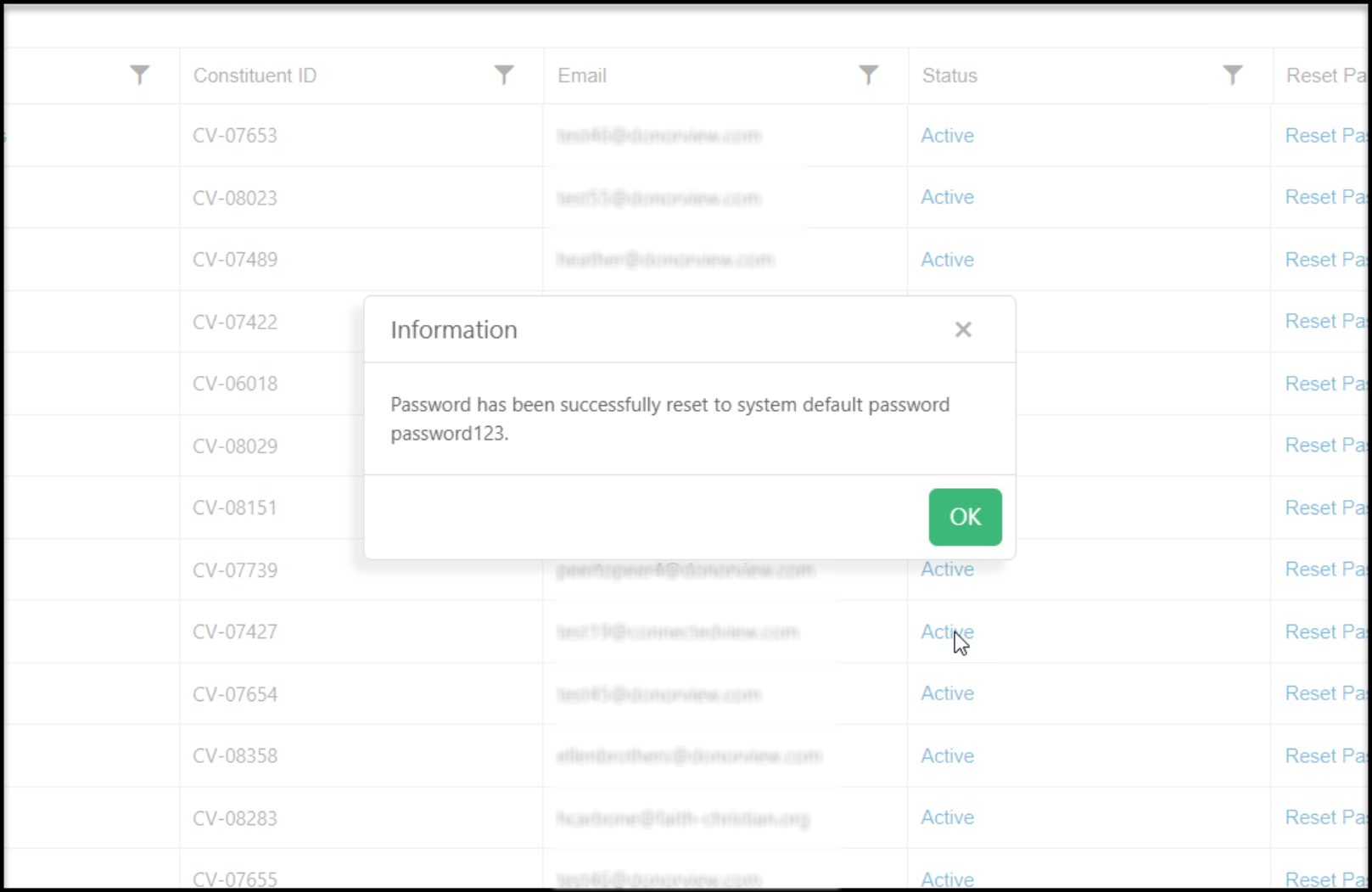
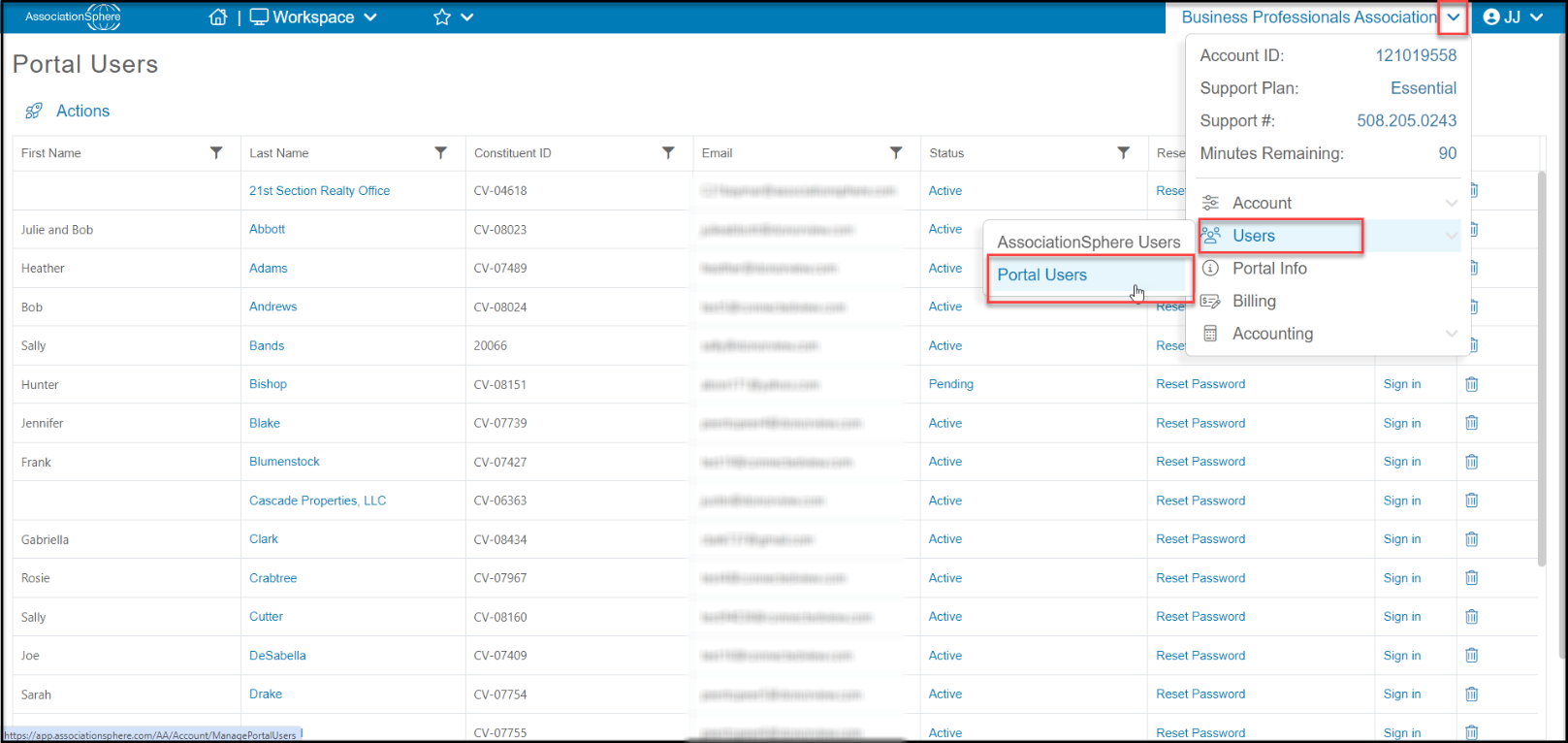 Find the row with the constituent and click on **Reset Password.**
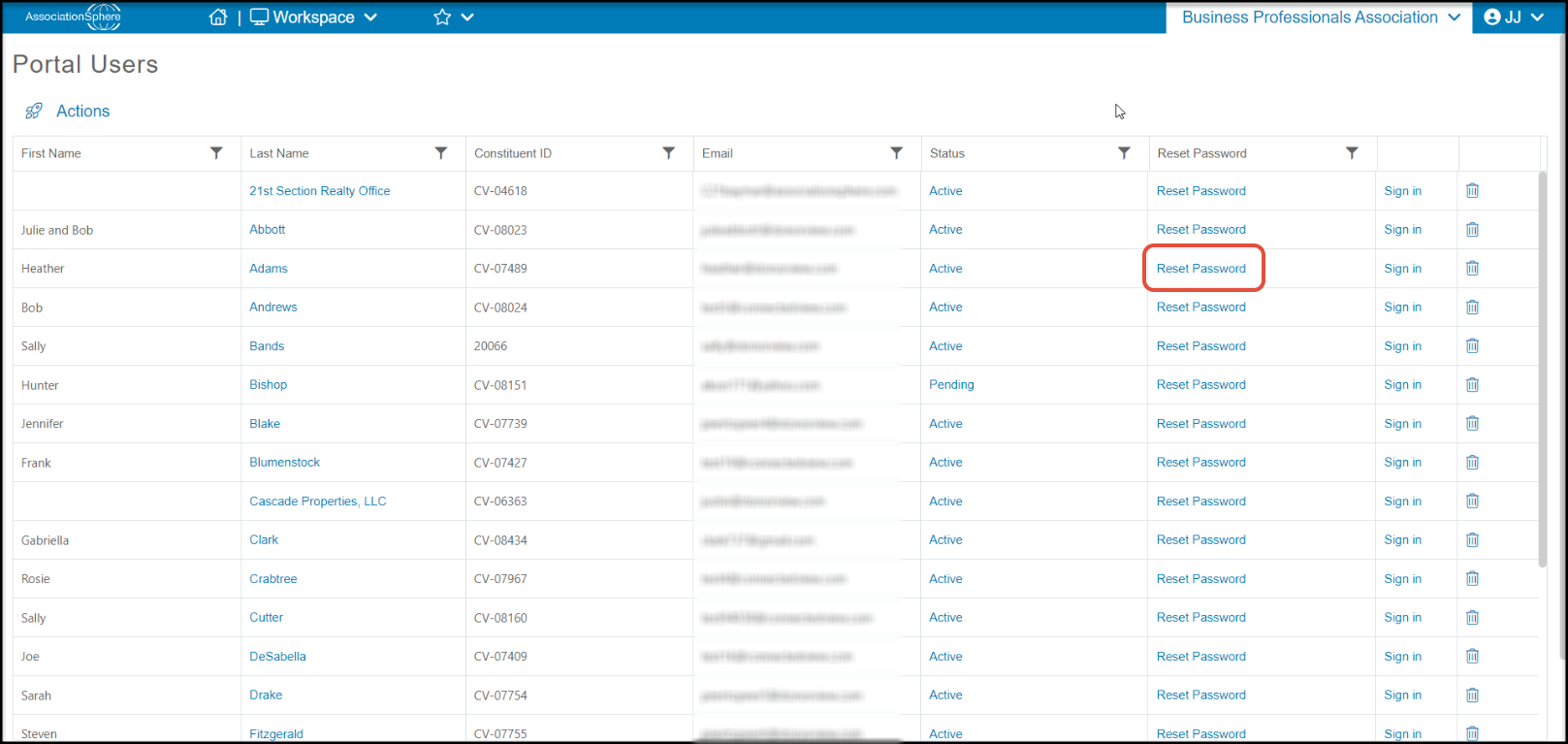 A new window will open to confirm that you want to rest the password. Click **OK**to continue or **Cancel**to return to the grid without changing the password.
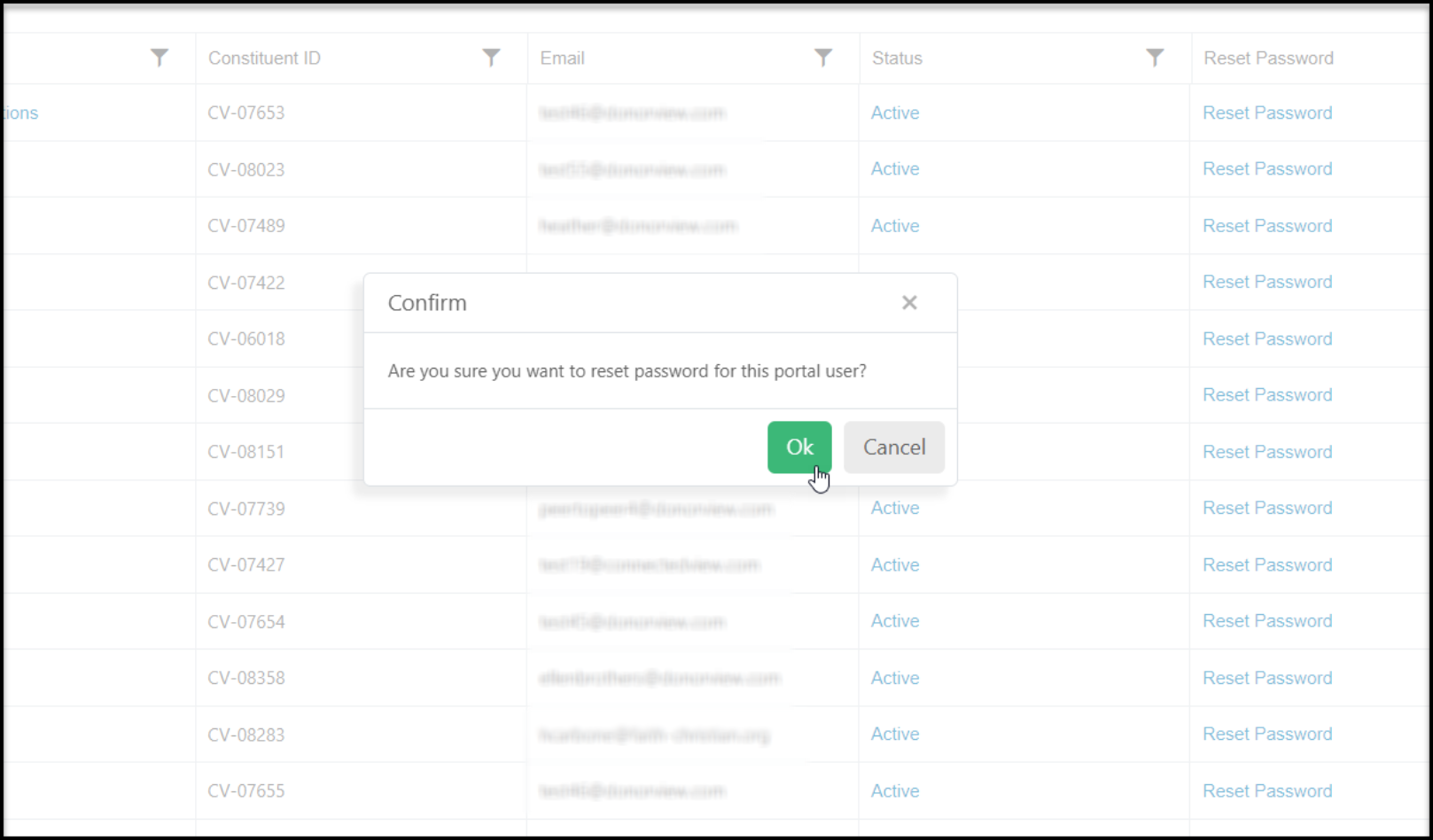 The password will be changed to "password123" which you can share with the constituent. Click **OK** to return to the grid.
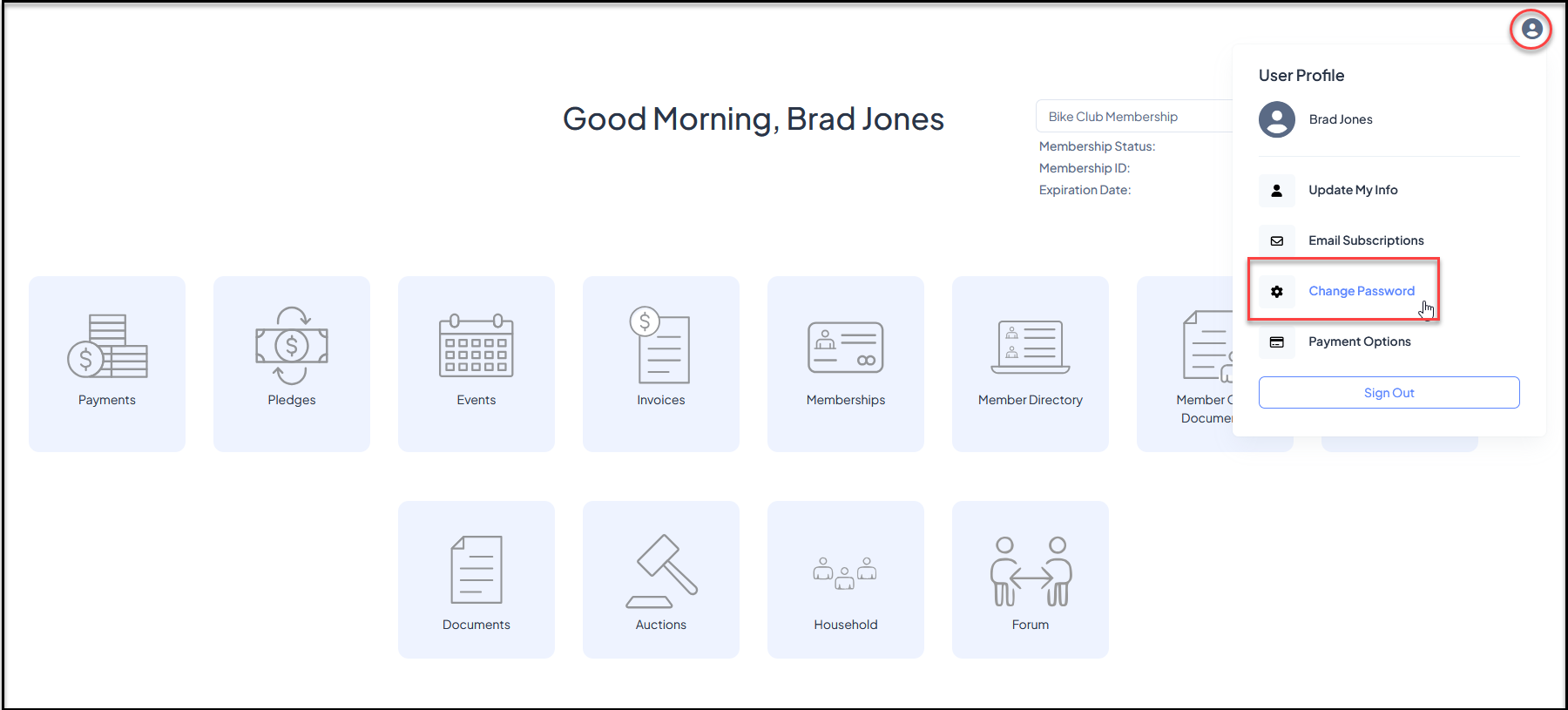
 After reset, the constituent should update their password after they log in to the portal by clicking on **Change Password** under their name in the top right corner of the portal.