# Event Fees
> Source: https://support.associationsphere.com/event-fees | Updated: 2026-06-16T15:57:48Z
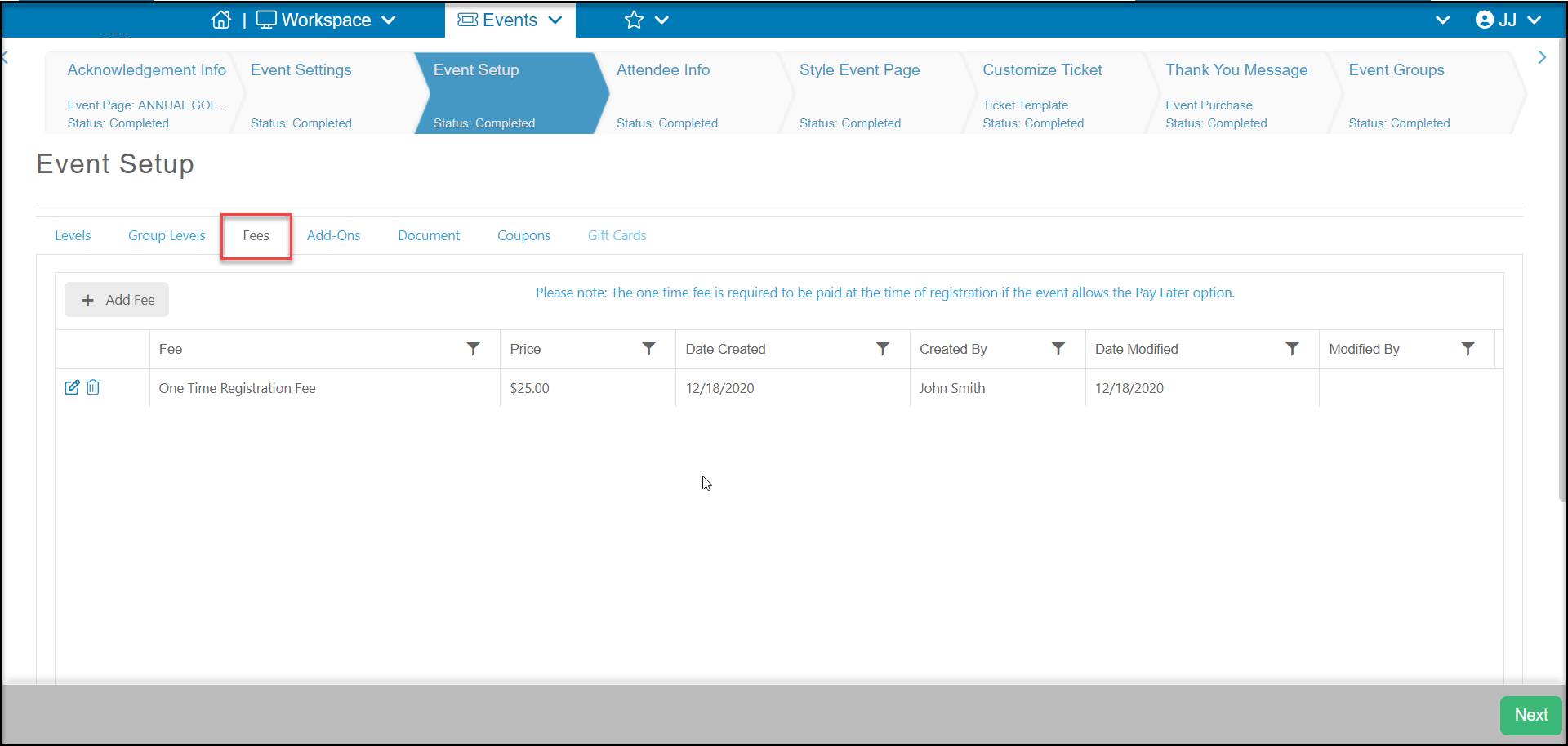
You can add one or more event fees that are applied per transaction, regardless of how many ticket levels or add-ons are purchased. For example, there is golf tournament event and a single greens fee of $25 is required, of the number of players.
Note that if an event fee is included, a credit card must be used to pay for the event fee, even if there is a pay later option activated.
Click on **+Add Fee** to create a new event fee.
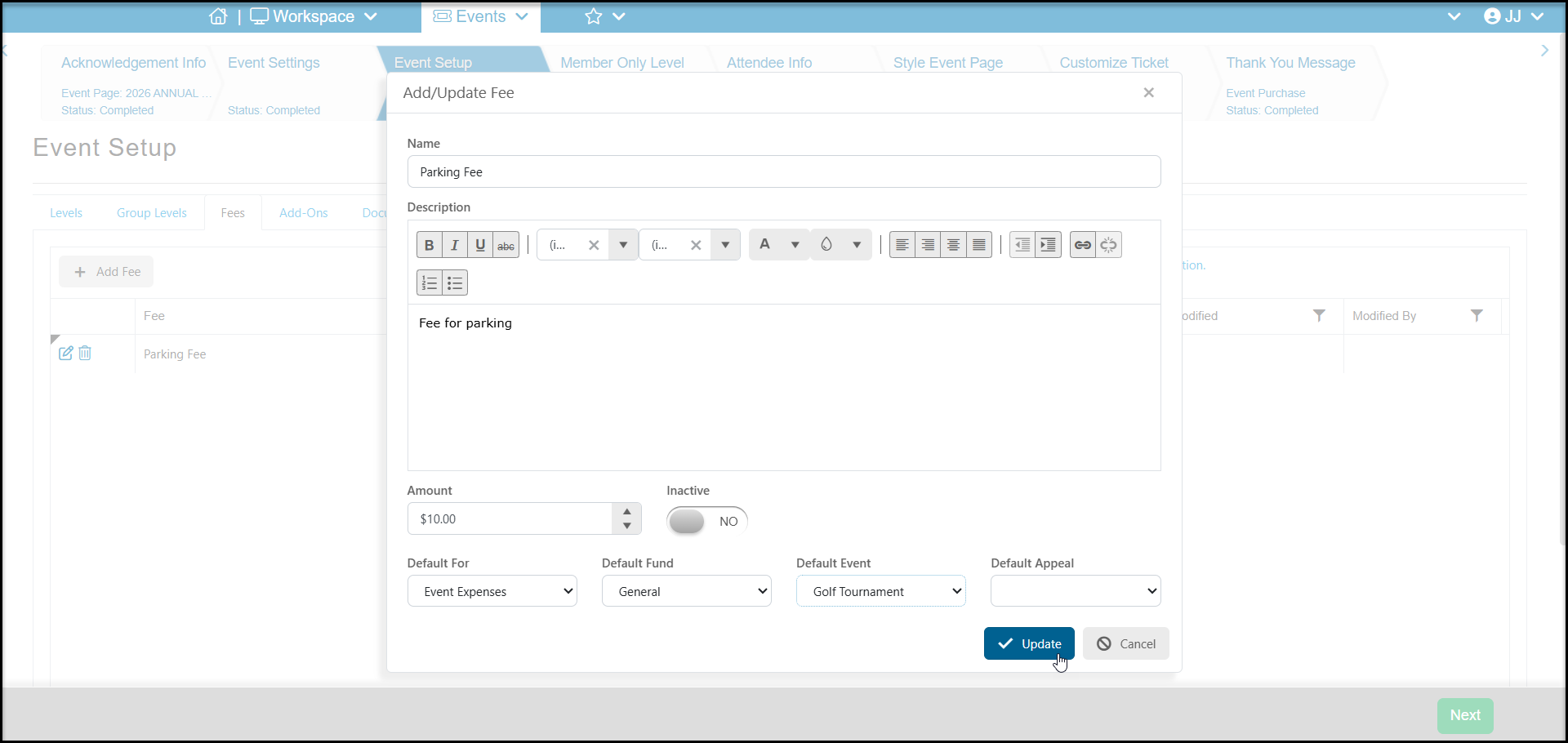
 In the new window the fields include:
- **Name** - Enter the name of the fee.
- **Description** - Enter a description of the fee. This description will appear on the event page.
- **Amount**- Enter the amount of the fee.
- **Inactive**- When set to **YES**, this will deactivate the fee for all purchases. It does not affect previous transactions.
- **Default For-Fund-Event-Appeal** - if the fee is applied to a different For-Fund-Event-Appeal than the default set for the page, you can enter it here. Event fees are shown as a separate transaction on the Events grid.
When complete, click **Update** to save the fee or click **Cancel** to return to the Fees grid.
In the new window the fields include:
- **Name** - Enter the name of the fee.
- **Description** - Enter a description of the fee. This description will appear on the event page.
- **Amount**- Enter the amount of the fee.
- **Inactive**- When set to **YES**, this will deactivate the fee for all purchases. It does not affect previous transactions.
- **Default For-Fund-Event-Appeal** - if the fee is applied to a different For-Fund-Event-Appeal than the default set for the page, you can enter it here. Event fees are shown as a separate transaction on the Events grid.
When complete, click **Update** to save the fee or click **Cancel** to return to the Fees grid.