# Guest Form/Survey Settings
> Source: https://support.associationsphere.com/guest-formsurvey-settings | Updated: 2026-09-08T02:58:44Z
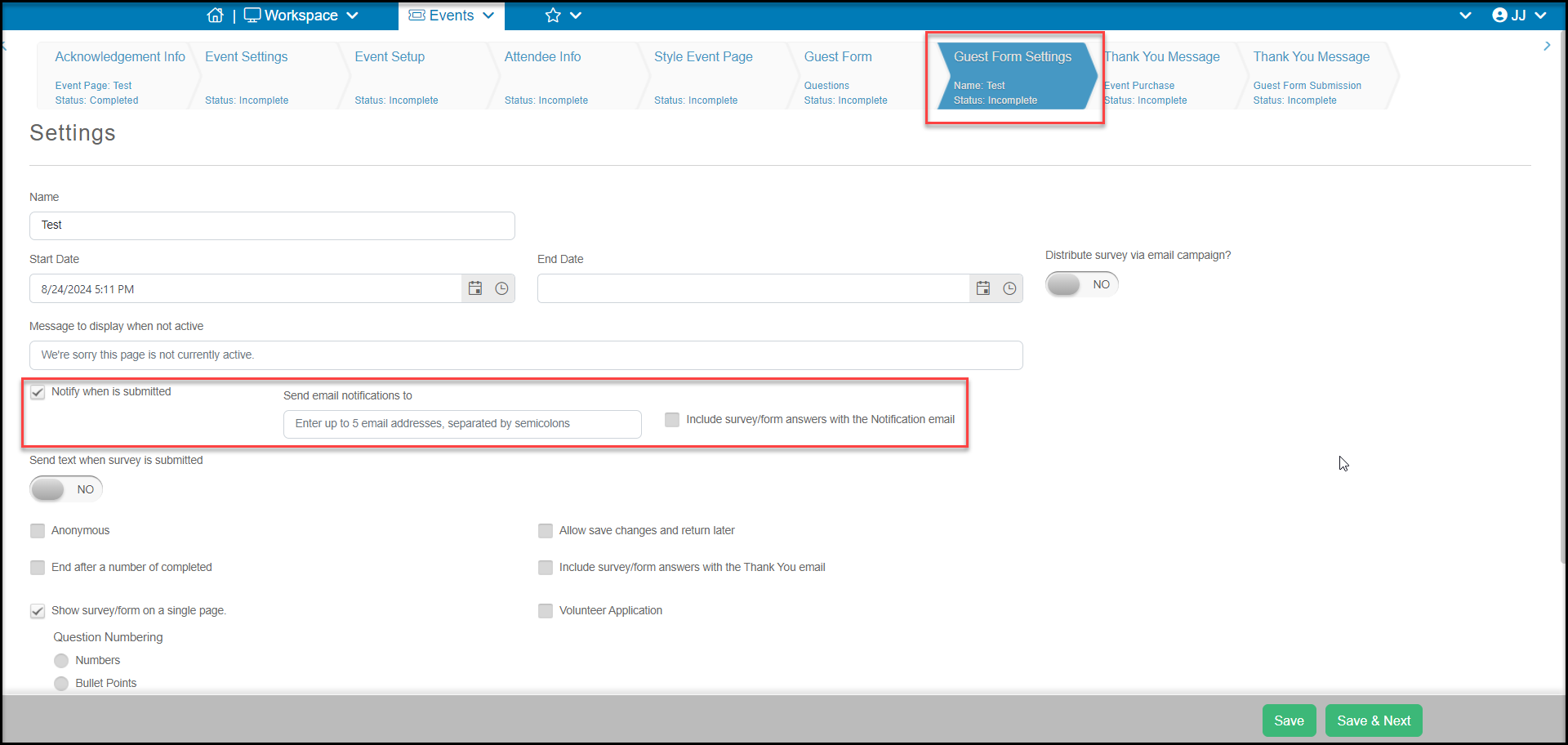
This page allows you to edit the settings for your Guest Form. It works the same as the Survey Settings page and you can learn more in ./what-do-i-do-on-the-survey-settings-tab href="./how-do-i-create-a-basic-survey-application-or-other-form" target="_blank">this article. Most of the settings you don't need to change and we recommend just adding the email addresses for who should be notified when a survey is submitted.