# How do I add a new email address?
> Source: https://support.associationsphere.com/how-do-i-add-a-new-email-address | Updated: 2026-09-08T02:58:47Z
Begin by determining whether if this is theprimary email address for the constituent. If it is the primary email address, and you would like to save this old email as an additional email, you can copy the old email address and click **+New** in the Emails area. If you simply need to update the email address, you can type in the new information and click **Save**to save the changes.
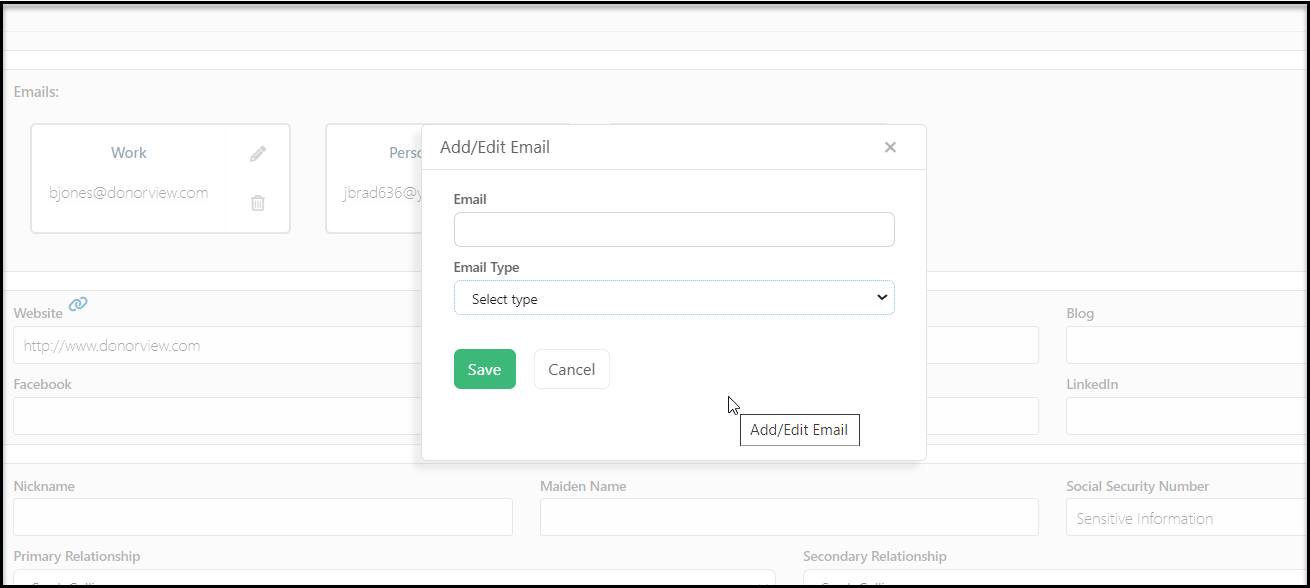
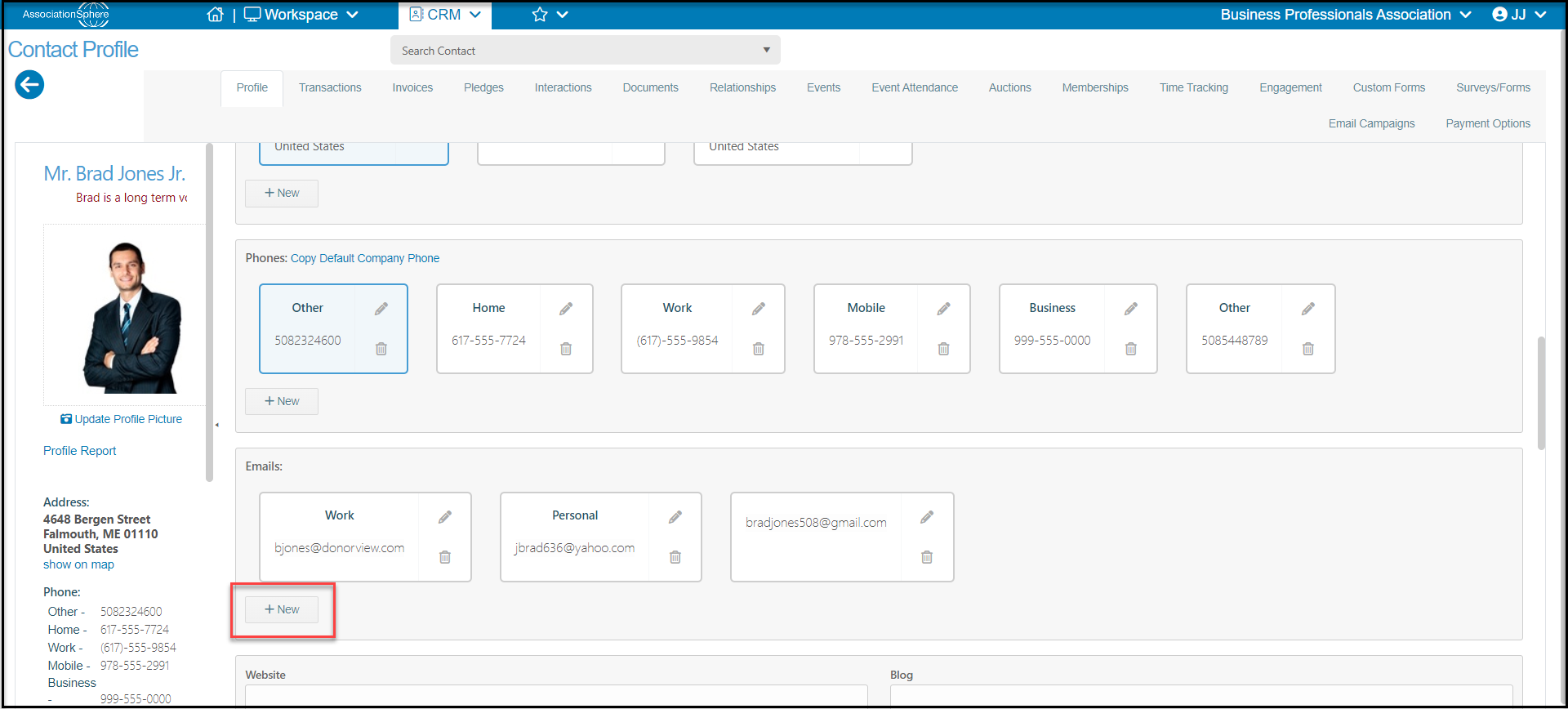 For adding additional new email addresses, proceed to the Emails area and click **+New.** In the new window enter the**Email** and the **Email Type**. You can edit the options for email type in the drop down menu by clicking on ****. Click **Save** to save your changes.