# How do I add a new phone number?
> Source: https://support.associationsphere.com/how-do-i-add-a-new-phone-number | Updated: 2024-07-20T15:07:35Z
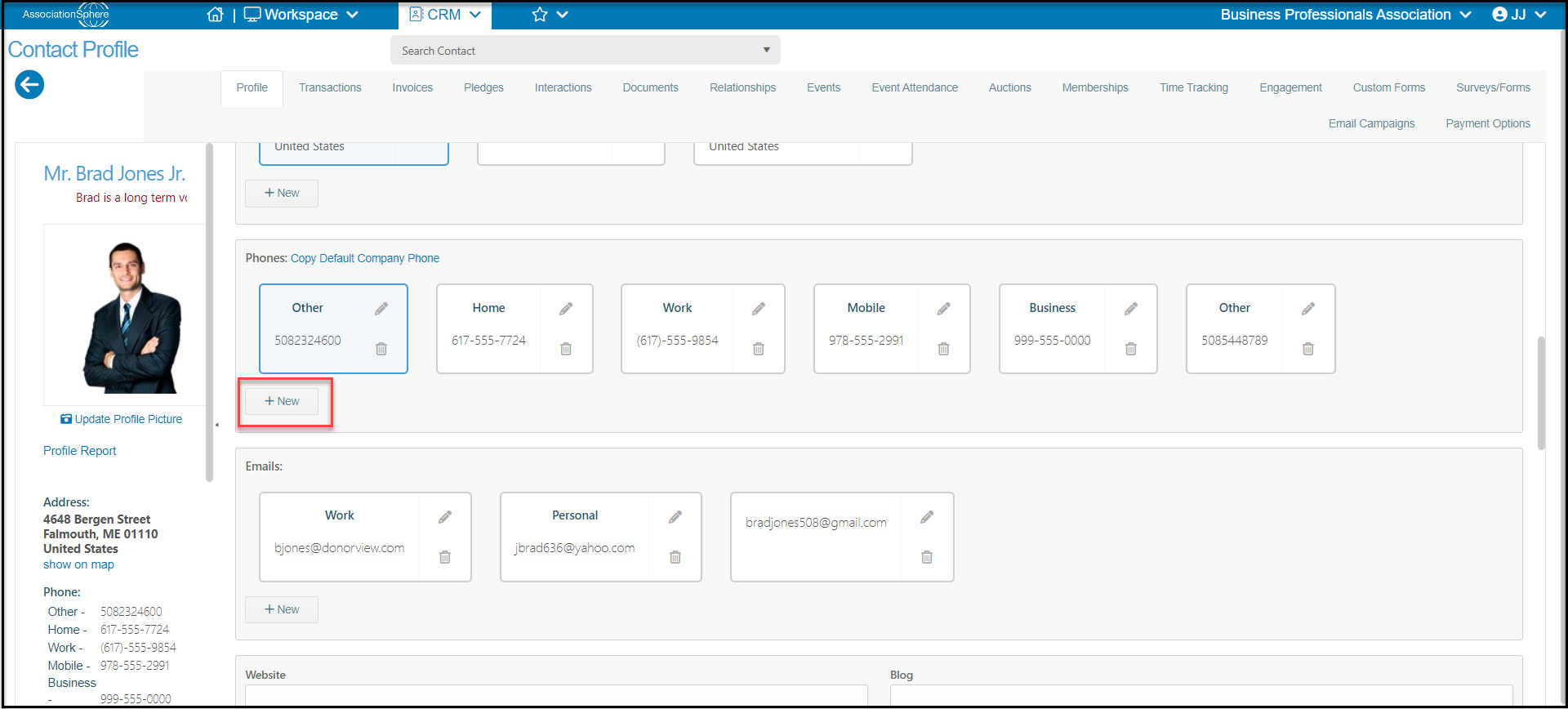
Proceed to the constituent's profile page and proceed to the Phones section. Click on **+New**to add a new number.
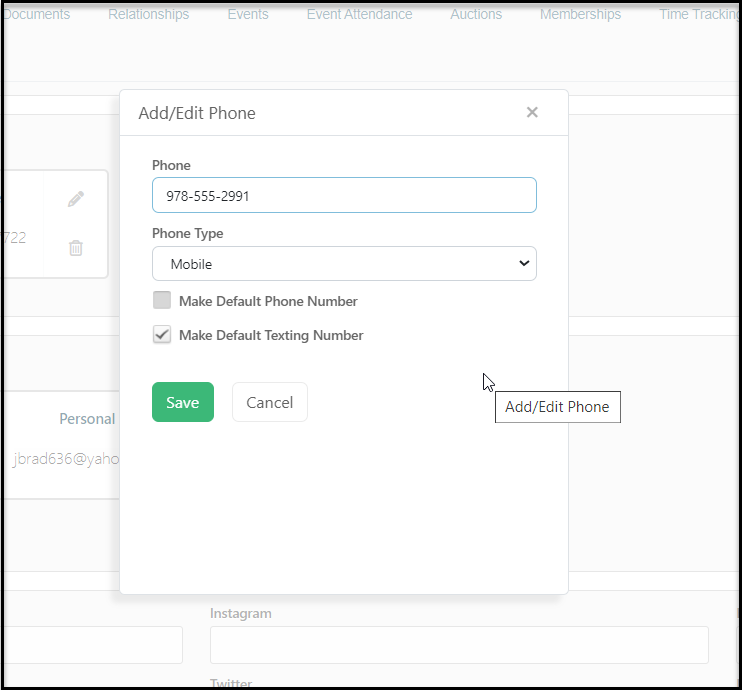
 In the new window enter the phone number and select the **Phone Type.** You can edit the list of phone type options using the **** option in the list. If you would like this to be the default, check **Make Default Phone Number**. If this is a mobile number, it can also be identified as the default texting number by checking the box next to **Make Default Texting Number**. Click the**Save** button to save your changes.