# How do I add new constituent?
> Source: https://support.associationsphere.com/how-do-i-add-new-constituent | Updated: 2024-07-19T20:32:33Z
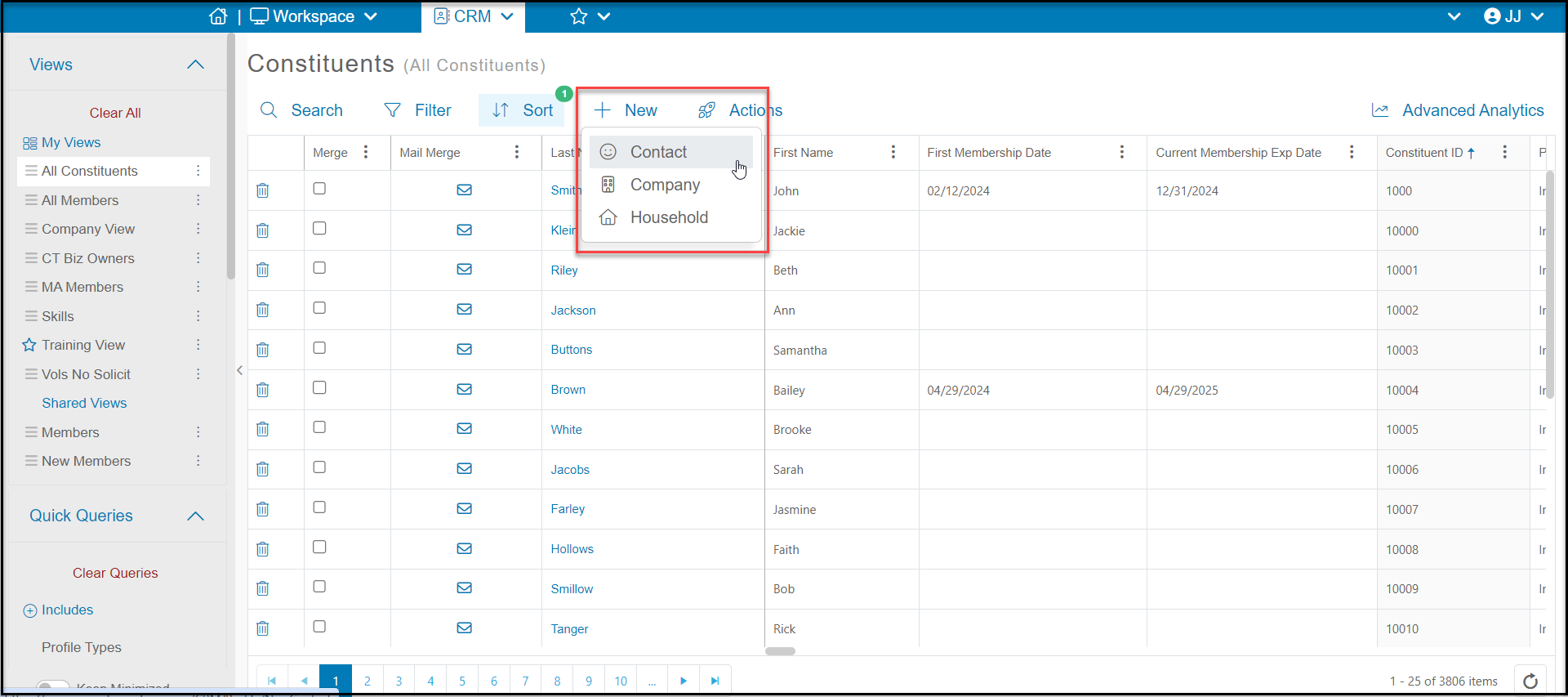
A constituent can be added from the Constituents grid by clicking on **+New.**You can add a new:
- Contact - an individual person
- Company - an organization
- Household - a special constituent record that links together individual (contact) constituent records
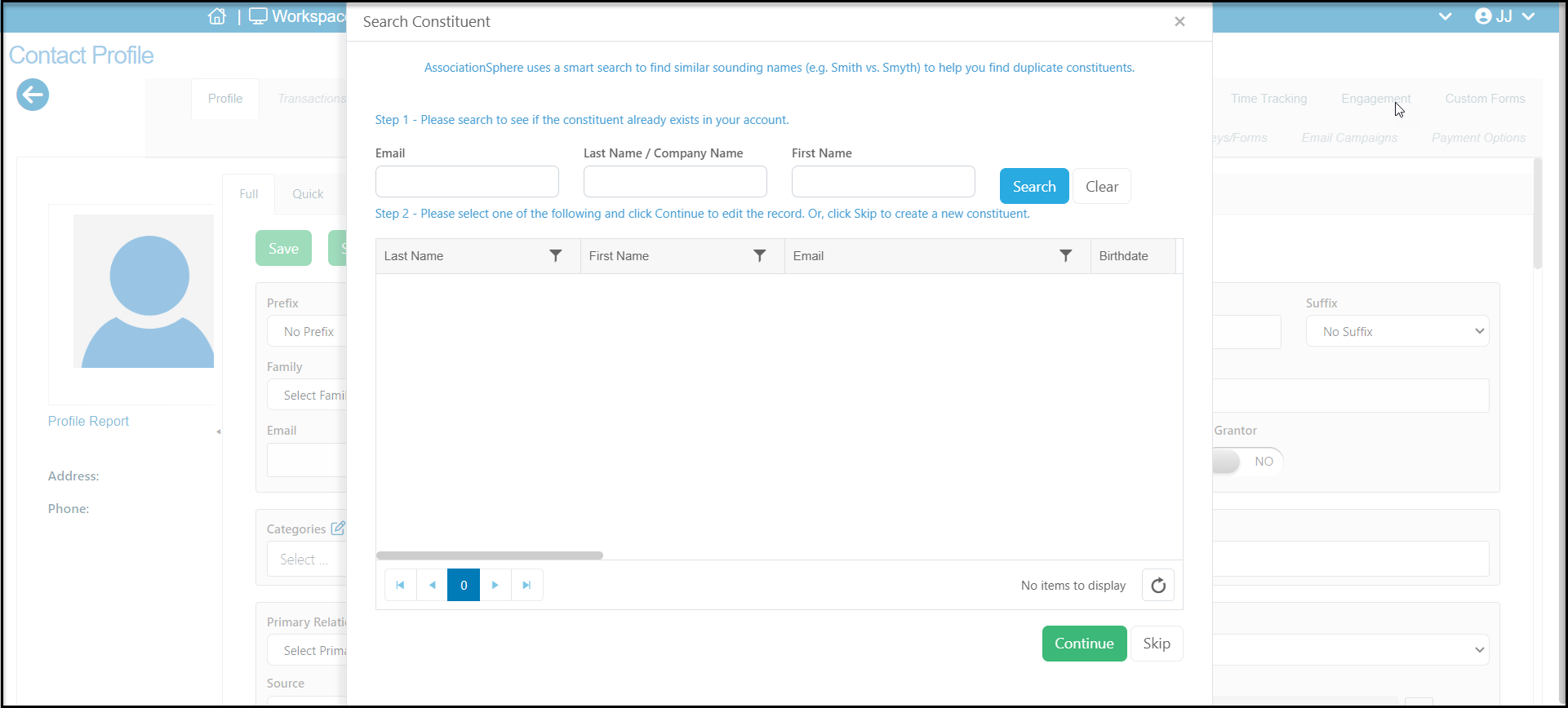
 When you select the type of new record to add, a new window will open to allow you to check to see if the constituent is already in the database. You can enter the Email, Last Name/Company Name or First Name and click on **Search** to see if there are any records that are an exact match or a sound match. If you find a match you can select the name and click **Continue** to go to their record. If you don't find a match, click on **Skip** to proceed to the entry page.
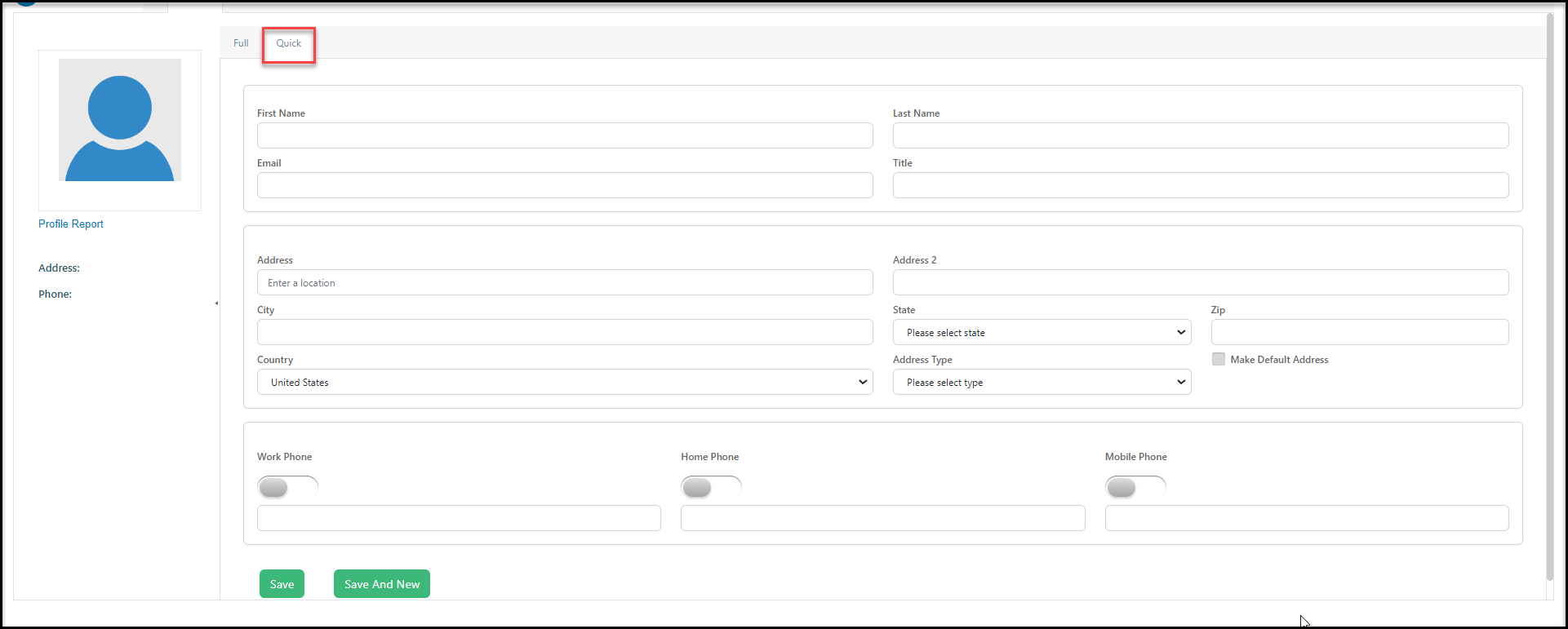
 You have the option of doing a **Full** add, which allows you to enter data in all the profile page fields.
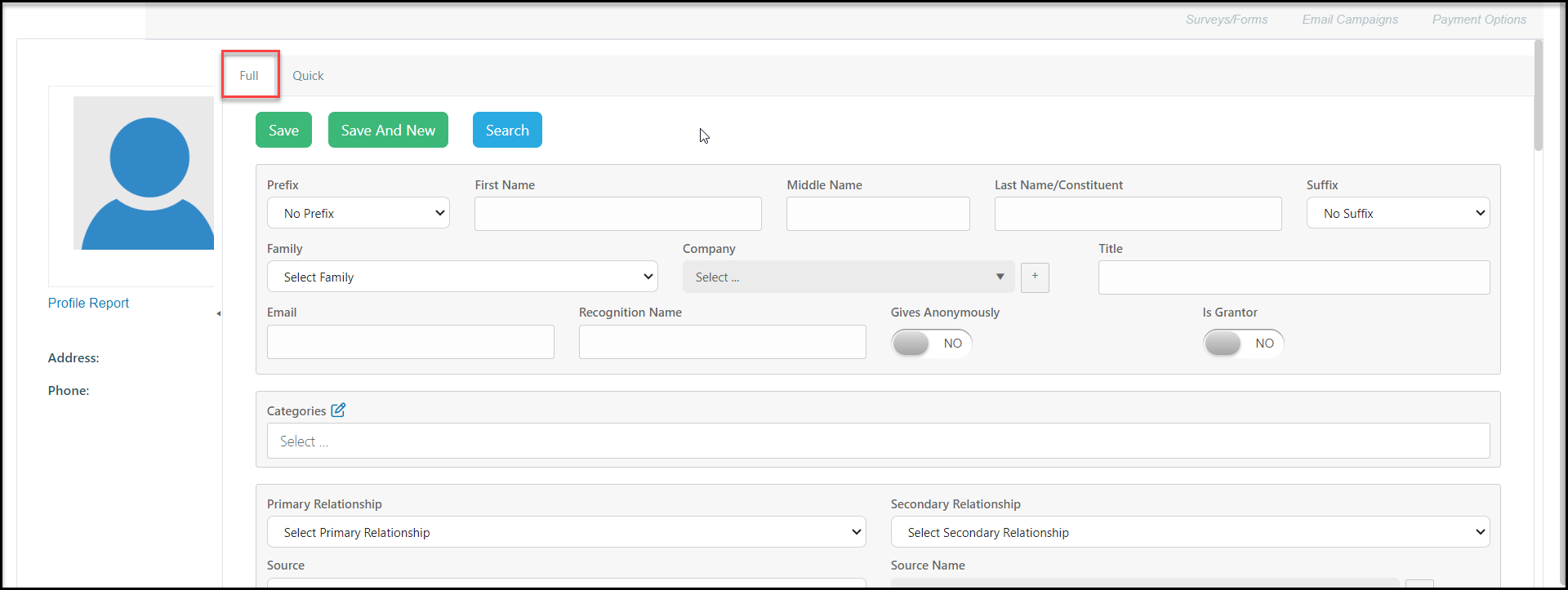 Or, you can do a **Quick** add, which is limited to name, email, address, and phone number fields. When you have finished adding the information, click on **Save**to create the new constituent record. If you have more records to add, you can click on **Save and New** to create another new constituent record that is the same type.
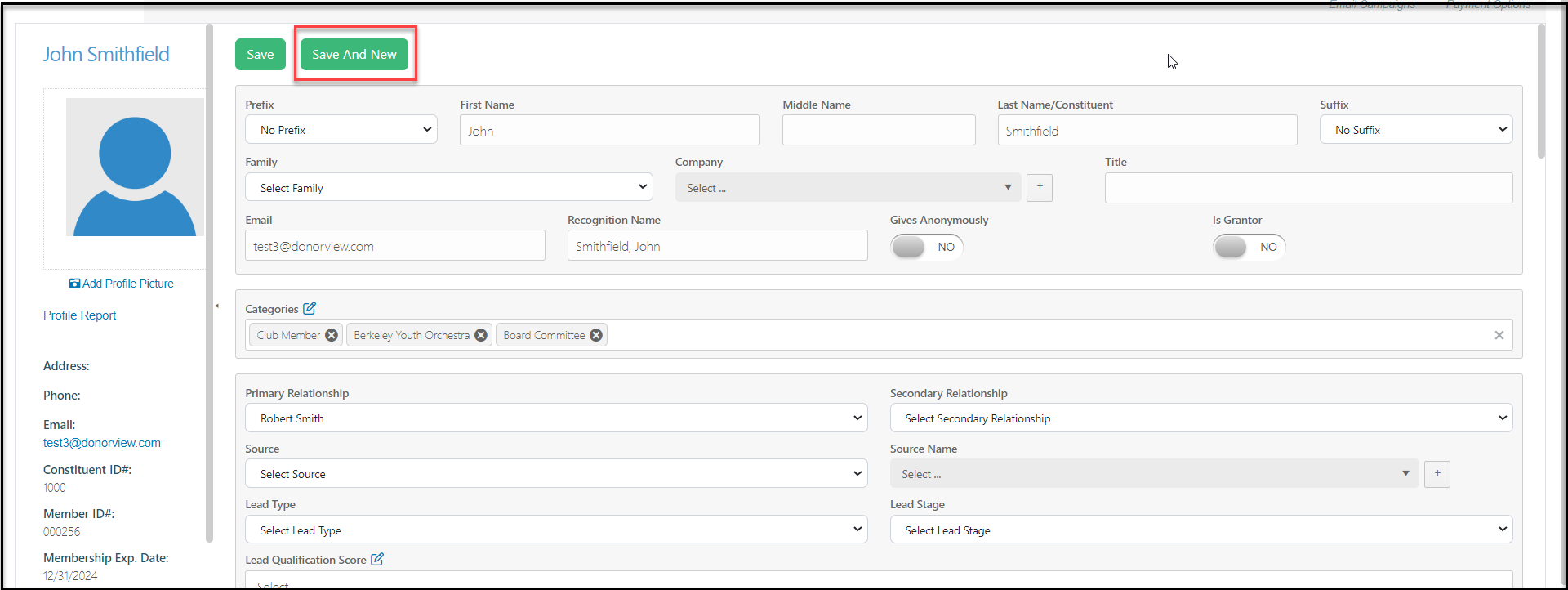
 If you are in a constituent's record, you can also add a new constituent of the same type by clicking on **Save and New** from the top of the constituent's profile page.