# How do I add or edit a Bidder ID number?
> Source: https://support.associationsphere.com/how-do-i-add-or-edit-a-bidder-id-number | Updated: 2024-04-08T19:29:17Z
1. Within the Event page editor, on the Event Settings tab, the **Allow To Edit Bidder #** must be set to **YES** in order to add or edit bidder numbers.
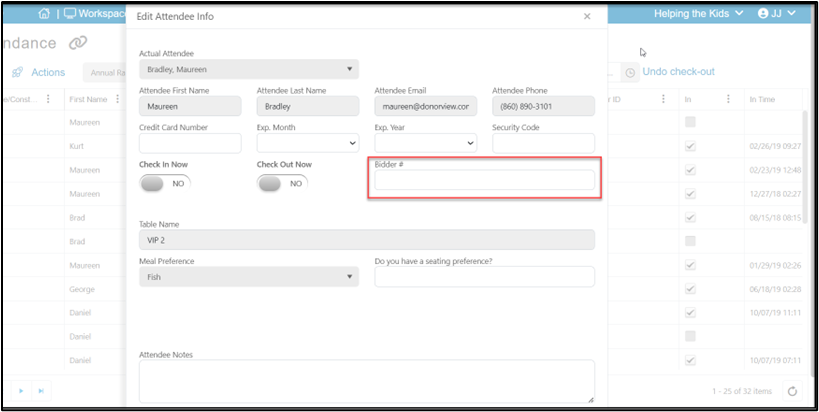
 2. Bidder numbers can then be added by clicking on the edit icon from the Event Attendance grid.
3. Bidder numbers can only be added one at a time, not in a batch.
2. Bidder numbers can then be added by clicking on the edit icon from the Event Attendance grid.
3. Bidder numbers can only be added one at a time, not in a batch.