# How do I add or remove constituents to an email list?
> Source: https://support.associationsphere.com/how-do-i-add-or-remove-constituents-to-an-email-list | Updated: 2024-07-20T17:18:01Z
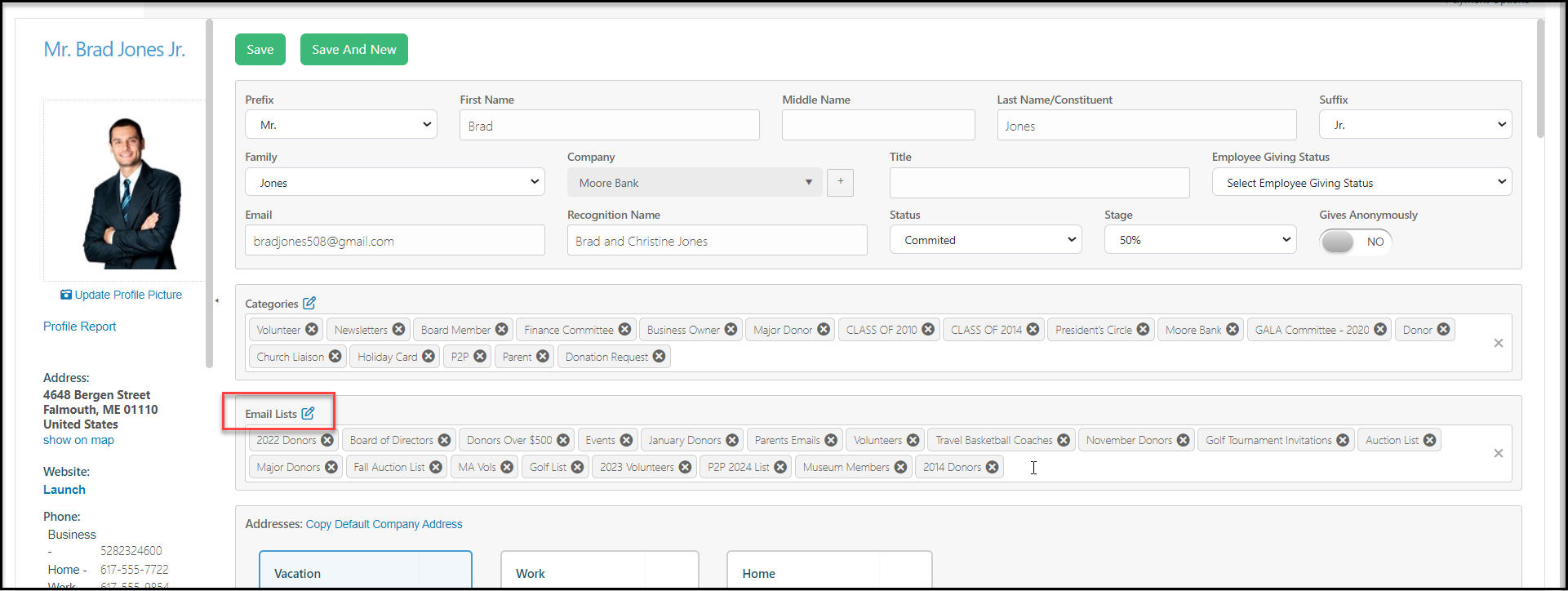
You can edit the email lists a constituent is subscribed to from the profile page by clicking the the white space and choosing an email list to subscribe to. You can also remove a constituent from an email list by clicking on the 'X" next to the list name. Be sure to click on **Save**to save the changes for the constituent.
 You may also add or remove constituents from email lists in the Email Marketing module. For more information, please visit