# How do I edit a constituent’s profile?
> Source: https://support.associationsphere.com/how-do-i-edit-a-constituents-profile | Updated: 2024-07-20T13:36:50Z
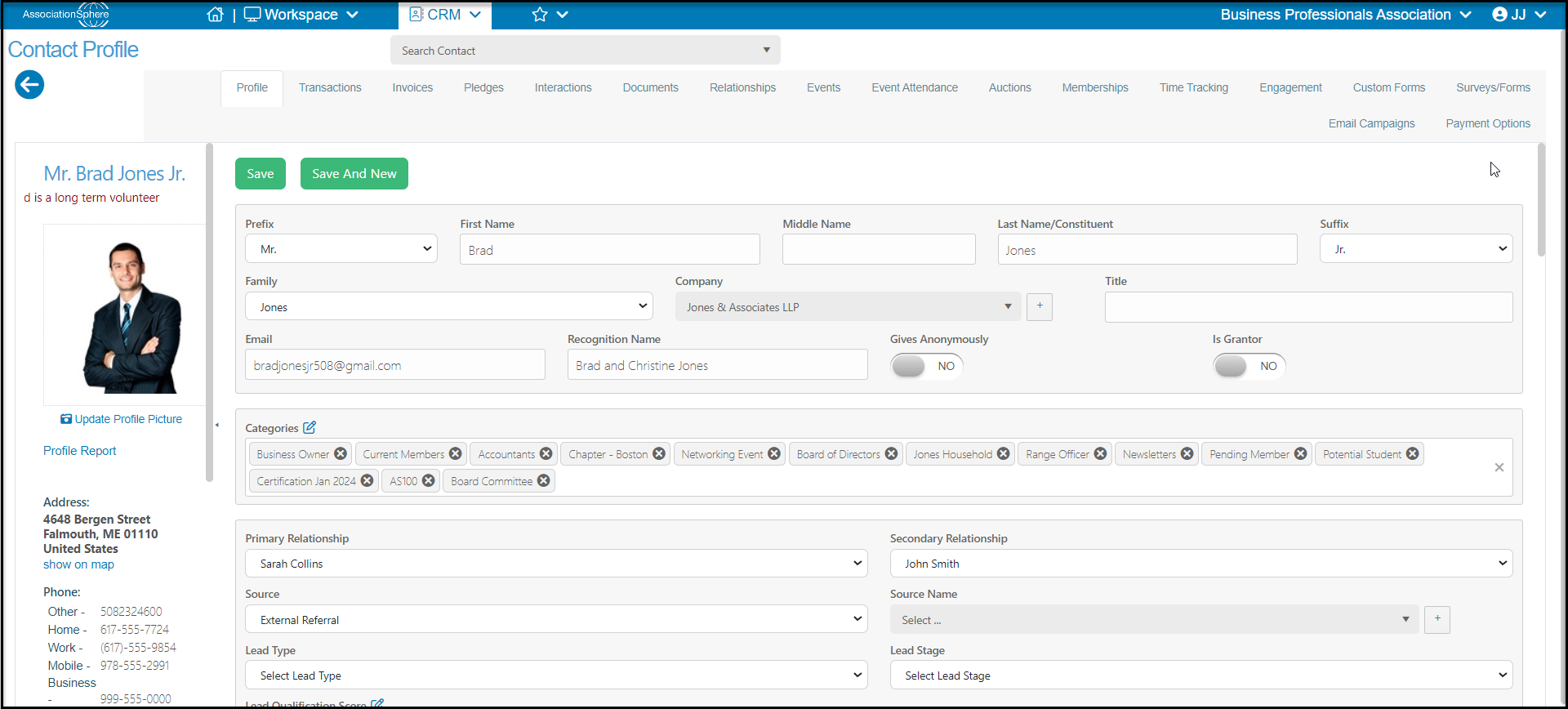
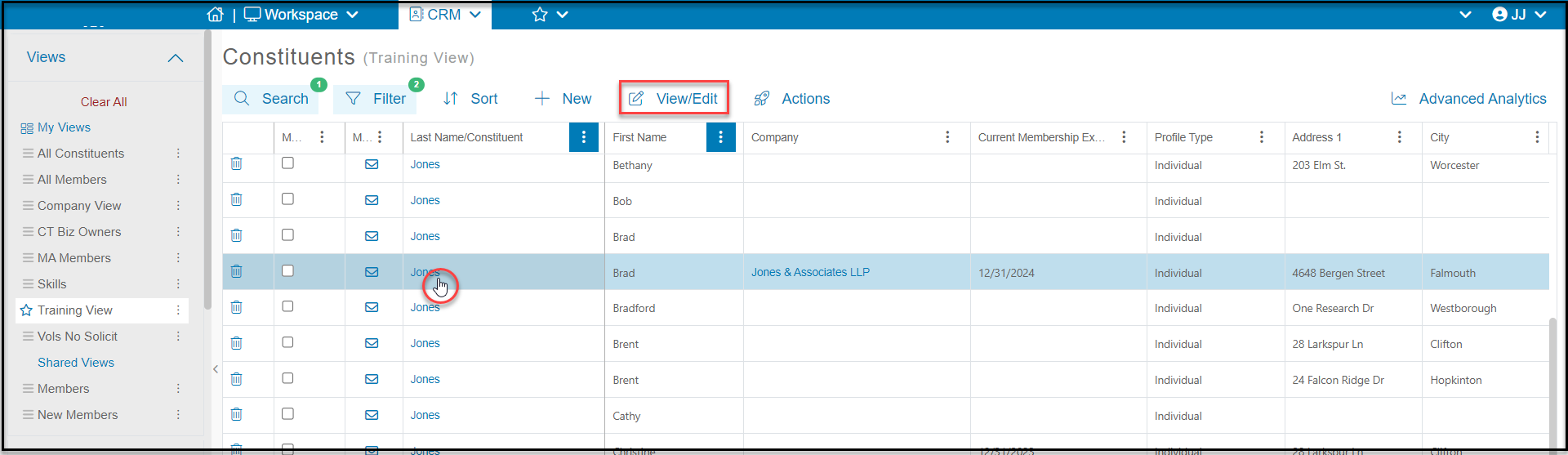
To edit a constituent’s profile, you can click on their last name while on the grid or you can click anywhere on that row and then the **View/Edit**button at the top of the grid. Select **Profile**to open their profile page.
 You can make changes in any of the fields. Click on the **Save**button at the top or bottom of the page to save your changes.