# How do I link the matching gift received back to the original donor?
> Source: https://support.associationsphere.com/how-do-i-link-the-matching-gift-received-back-to-the-original-donor | Updated: 2026-09-10T19:28:44Z
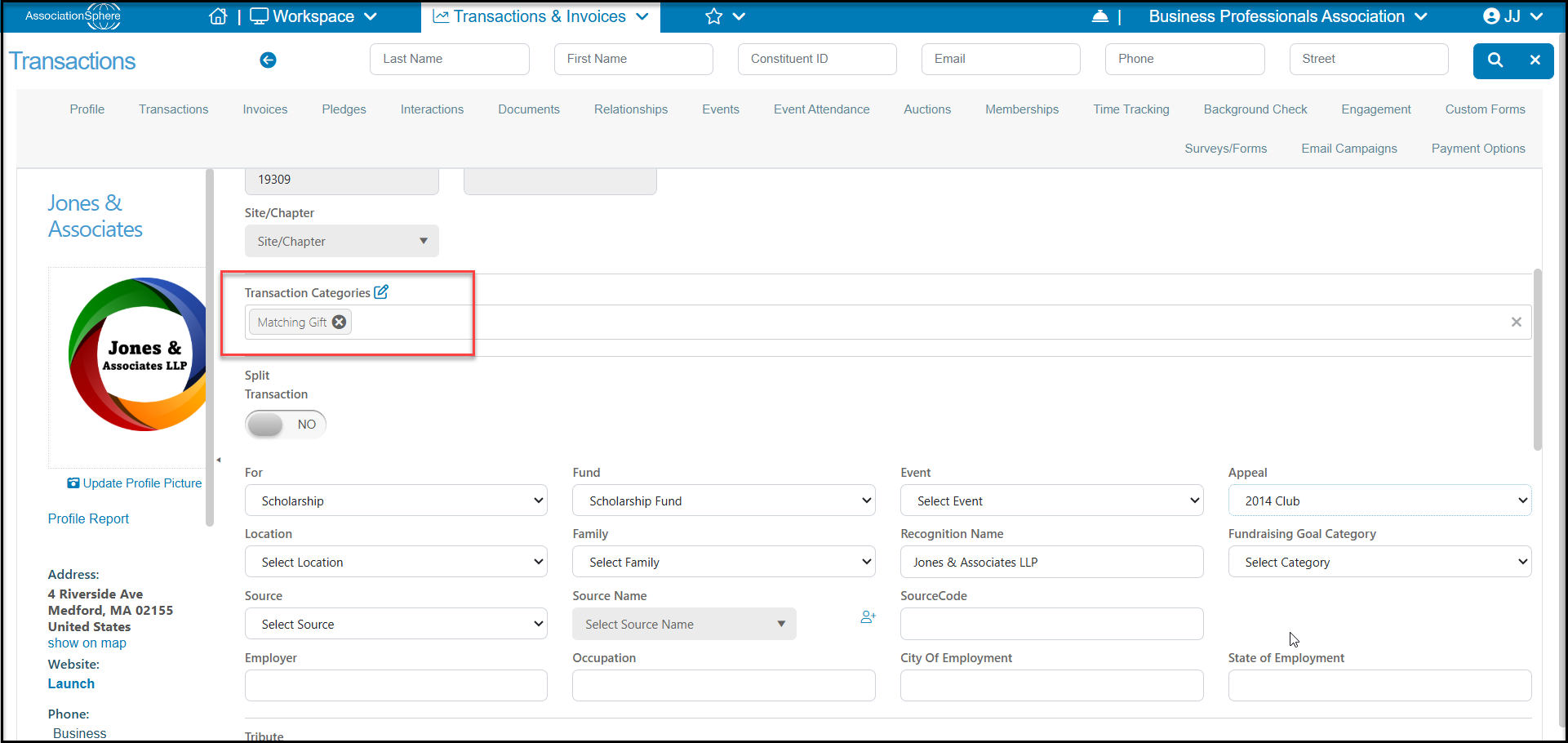
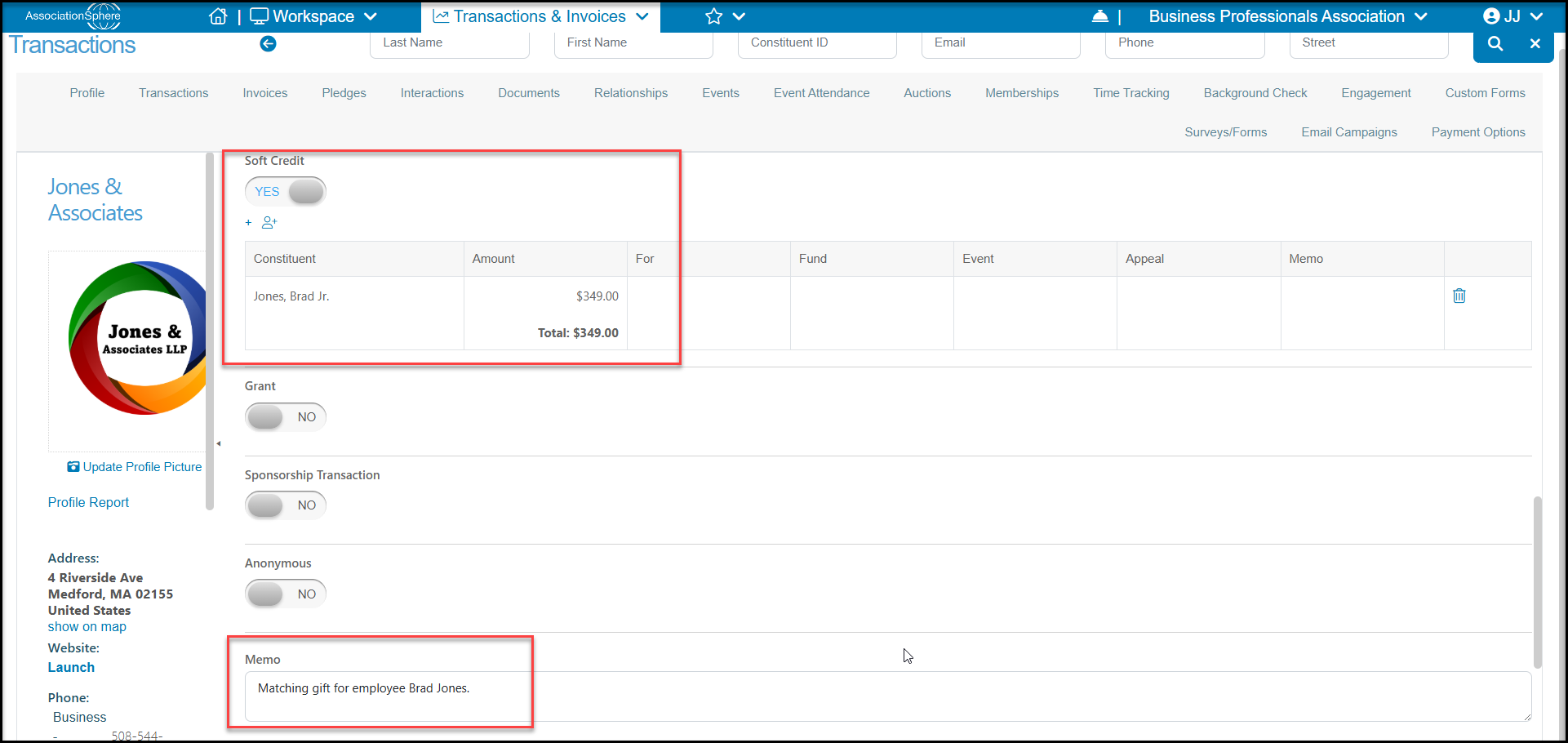
When a matching gift has been received from a company, you will enter it with a soft credit to the employee who was the original donor. Since the transaction is from the company, IRS rules require that donation be directly attributed to the company. The soft credit will indicate that the employee was associated with recommending the gift. You could also assign things like a Transaction Category = Matching or add information in the memo or description fields of the transaction to indicate that it was a matching gift.
You can learn more about soft credits in these articles: "What is a Soft Credit?" and "How do I enter a soft credit?"