# How do I preview my email template?
> Source: https://support.associationsphere.com/how-do-i-preview-my-email-template | Updated: 2026-07-08T14:27:17Z
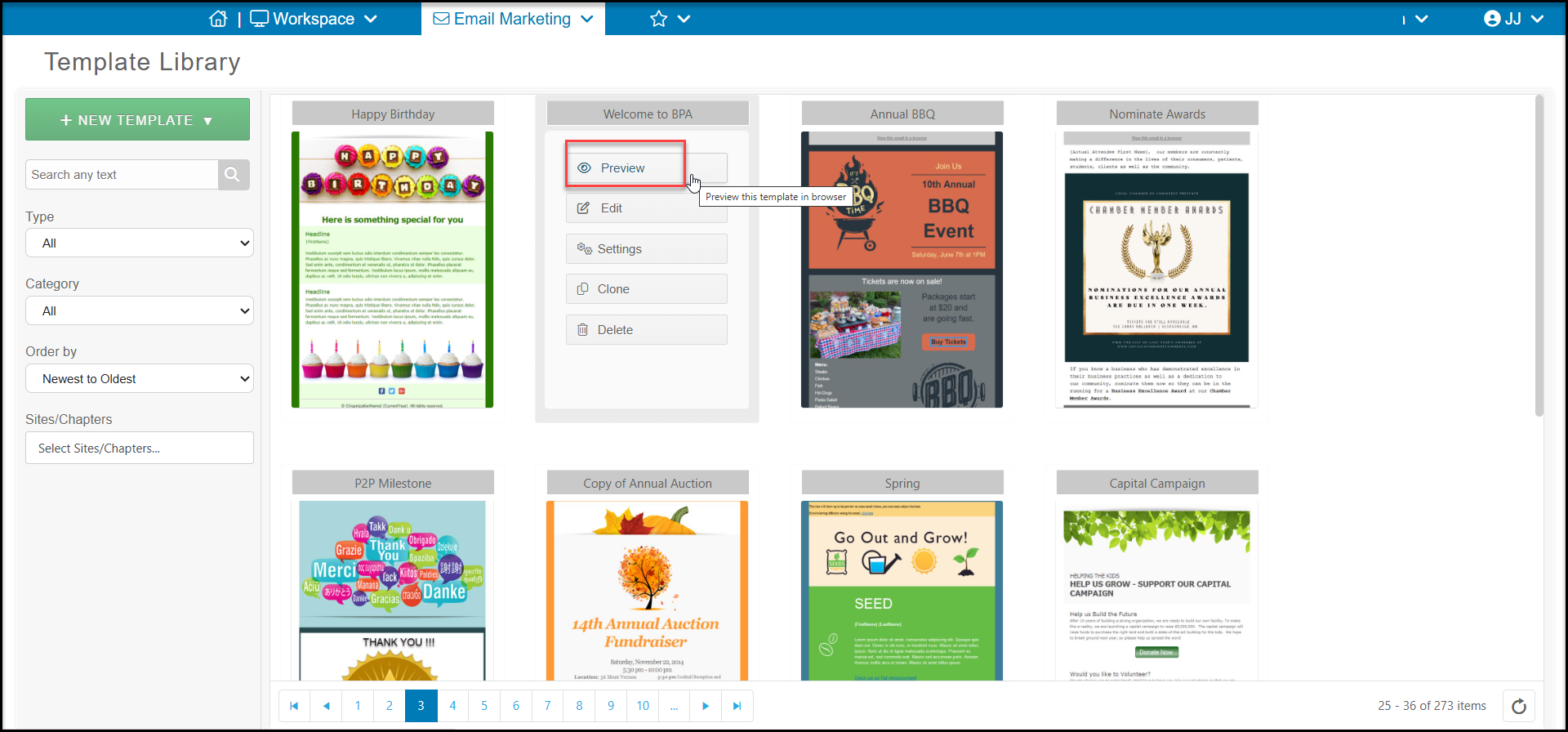
You can preview the template from within the template library by hovering over a template and clicking on **Preview**. This will open a preview of the template in your browser.
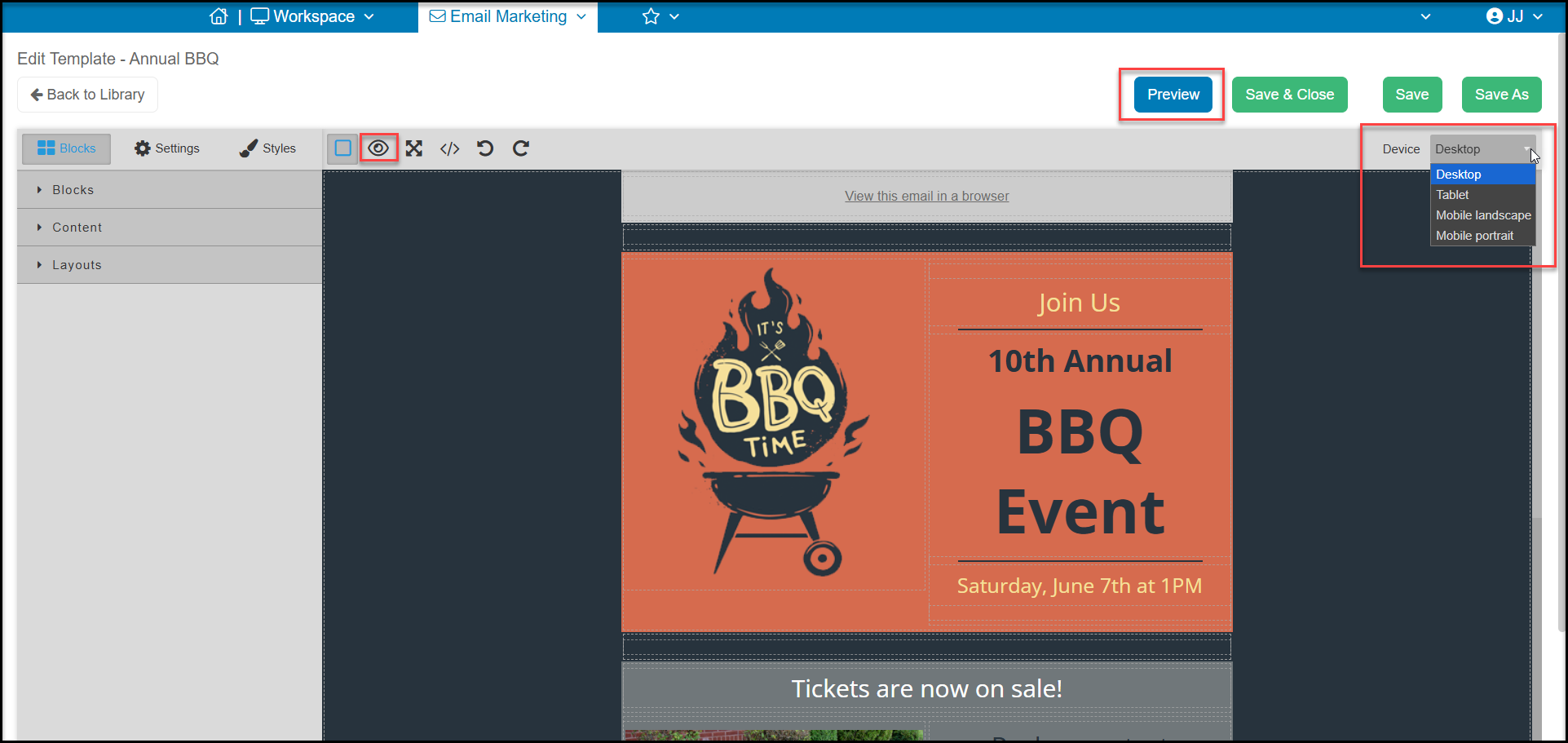
 While creating or editing a template from the template library or within a campaign setup, you can preview the email using the blue **Preview** button or the "eye" icon. You can also change the device view so that you can see how your email looks on desktop, tablet or mobile devices.