# Simple Donation Page - Style Donation Button
> Source: https://support.associationsphere.com/simple-donation-page-style-donation-button | Updated: 2026-09-04T13:55:28Z
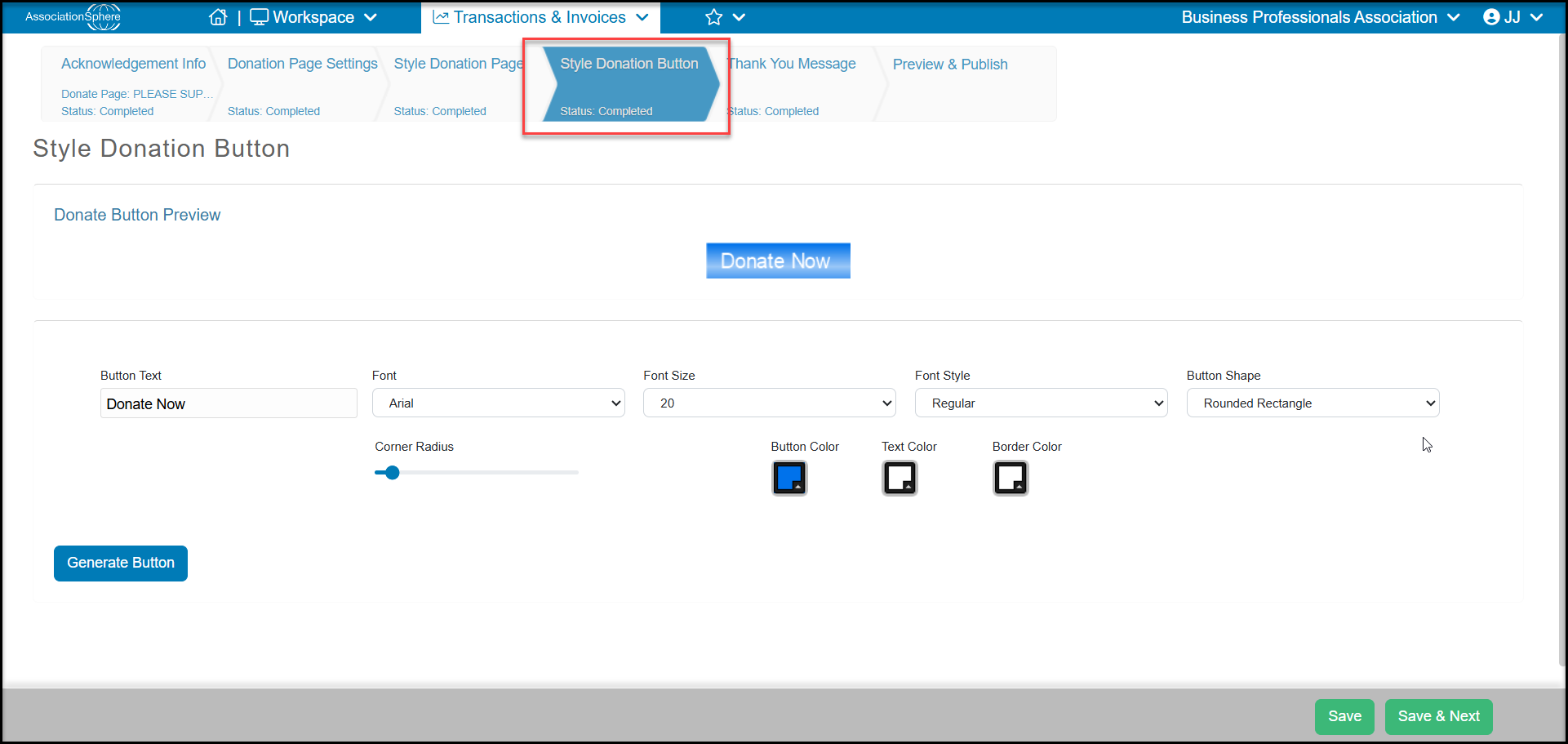
On the Simple donation page designer, there is a tab to customize a donation button to add to your website. Most websites now have the ability to add buttons, but if you would like to create a button to link directly to the donation page, you can use the Style Donation Button tab.
On this tab you can change the **Button Text, Font, Font Size, Font Style**, and **Button Shape.** As well as change the corner radius on a rounded rectangle, **Button Color, Text Color**, and **Border Color**. Once you have made your selections, click on **Generate Button**to create the html code. The code will be available on the Preview & Publish tab.
Click **Save & Next** to go to the next step.
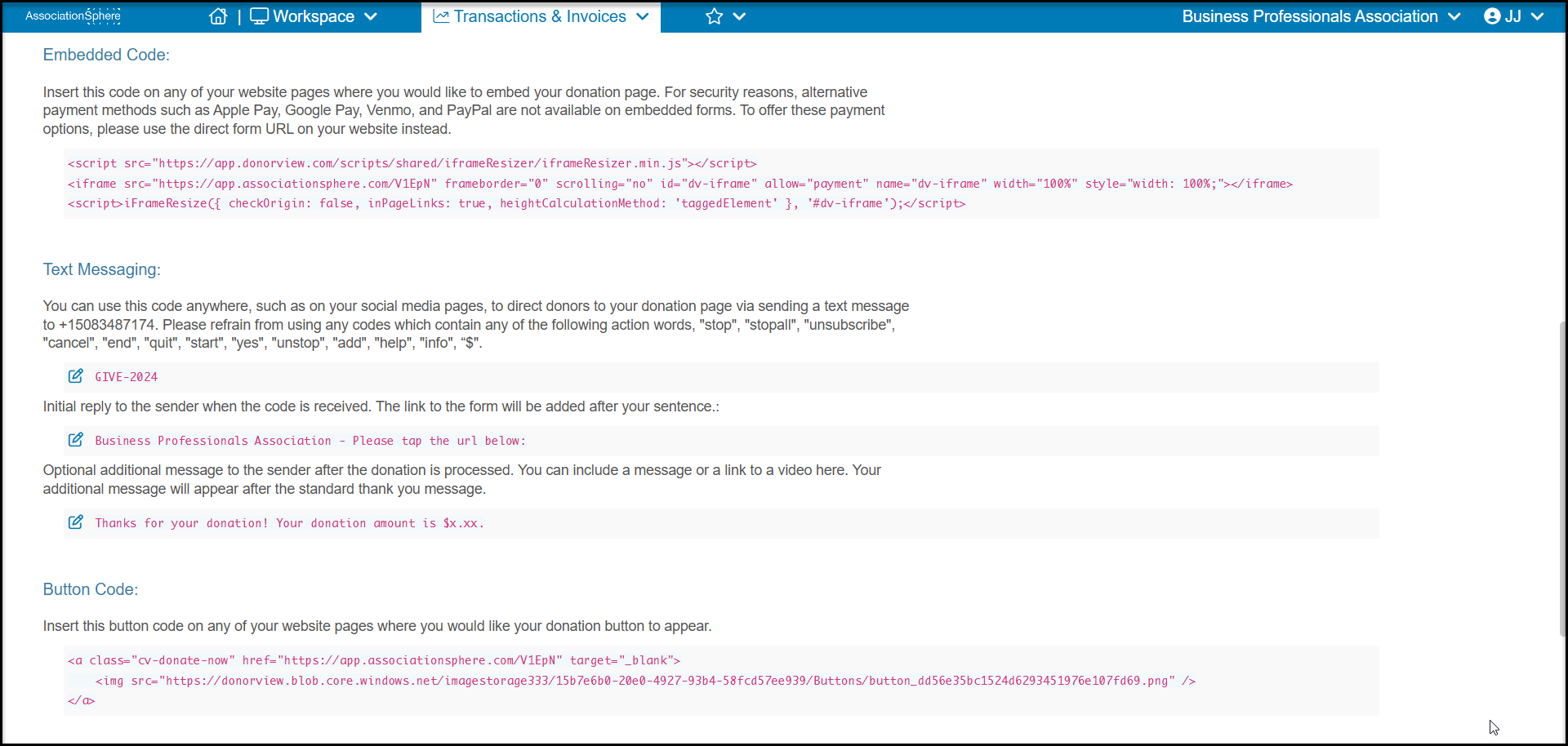
 The html code can be found at the bottom of the Preview & Publish tab.