
Preview & Publish
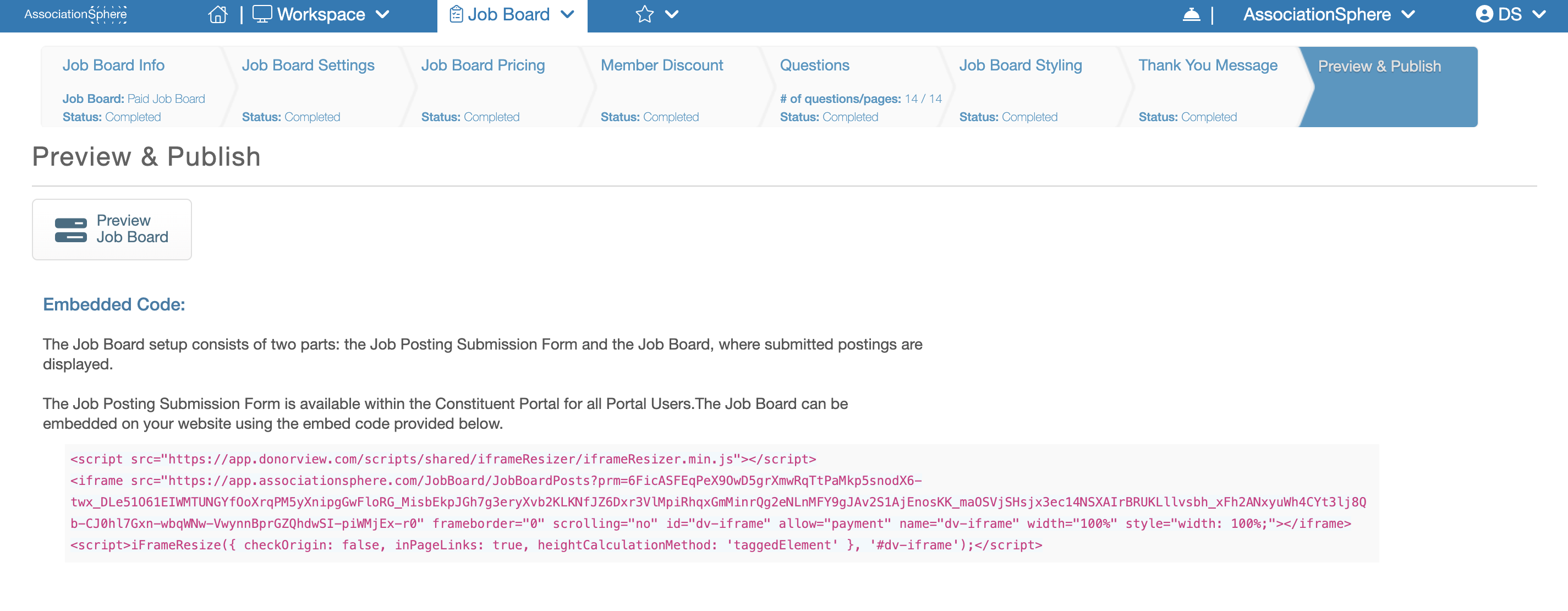
The final step in setting up your Job Board is Preview & Publish. Once you reach this step, your Job Board and Job Posting Application have been fully configured and are ready to use. This page provides everything you need to review your setup and publish the Job Board on your website.
At the top of the page is the Preview Application button. Clicking this button opens a preview of the Job Posting Application that will be available in the Constituent Portal for users to purchase (if applicable) and submit Job Postings. Use this preview to review the application and verify that everything appears as expected before making it available to your constituents.
Below the preview button, you will find the Embed Code for your Job Board. Copy and paste this HTML code into your website to display the Job Board directly within one of your web pages. Embedding the Job Board provides a seamless experience for your website visitors by allowing them to browse available job postings without leaving your site or opening a new browser tab.