# What are the Primary 1, Primary 2, and Invoice Contacts on a Company Profile?
> Source: https://support.associationsphere.com/what-are-the-primary-1-primary-2-and-invoice-contacts-on-a-company-profile | Updated: 2026-09-08T02:58:47Z
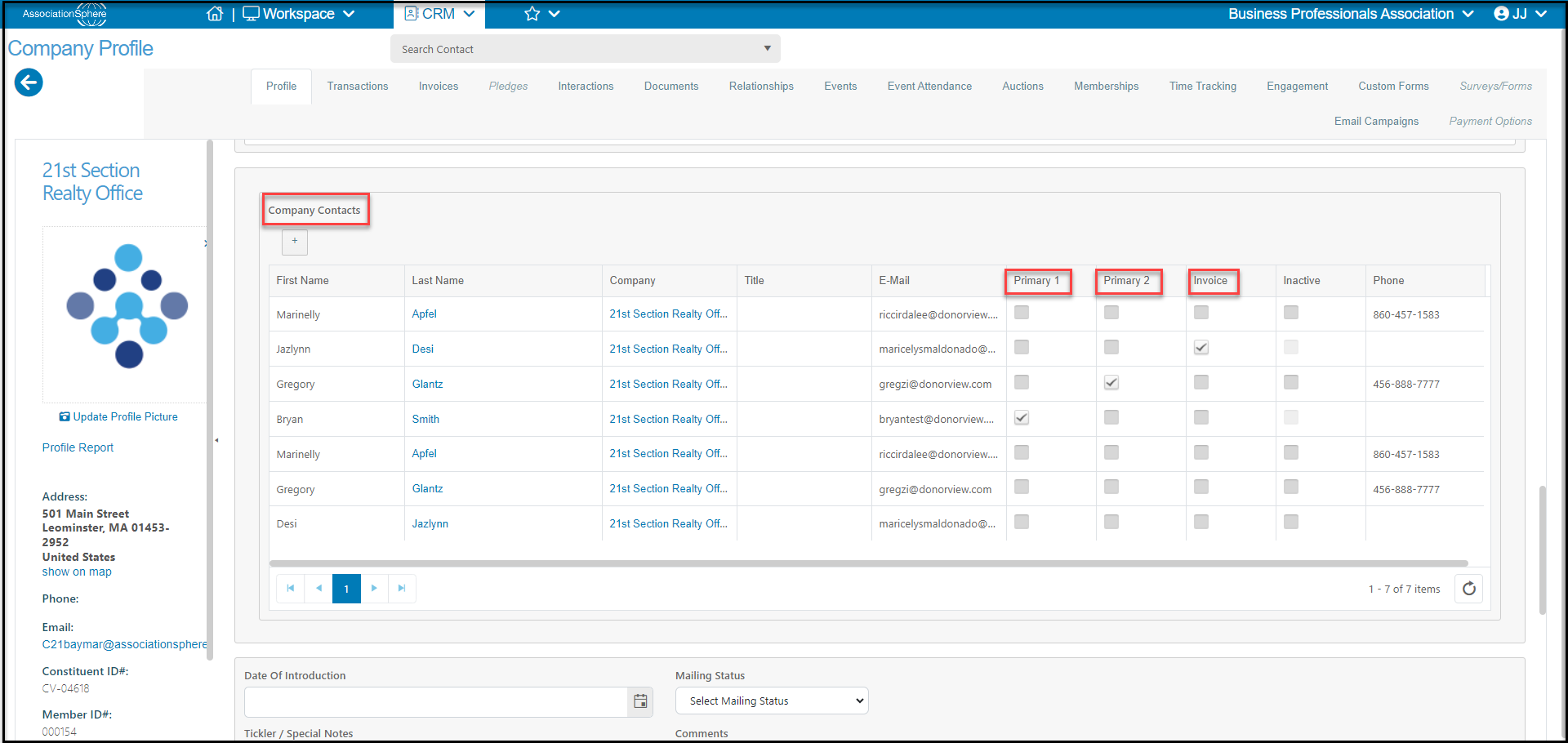
On a Company Profile page, near the bottom of the page you will find a list of all the company contacts. These constituents are linked to the company via an employer-employee relationship. You can add new company contacts from this page by clicking on the **+**button located under the Company Contacts label.
You can also identify the different employees as **Primary 1**, **Primary 2**, or **Invoice** Contacts. Only one individual can be assigned to each of these roles. The individuals with this identification will be shown on the Constituents grid in the Primary 1, Primary 2, and Invoice contact details fields. These fields are also available for mail merge letters. The **Primary 2** label is generally for information only and doesn't have any special actions.
Individuals with a checkmark under **Inactive** are those who may have been associated with the company in the past, but are not longer to be contacted there. You could also delete their employer-employee relationships if you no longer want them to show on the list.
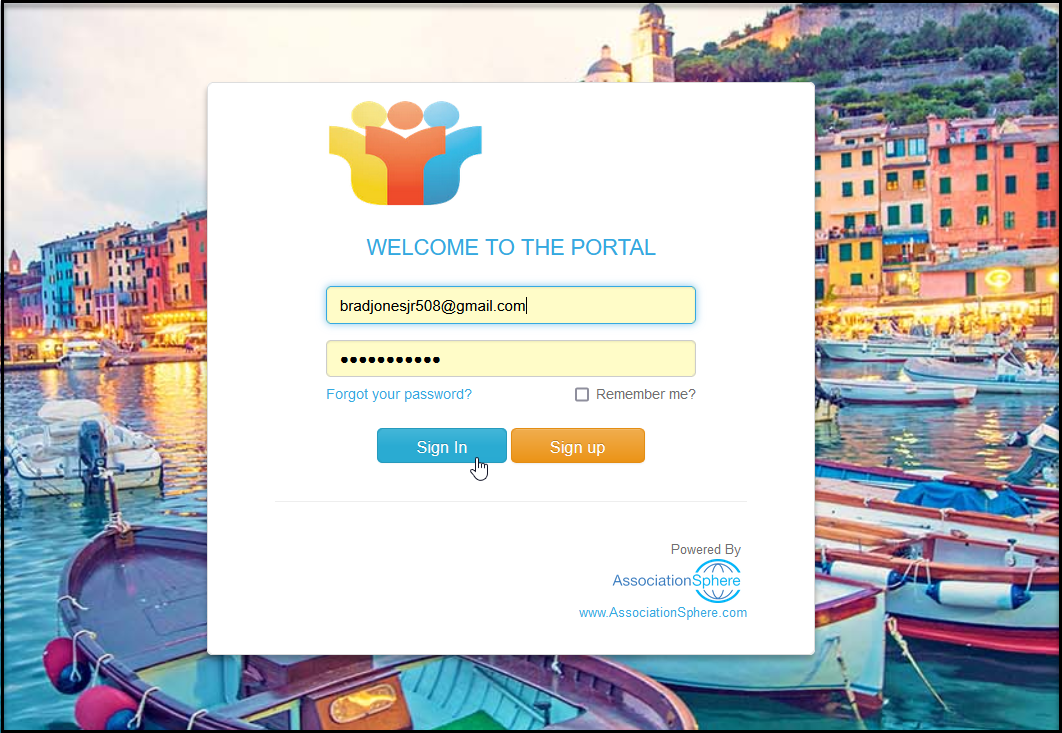
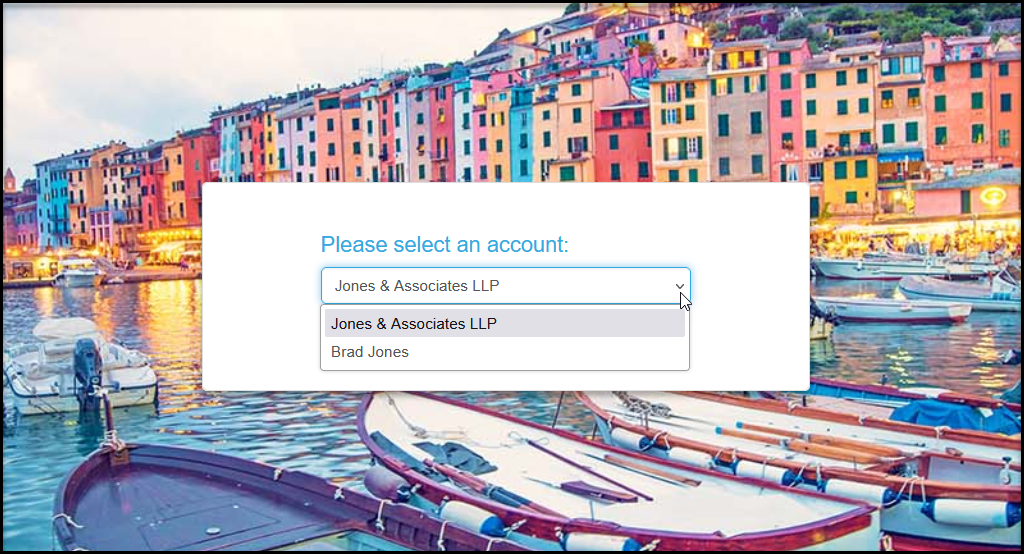
 Individuals identified as **Primary 1**can access the company's record via the portal account. They will login with the same name and email address as they do their personal account, but they will see an option to choose their personal account or company account when they log in.
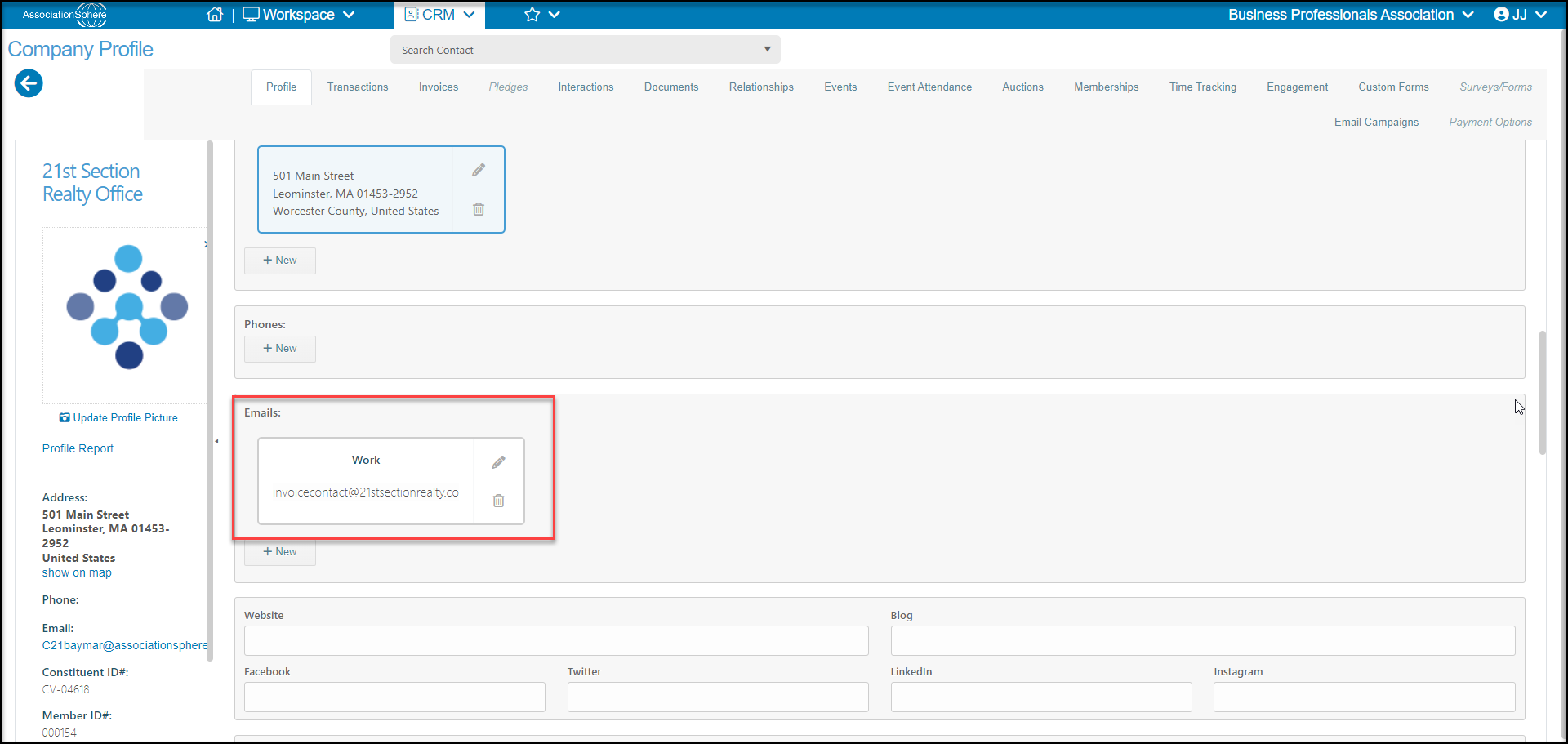
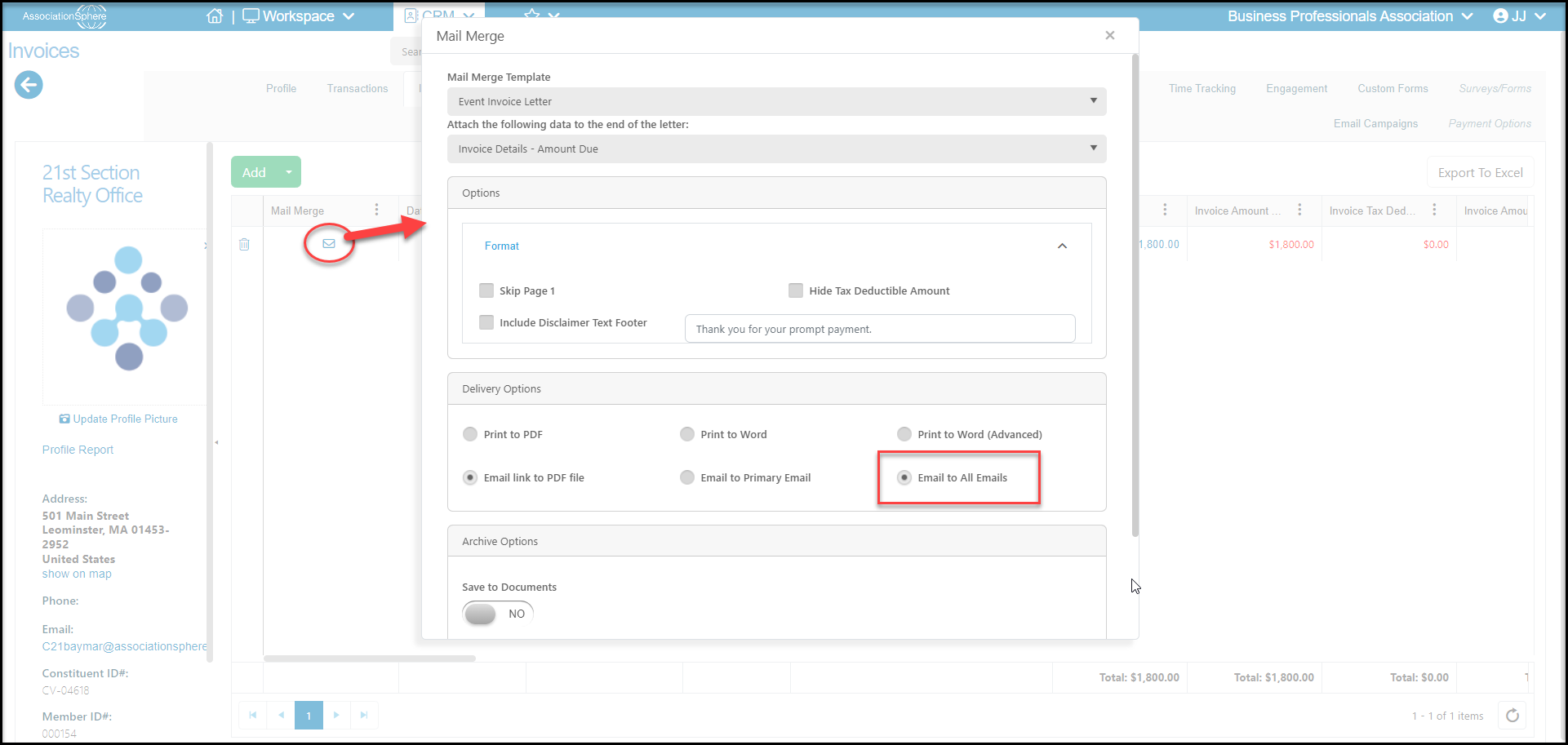
 Some email templates, like the Invoice Auto Reminders, will also allow you to use the **Invoice**contacts fields. There is no feature in invoicing that currently allows you to email invoices only to the invoice contact. Invoices are sent to the constituent that the transaction is linked to. If you would like to include the invoice contact on any invoice emails, it is recommended that you add the invoice contact's email as an additional email to the company profile. When sending invoices via email, you can choose to include all emails so that the invoice contact will receive the email as well.
 It is important to note that Company Contacts are employees at the company and may or may not also be members if the company has a group membership. You can learn more about the difference between members and company contacts in this article "Why aren't all company contacts listed as members?"