# What is a Template Format Error?
> Source: https://support.associationsphere.com/what-is-a-template-format-error | Updated: 2026-01-13T19:48:11Z
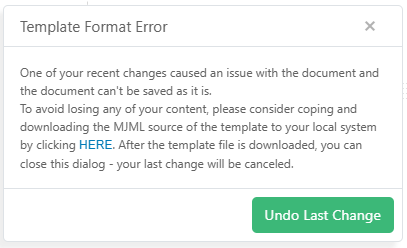
One reason you may receive the following error when editing/saving the email template is because text content contains double hyphens/dashes.
The email template is based on HTML, and double hyphens/dashes "--" are not allowed.
If the text can be edited/changed, remove the -- and simply use a single hyphen/dash -.
If the text is a URL, then replace -- with the encoded value %2D%2D. For example, somewebsite.com/this--is-the-link would become somewebsite.com/this%2D%2Dis-the-link.
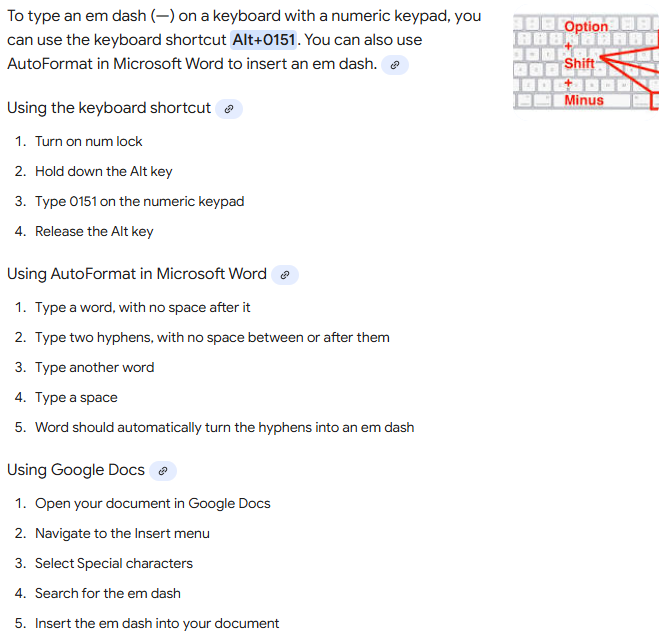
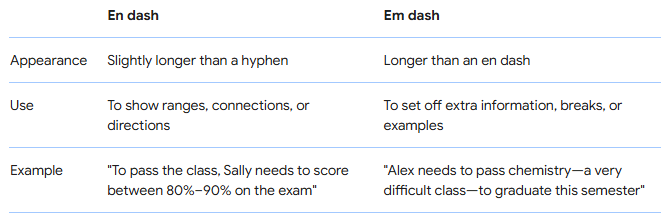
 An en dash or em dash can possibly be substituted in the Text content (not for URLs/Links).
 For example, in Windows use Alt+0150 for an en dash or Alt+0151 for an em dash.