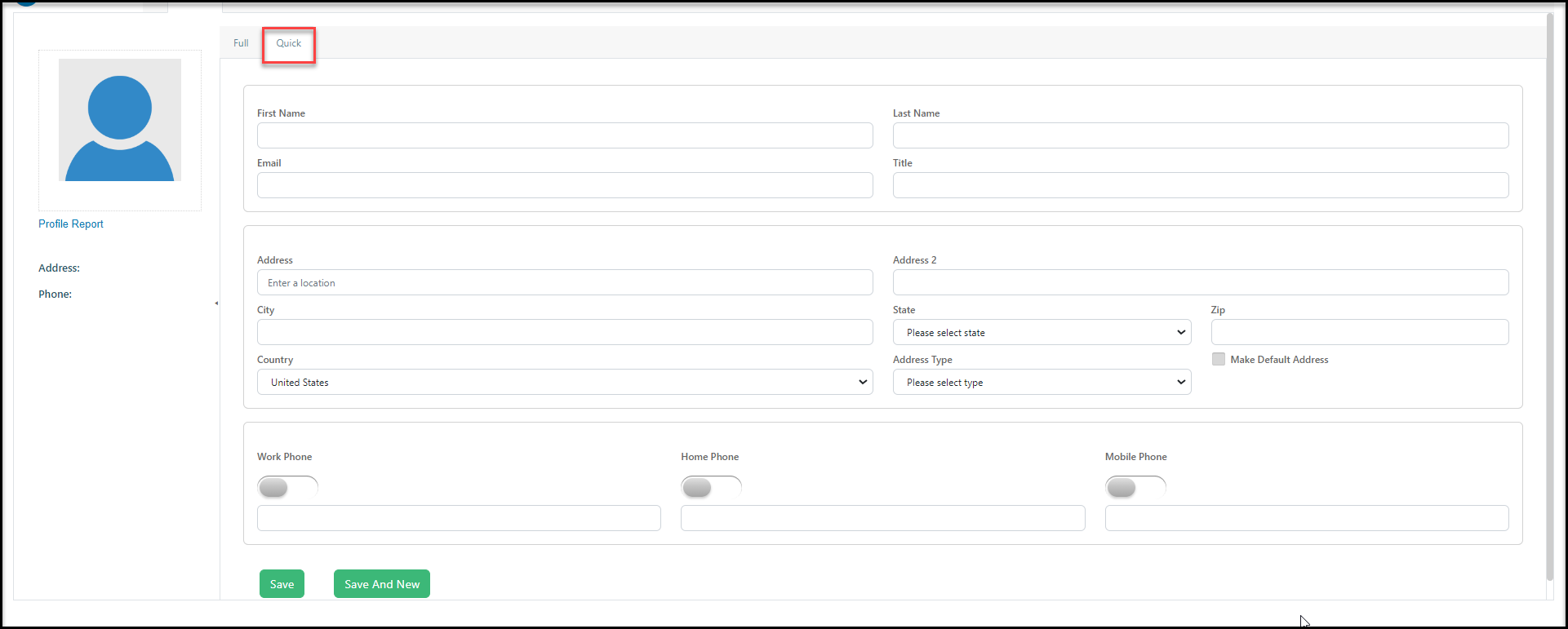
# What is the difference between the Full & Quick tabs on the profile?
> Source: https://support.associationsphere.com/what-is-the-difference-between-the-full-quick-tabs-on-the-profile | Updated: 2024-07-19T20:34:12Z
When entering a new constituent, you have the option of doing a **Full** add, which allows you to enter data in all the profile page fields.
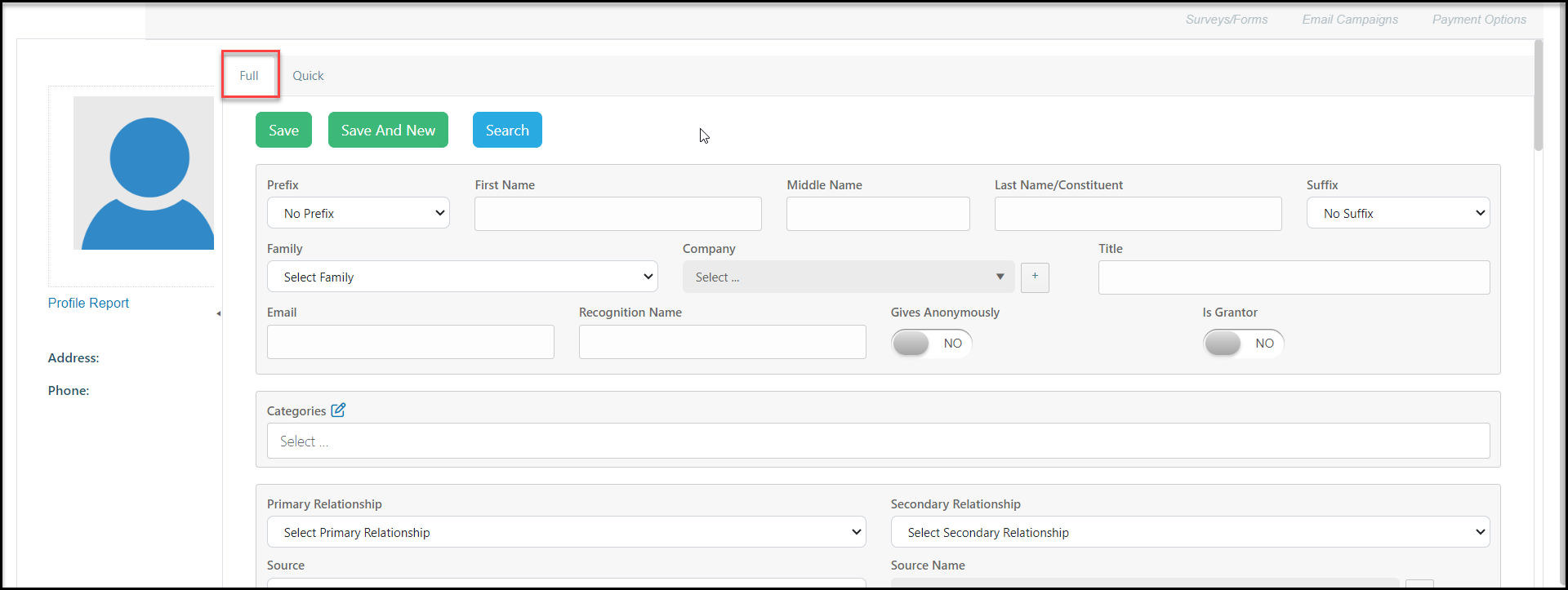 Or, you can do a **Quick** add, which is limited to name, email, address, and phone number fields. When you have finished adding the information, click on **Save**to create the new constituent record. If you have more records to add, you can click on **Save and New** to create another new constituent record that is the same type.