# What is the Mail Merge Queue?
> Source: https://support.associationsphere.com/what-is-the-mail-merge-queue | Updated: 2026-09-01T16:08:58Z
If you are creating a large number of mail merge letters, you may see a pop-up message indicating that the mail merge is working in the background and you can recover your letters from the Mail Merge Queue page.
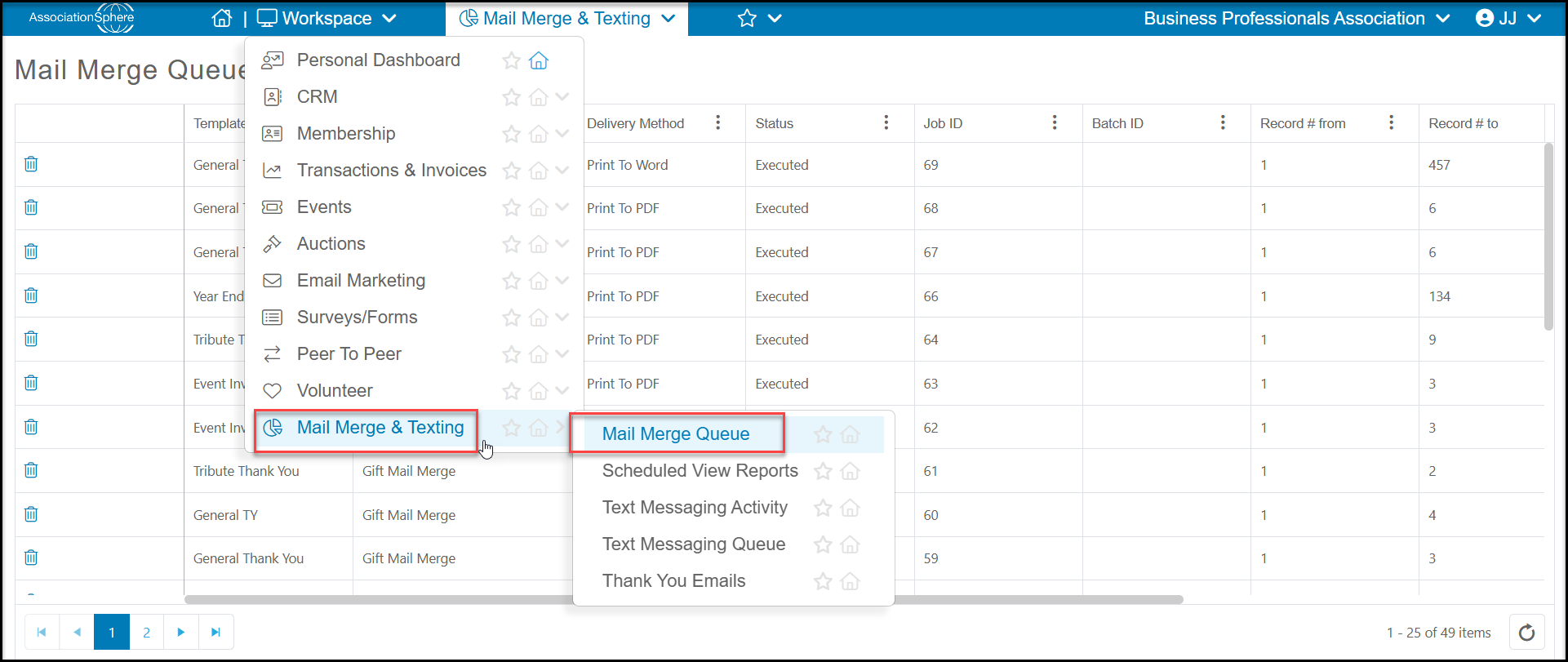
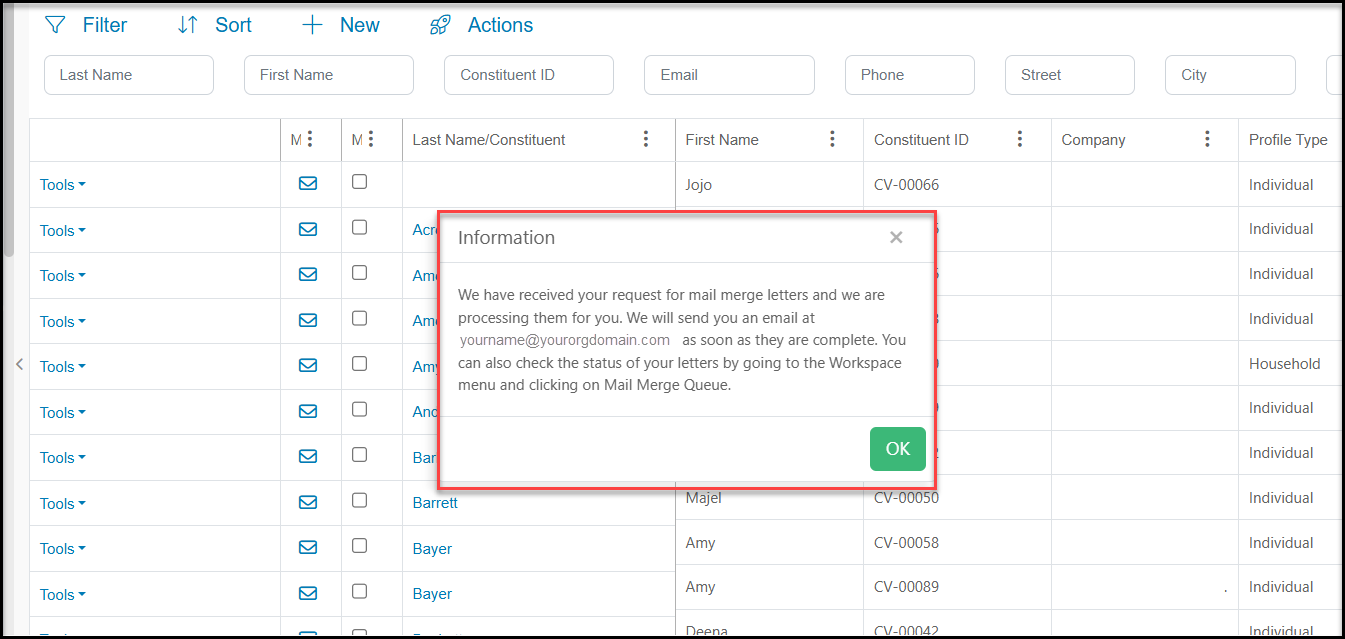 You will receive an email when your mail merge is complete. You can recover the document in the Reports module by clicking directly on **Mail Merge Queue**.
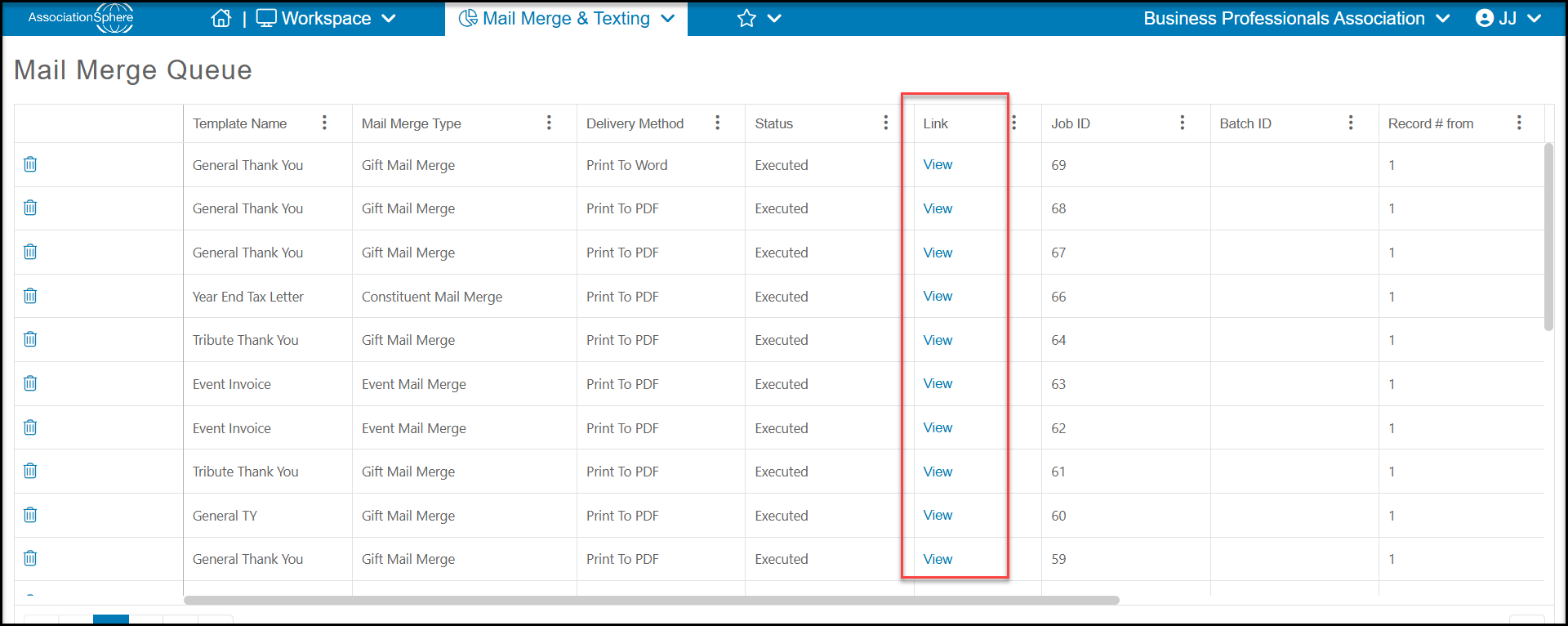
 On the Mail Merge Queue grid you can see columns for **Template Name**, **Date Created**, **Delivery Method**, and**Status**. Once the mail merge is complete, you can find a link to**View**in the**Link**column if the delivery method was Print to Word or PDF. If the message was sent via email, you will see a **Email link to PDF**file but no link to view. The **Processed Records** column will also have a link for you to view the records that were included in the message.