# Where can I see the email campaign history for a specific recipient?
> Source: https://support.associationsphere.com/where-can-i-see-the-email-campaign-history-for-a-specific-recipient | Updated: 2026-07-08T20:30:58Z
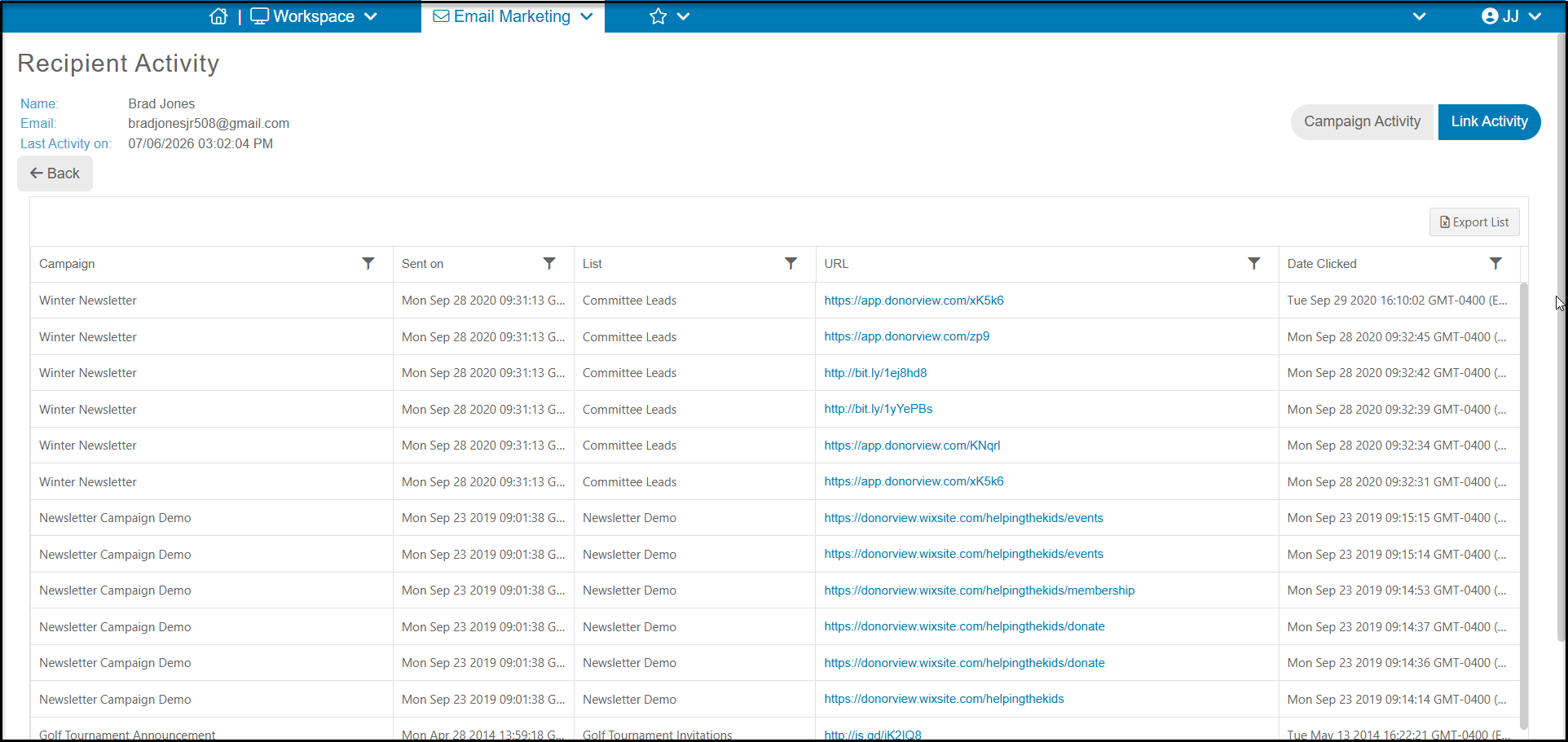
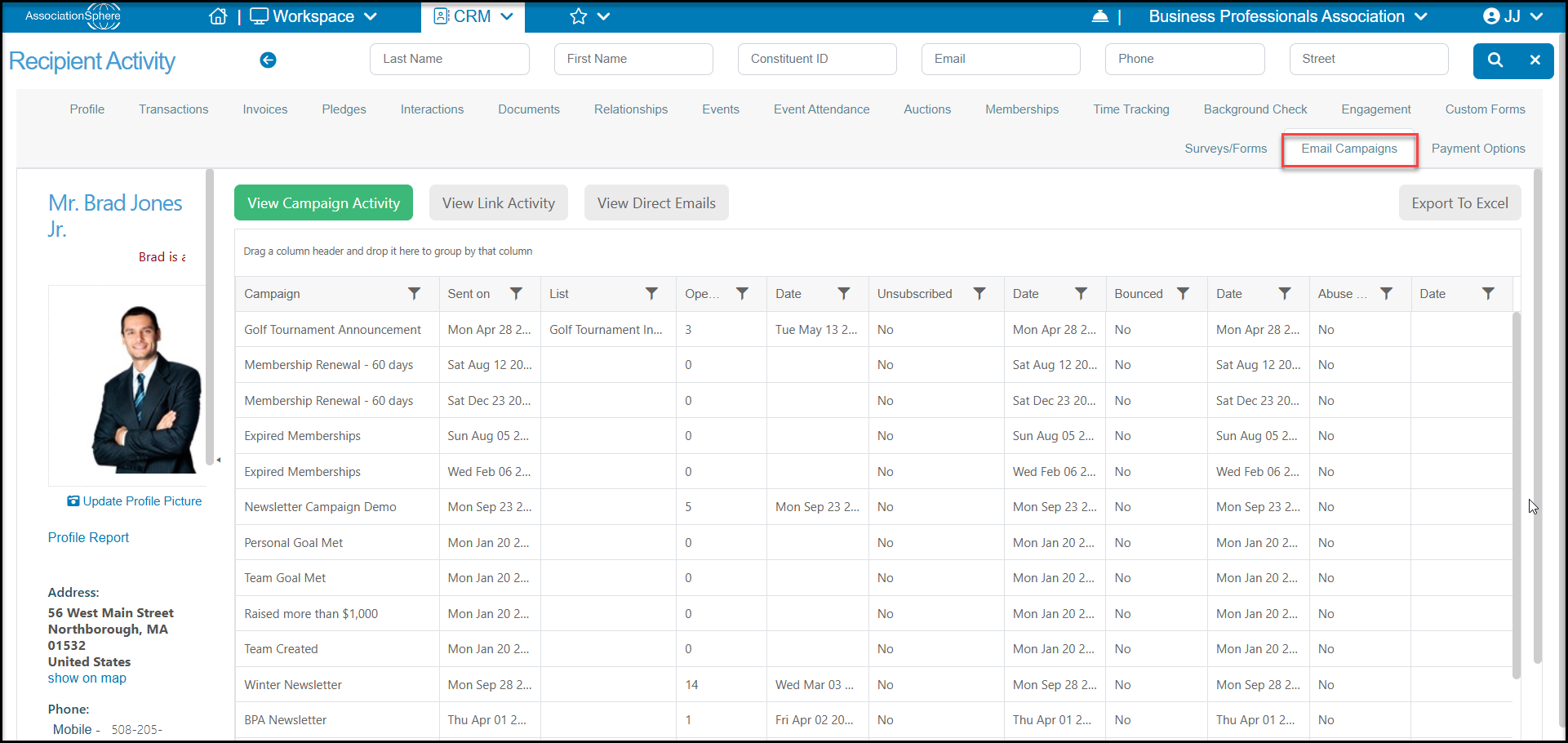
You can view the campaign history for a specific constituents in their record under the Email Campaigns tab. You can see all the campaign activity by clicking on **View Campaign Activity** and view their link click history by clicking on **View Link Activity.**
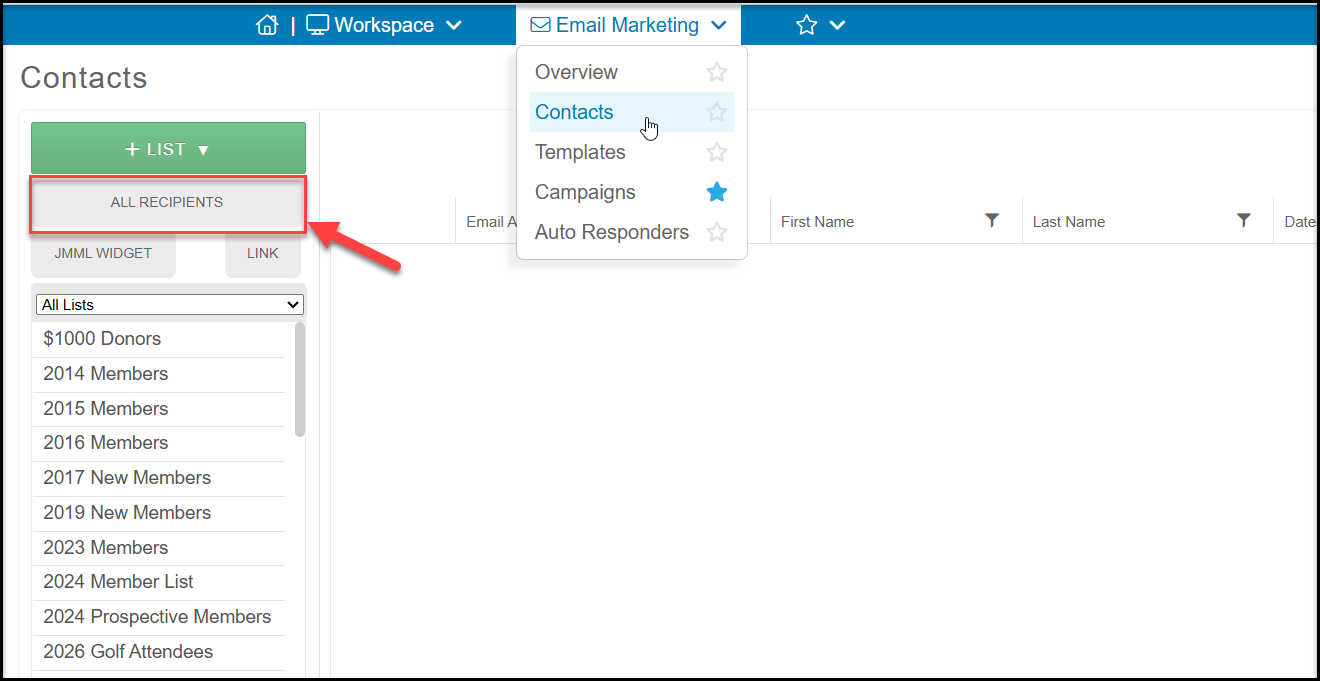
 You can also see this information under the Contacts Page in the Email Marketing Module. Click on **ALL RECIPIENTS.**
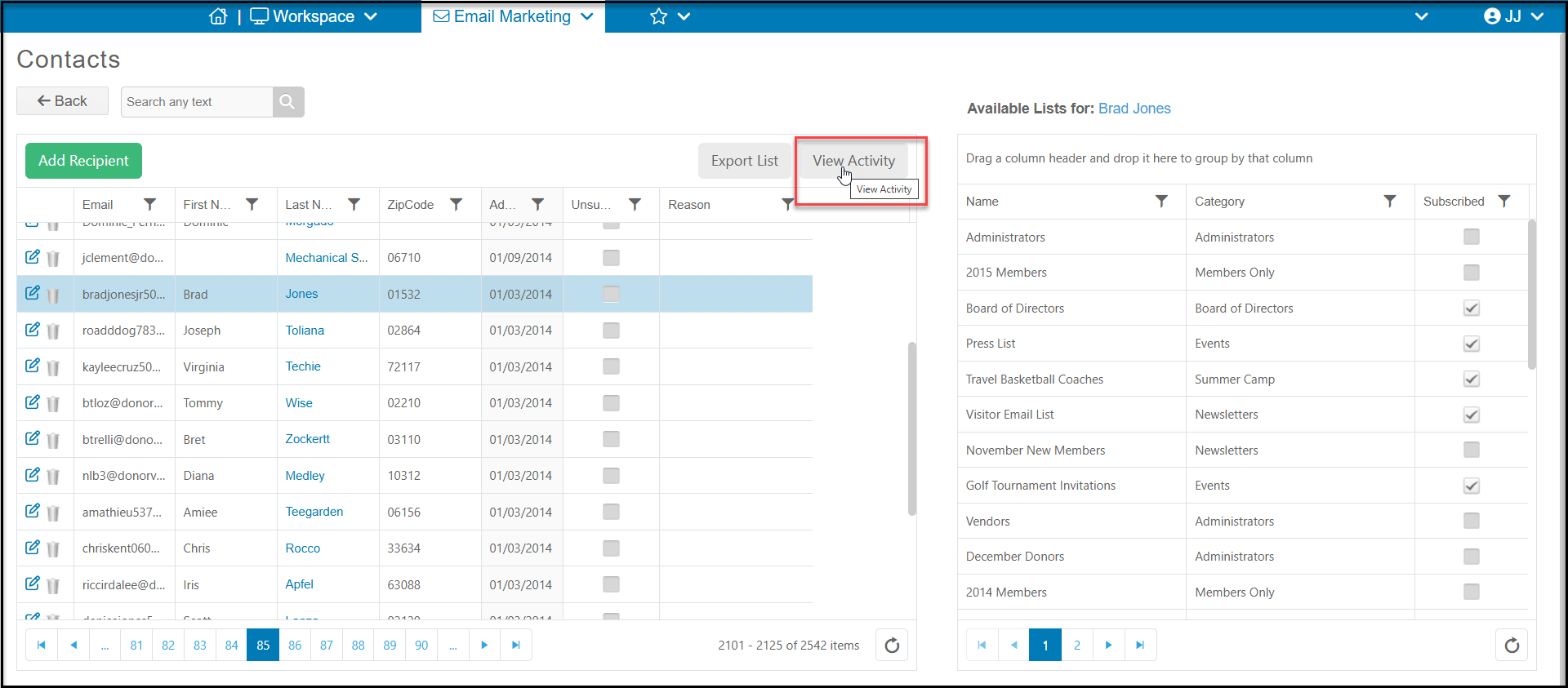
 Filter or search for the particular constituent, highlight their row, and click on **View Activity** to see either the Campaign Activity or Link Activity.
 It may take a few moments for the information to load. The default view will be the Campaign Activity. If you wish to see the links the constituent clicked, select Link Activity.
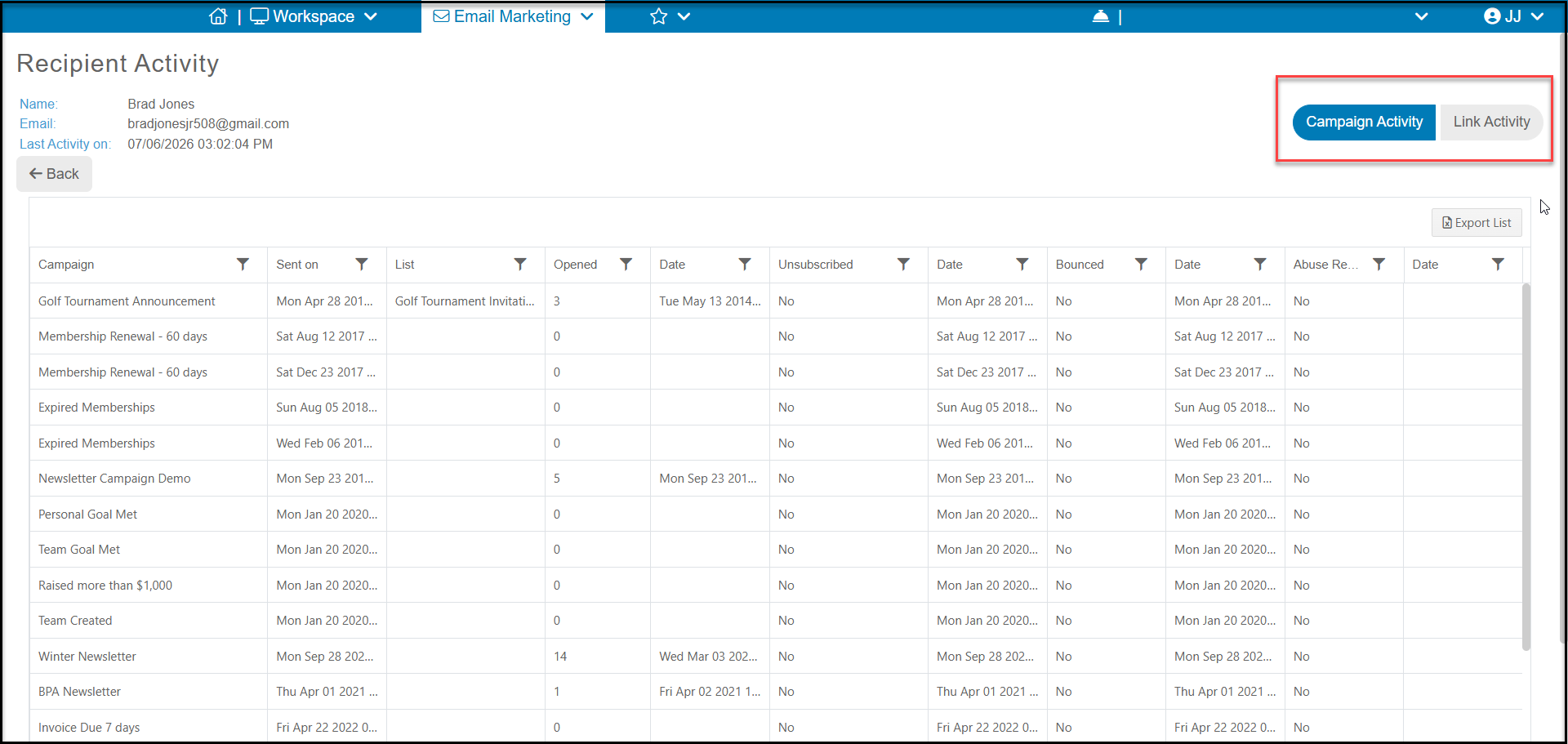 Click **Back** to return to the All Recipients Contacts grid. Click**Back** again to return to the Contacts page.