# Where do I find the URL or QR code for the P2P Campaign?
> Source: https://support.associationsphere.com/where-do-i-find-the-url-or-qr-code-for-the-p2p-campaign | Updated: 2026-06-15T18:18:14Z
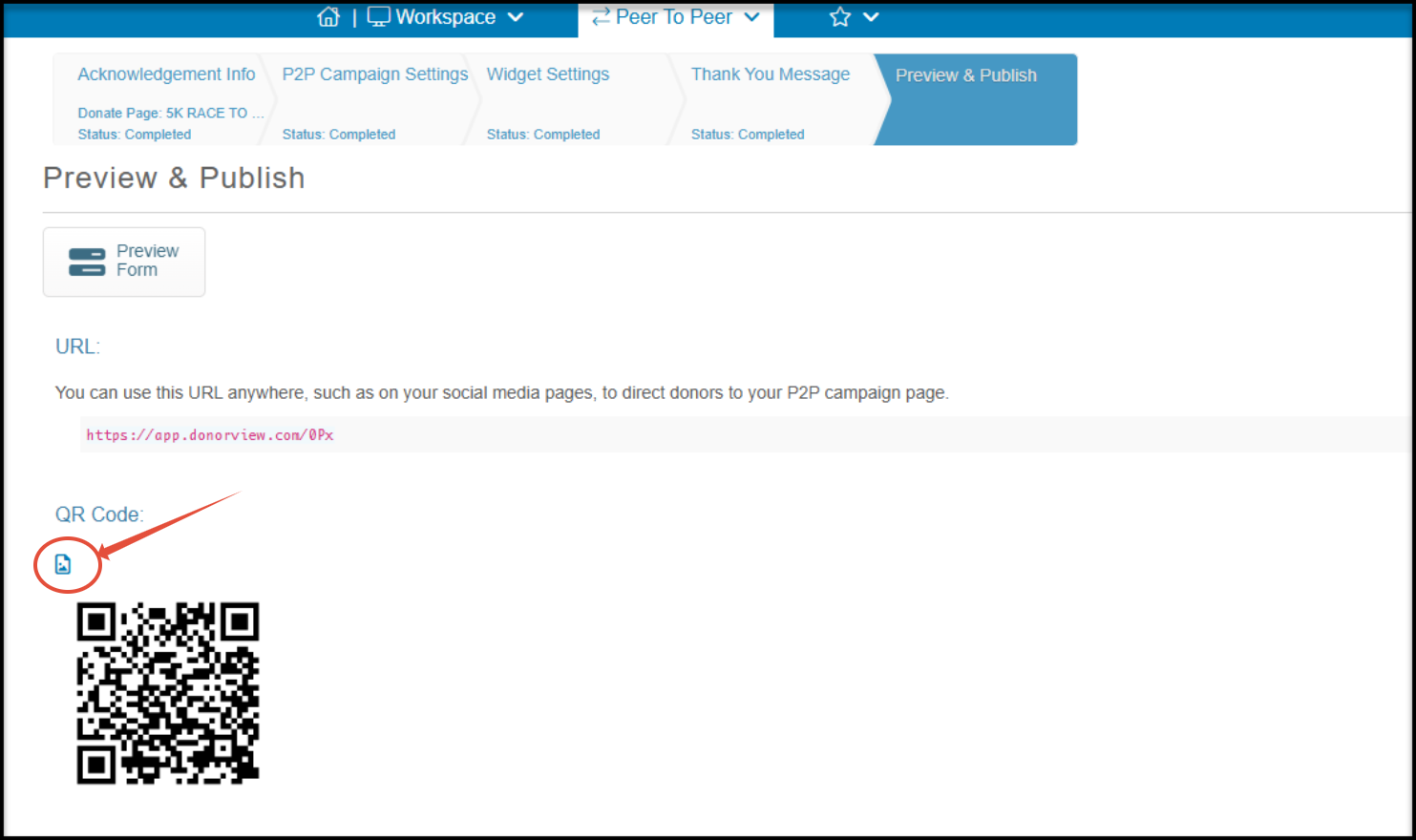
The URL found on the Peer-to-Peer campaign's Preview and Publish page will take the fundraisers directly to either sign up or sign in to the portal and then will go to the P2P page set-up in their portal.
Note that if your participants need to register for an event before becoming a fundraiser, be sure to share the event page's URL or QR code instead.
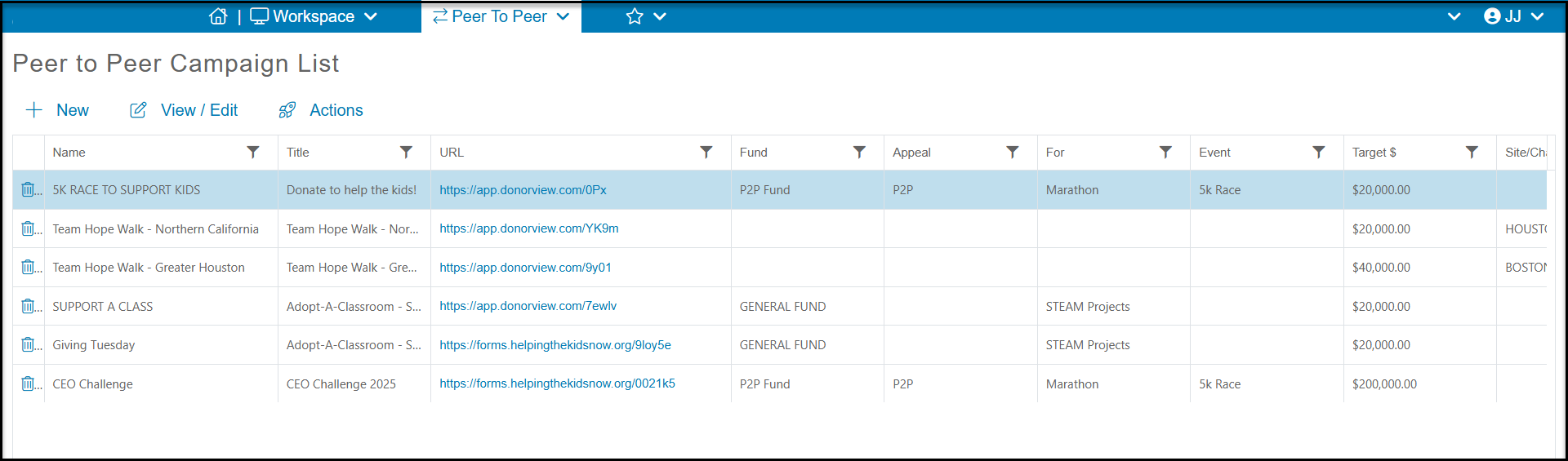 The P2P campaign page's Preview & Publish page will also provide a link to download a QR code.
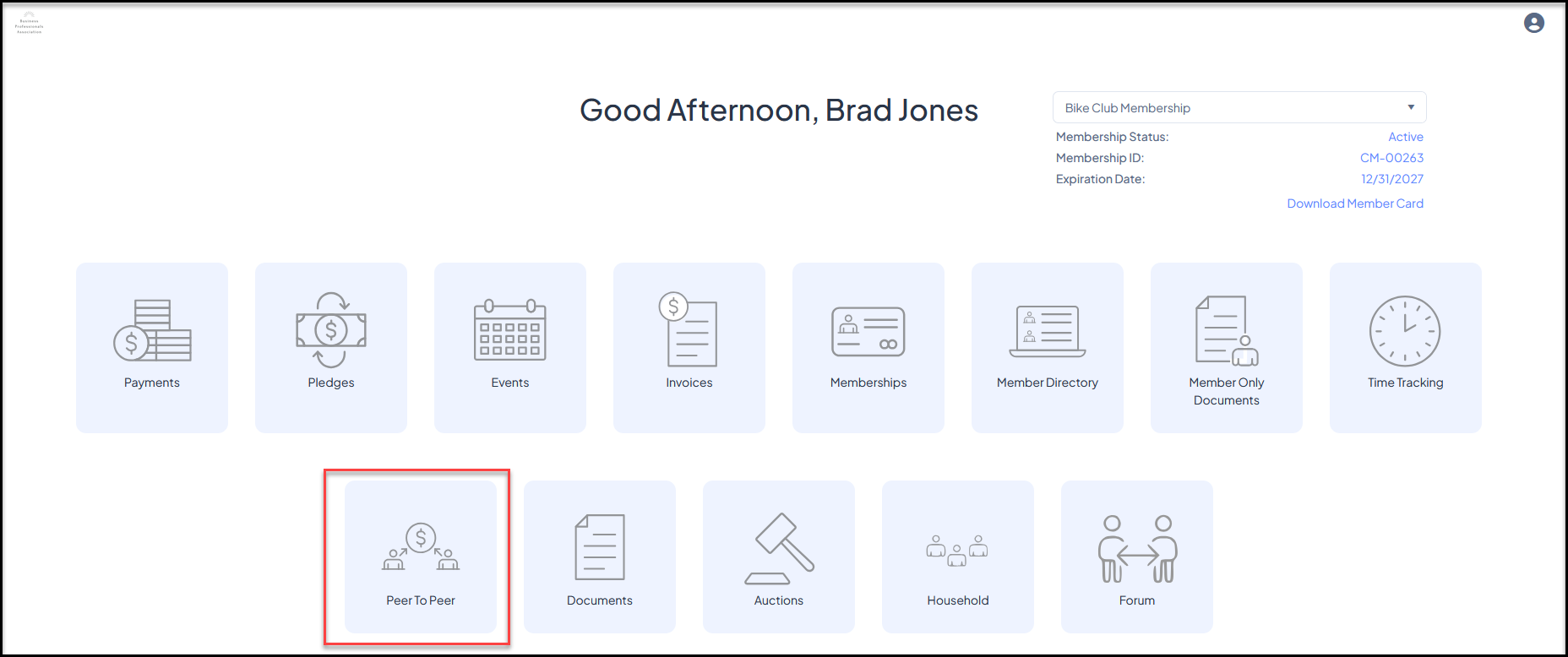
 Participants can also access their P2P campaign pages by logging into their Constituent Portal account and clicking on the Peer to Peer module.