
Can I edit or delete a pledge payment?
Updated Oct 7, 2026·1 min read
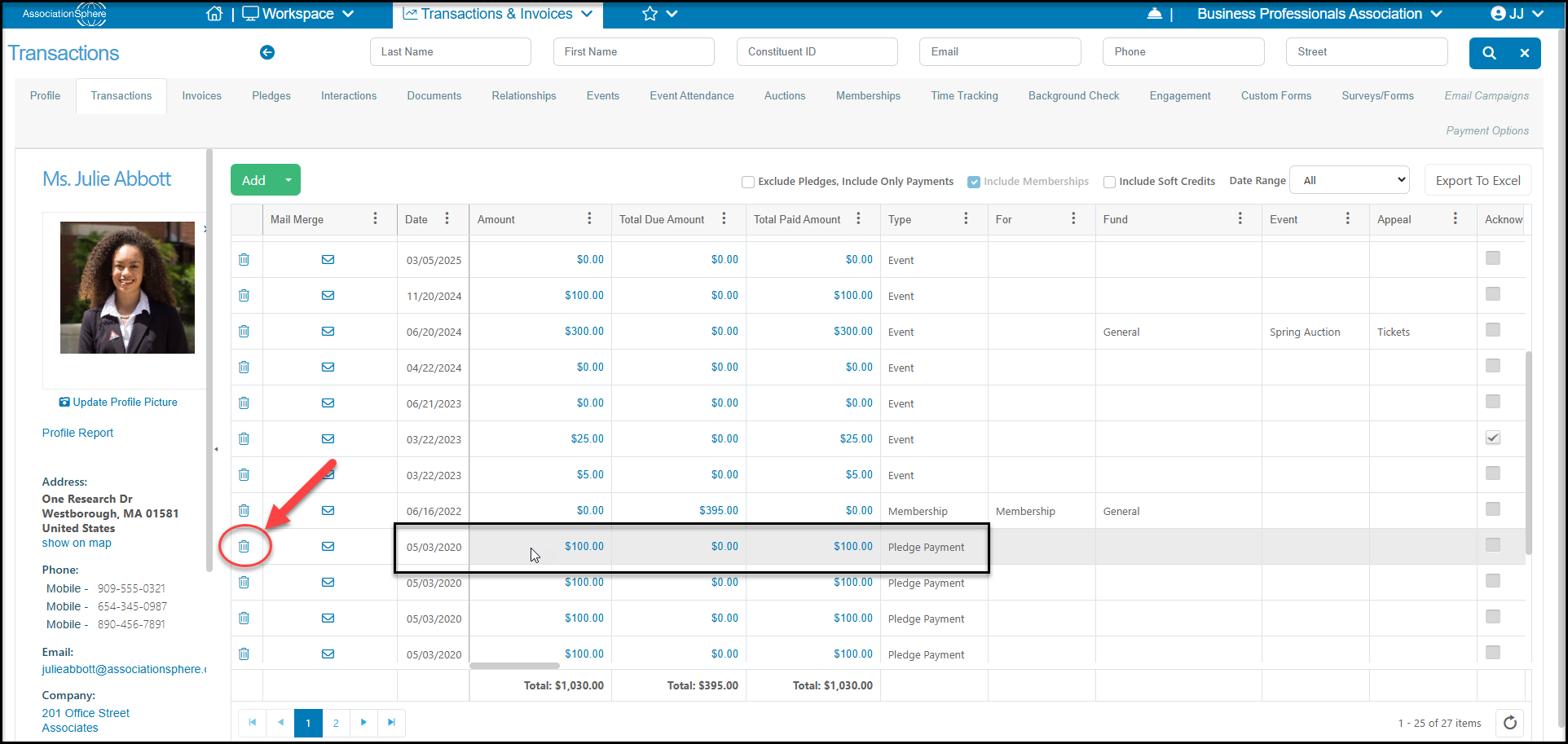
Yes. If you need to edit a past payment that has already been recorded, you will need to edit that payment from the main Transactions Grid or the constituent's Transactions Tab. Click on the Amount of the applicable pledge payment and make your edits.
If you need to delete a previous payment made, use the trash can icon on the left side of the row for the payment you wish to delete. Once deleted, the pledge will be updated with the new Balance Due on the payment schedule.
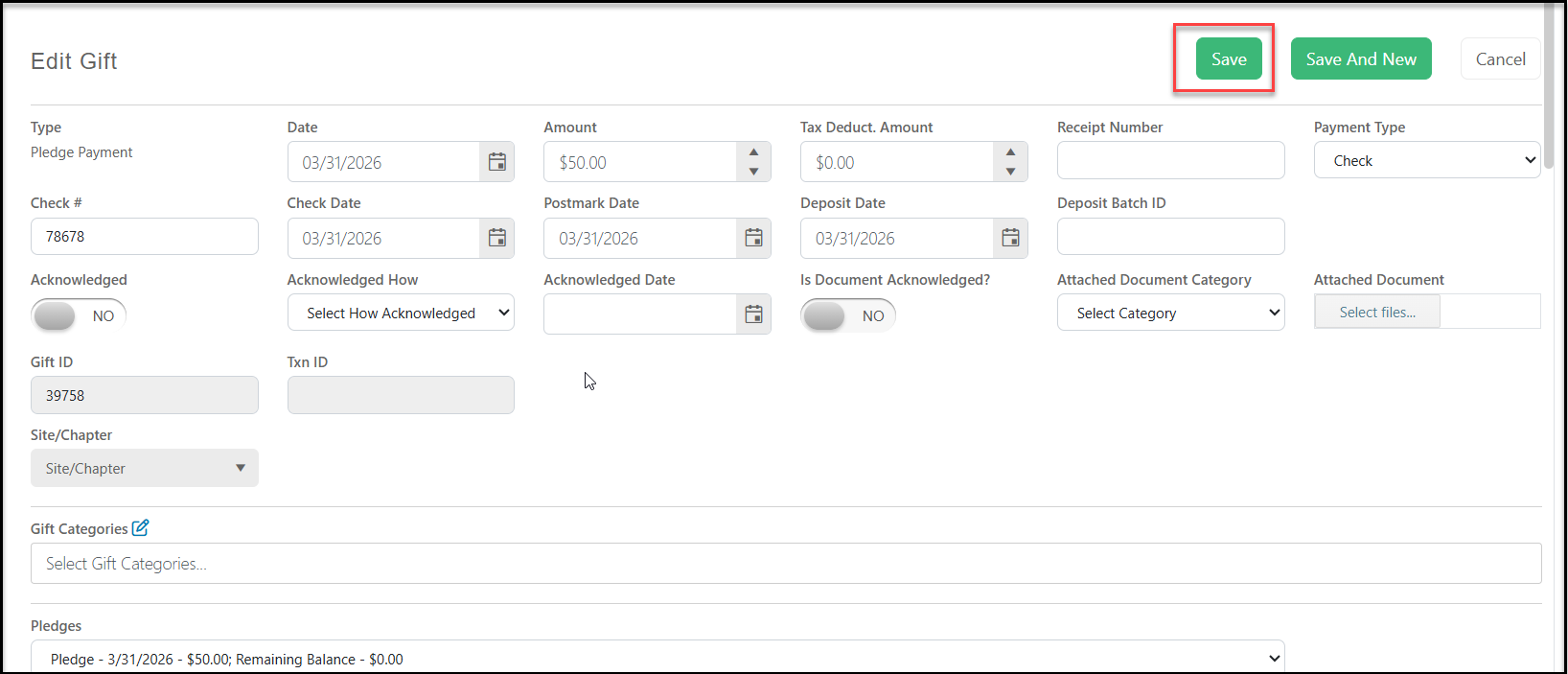
For edits, make the edit on the Edit Transaction window and click the green Save button at the top or bottom of the screen to save your changes. The changes will be reflected in the pledge payment schedule as well as update the new total Pledge Amount.
Was this article helpful?