
How do I allow my portal users to change their pledge?
Updated Oct 7, 2026·1 min read
You must have the Advance Portal activated to allow constituents to change their pledges. You can check the status under Portal Status Info and should see a blue button labeled "Deactivate Advanced Portal" if you have the Advanced Portal.
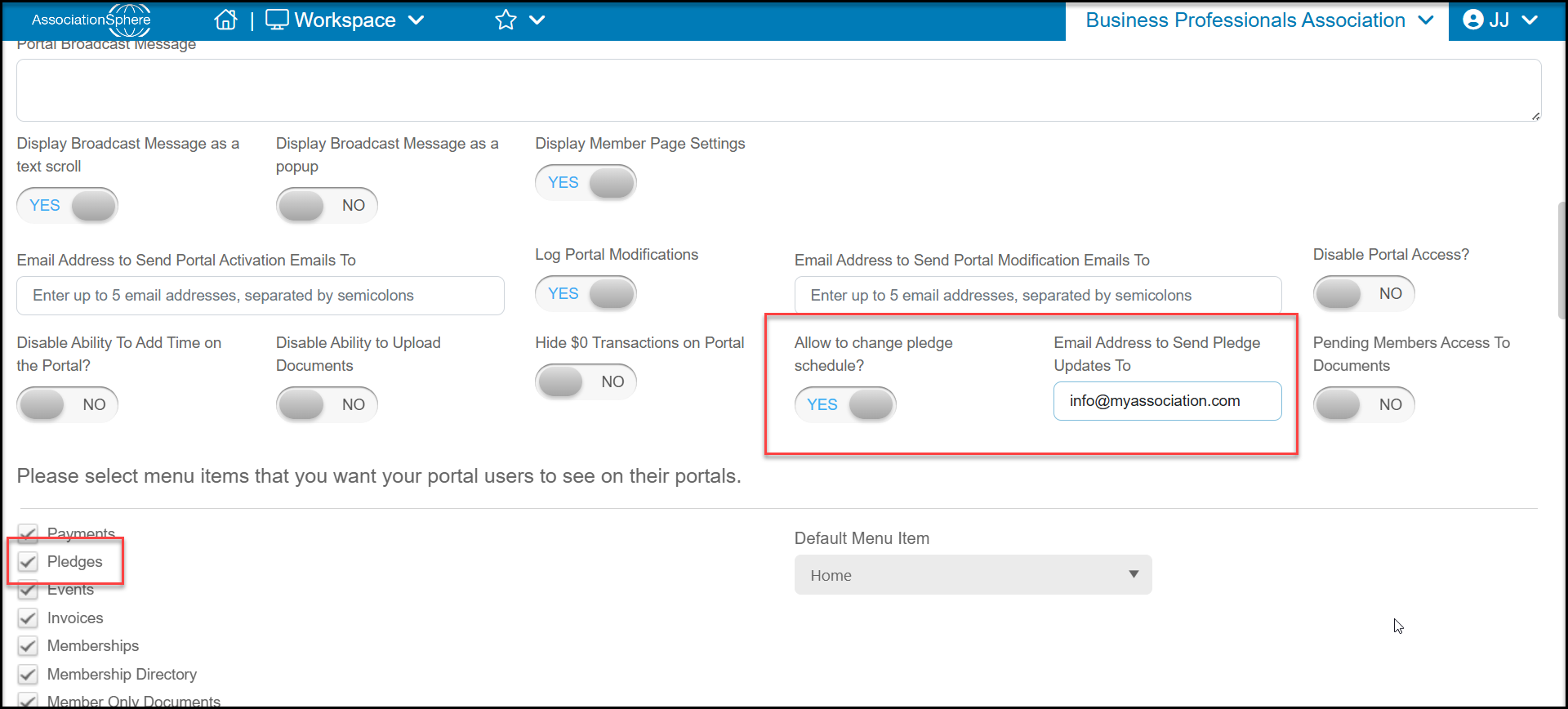
- Select Pledges from the list of menu options.
- Turn the toggle Allow to Change Pledge Schedule? to YES.
- You can also include up to 5 email addresses to receive notifications about pledge changes in the next field for Email Addresses to Send Pledge Updates To.
Was this article helpful?