
Job Board Info
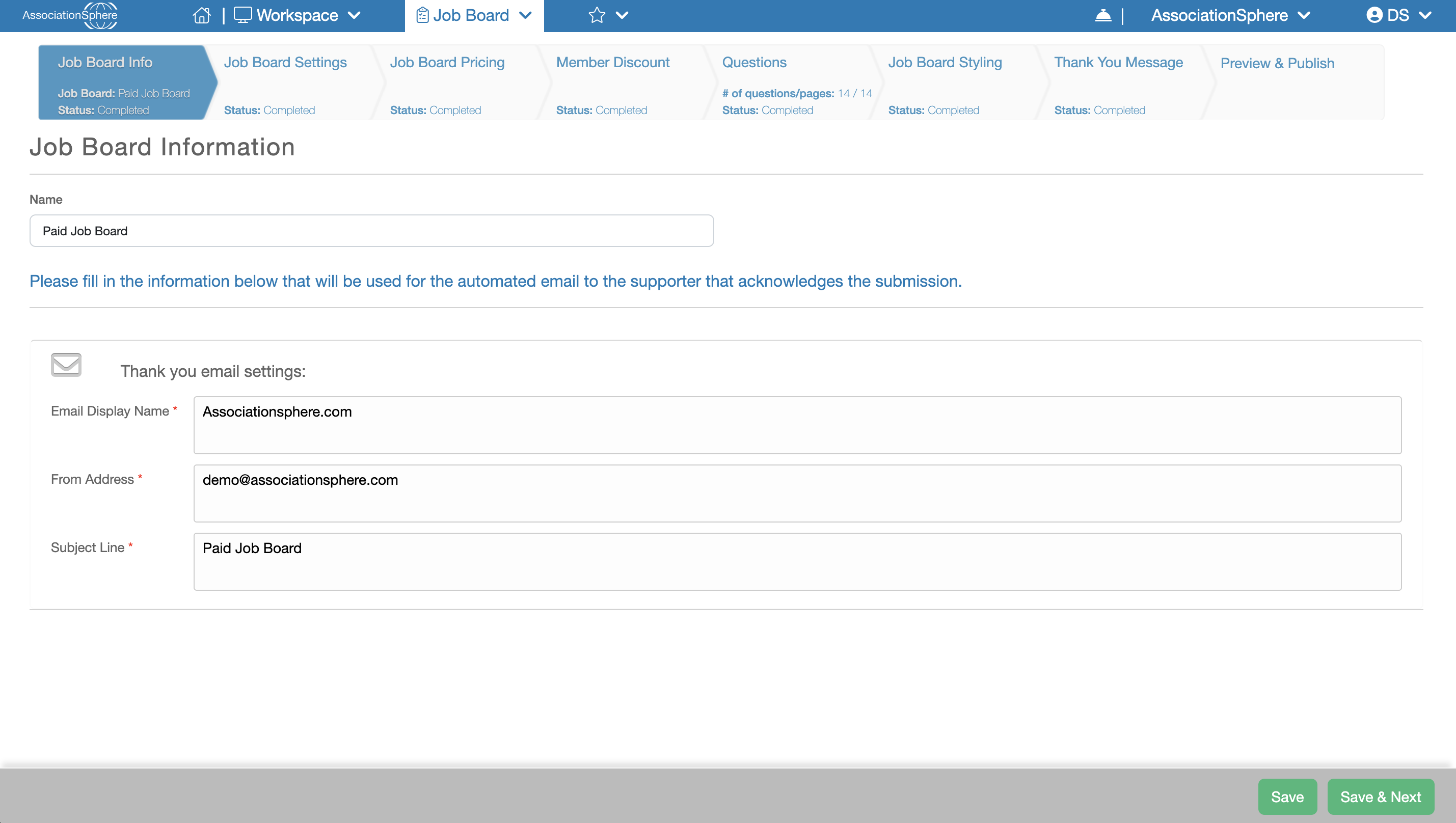
On the Job Board Setup page click + New to create a new Job Board. You will be taken to the first step of the setup process, Job Board Info, where you can configure the following:
Name – Enter the internal name for this Job Board. This name is used for administrative purposes and is not displayed to users.
Email Display Name – Enter the name that will appear as the sender of the confirmation email sent after a Job Posting is purchased or submitted.
From Address – Enter the email address that will appear as the sender of the confirmation email sent after a Job Posting is purchased or submitted.
Subject Line – Enter the subject line that will be used for the confirmation email sent after a Job Posting is purchased or submitted.
When you have finished entering your information, click Save to save your changes, or Save & Next to save your changes and continue to the next step of the setup process.