
Portal Features for Invoices
Updated Oct 7, 2026·1 min read
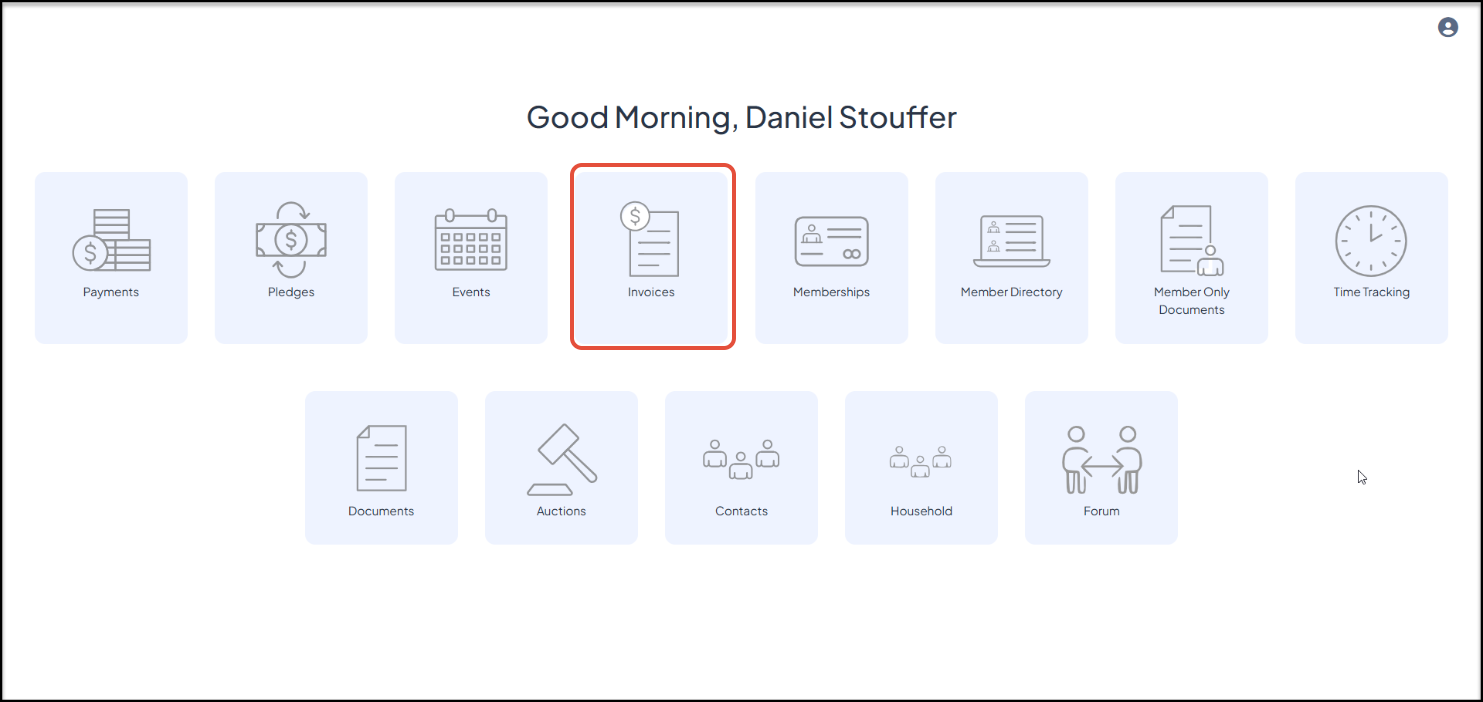
If you have the Basic or Advanced Portal activated and you have selected Invoices from the list of options, your constituents can use the portal to see a list of all their invoices and make payments using the Invoices icon.
Clicking on the Details link under each invoice amount will open a new window.
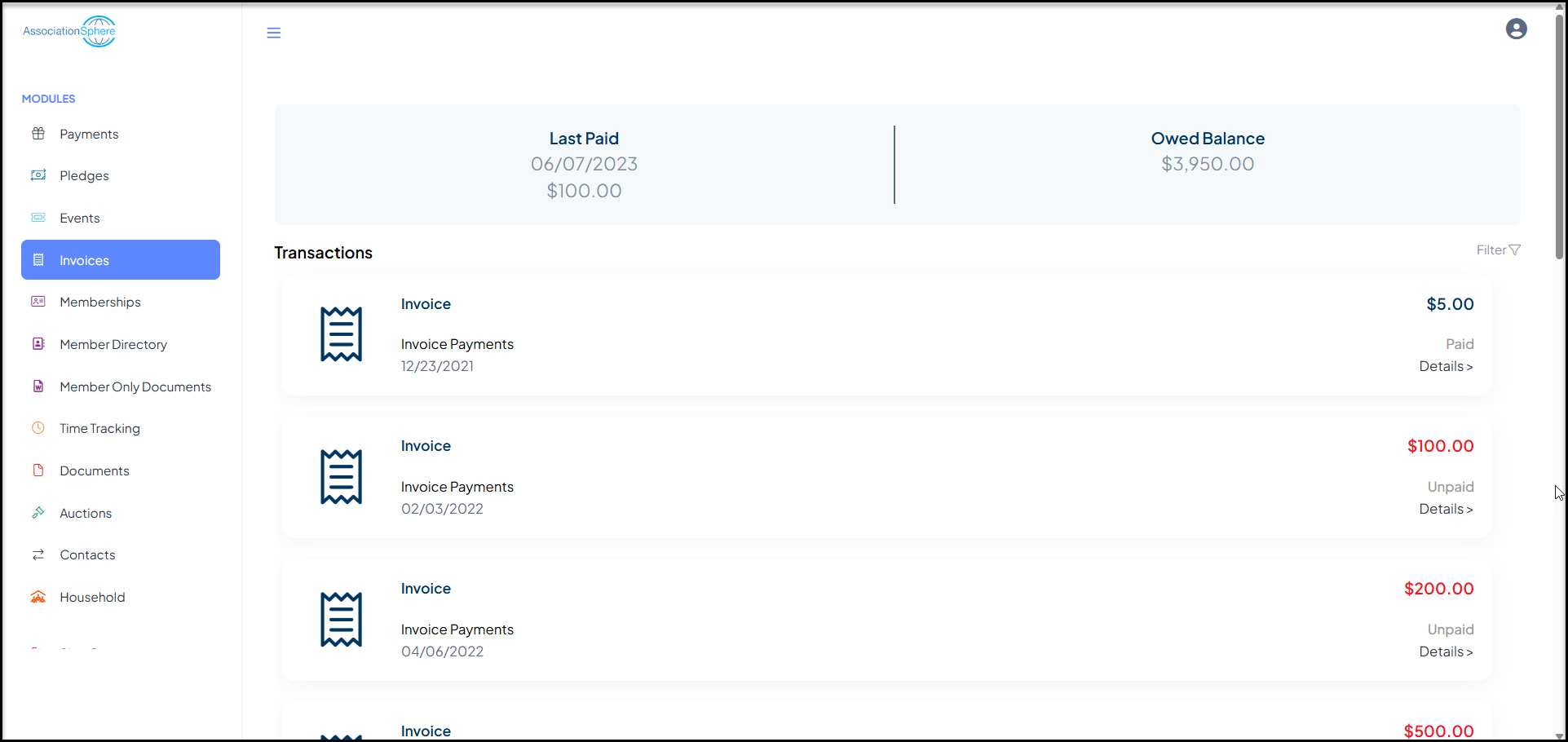
For Paid invoices, they will see an option to Generate Receipt.
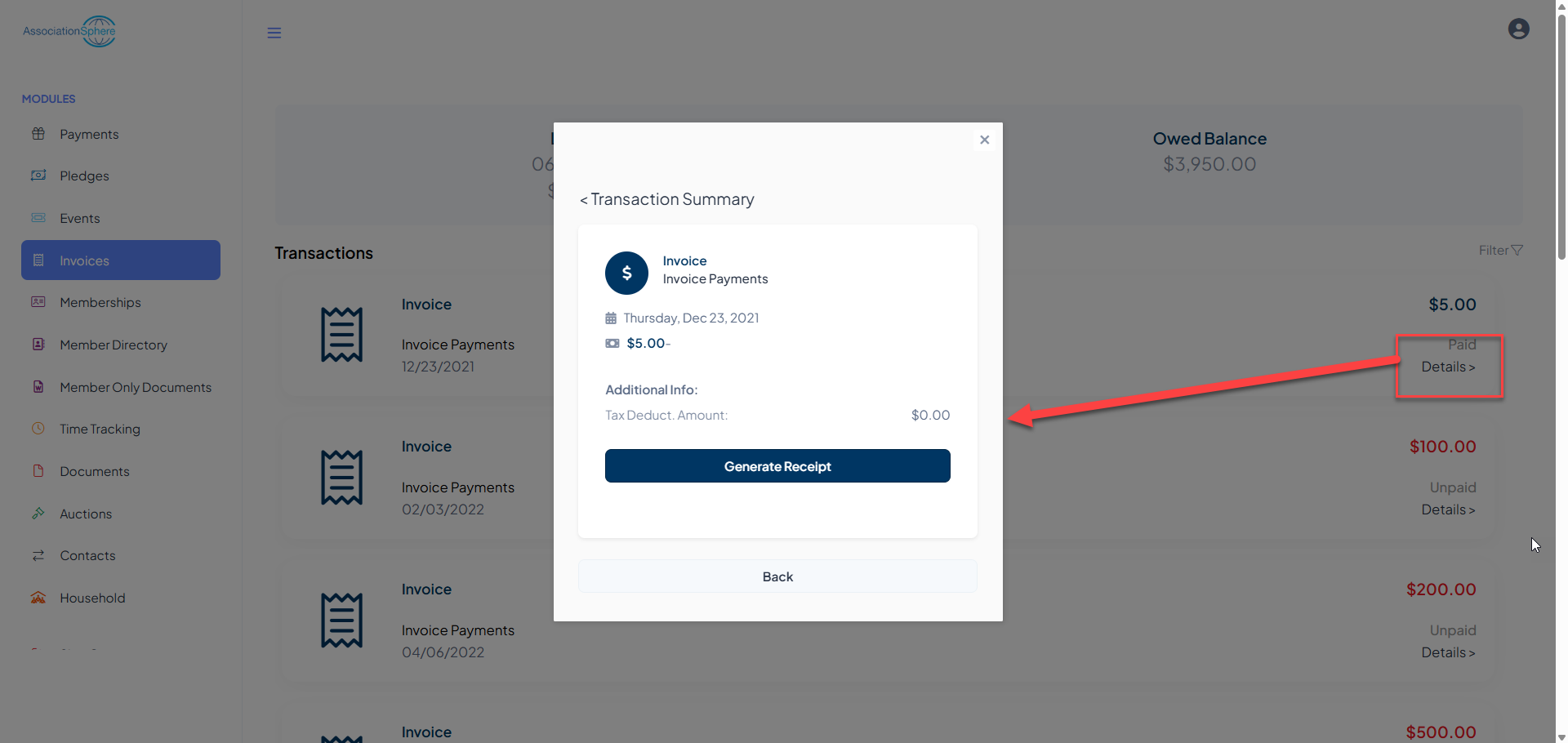
For unpaid invoices, they can click on Pay Invoice to open the Invoice Payment Page URL in a new browser window and pay the invoice with a credit card or print invoice using their browser to mail in a payment.
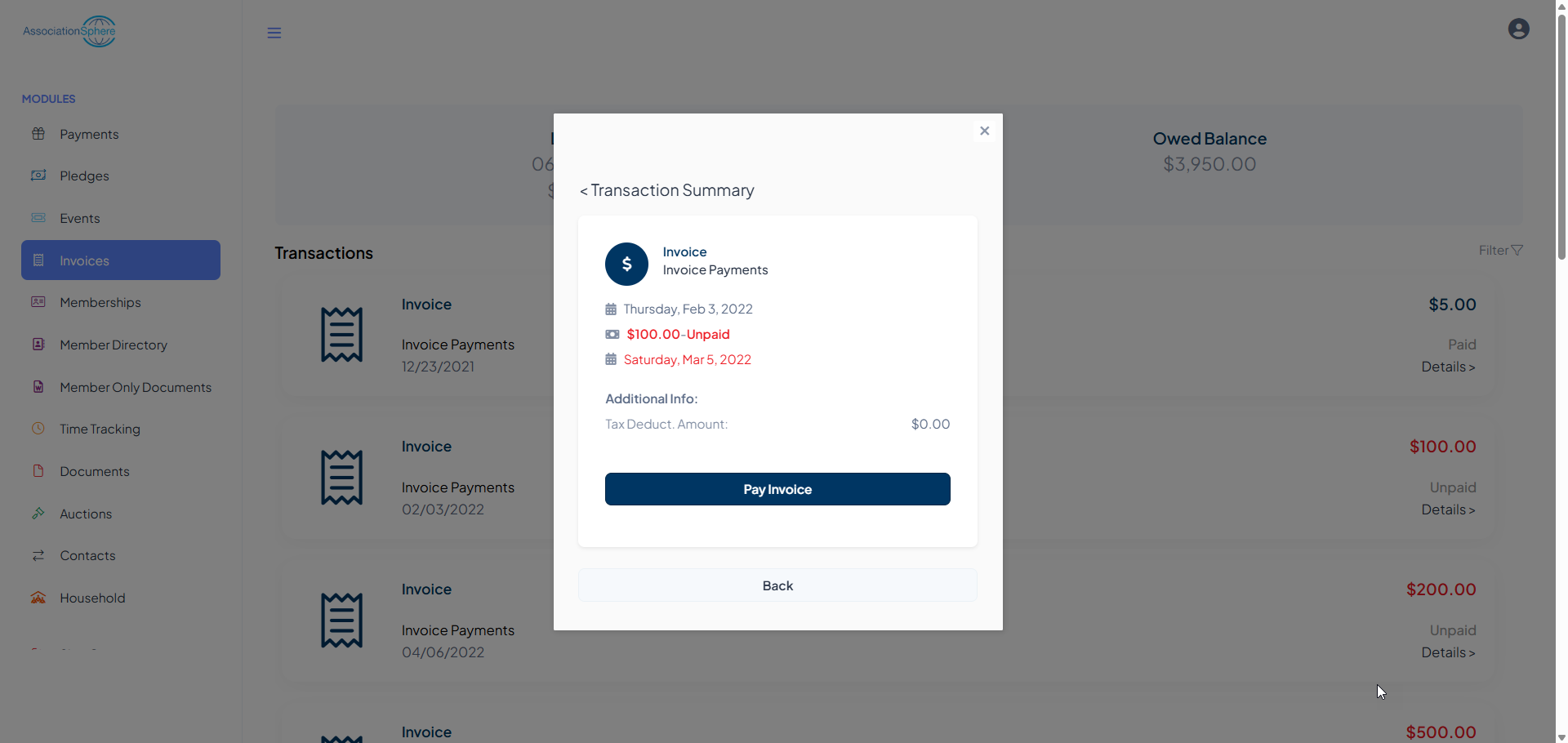
The user can navigate to another module using the links on the left menu or go to the homepage by clicking on the organization's logo in the top left corner.
Was this article helpful?