
How will my split transaction appear on the Transaction Grid?
Updated Sep 4, 2026·1 min read
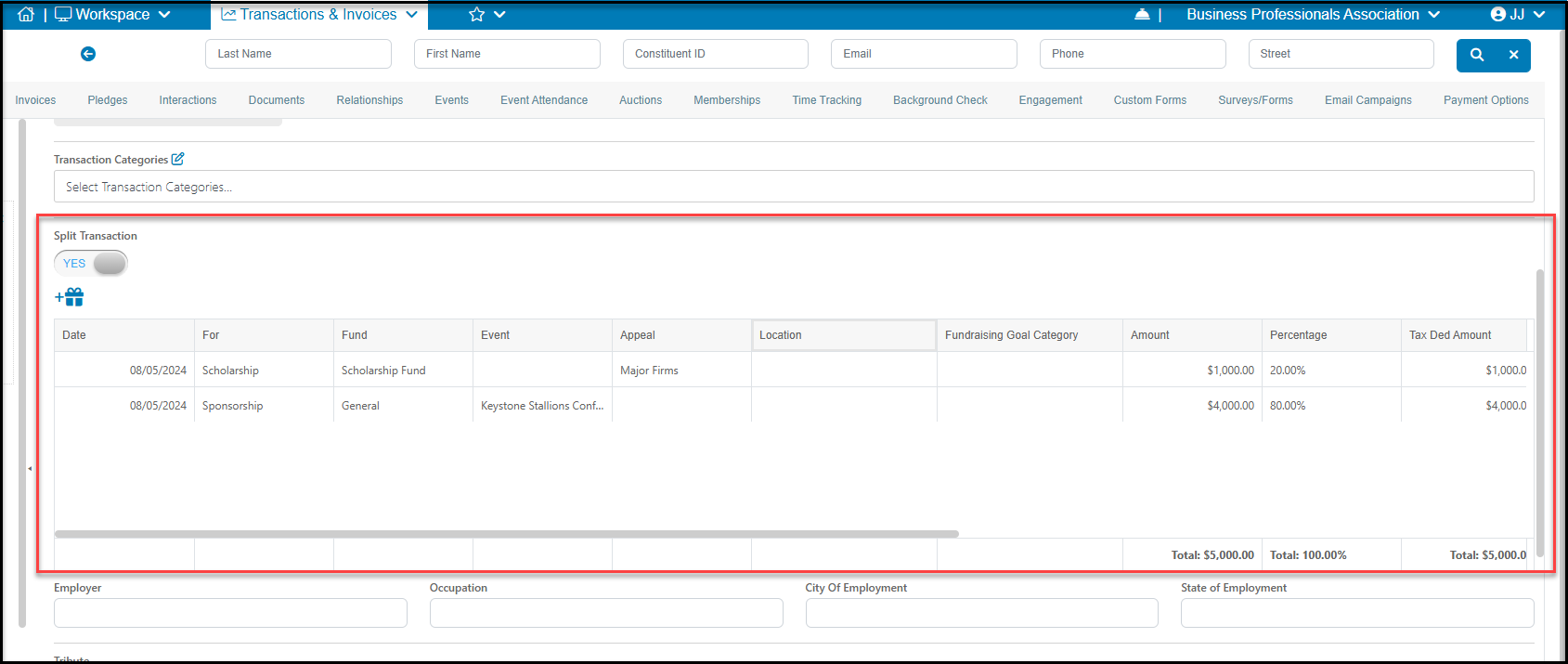
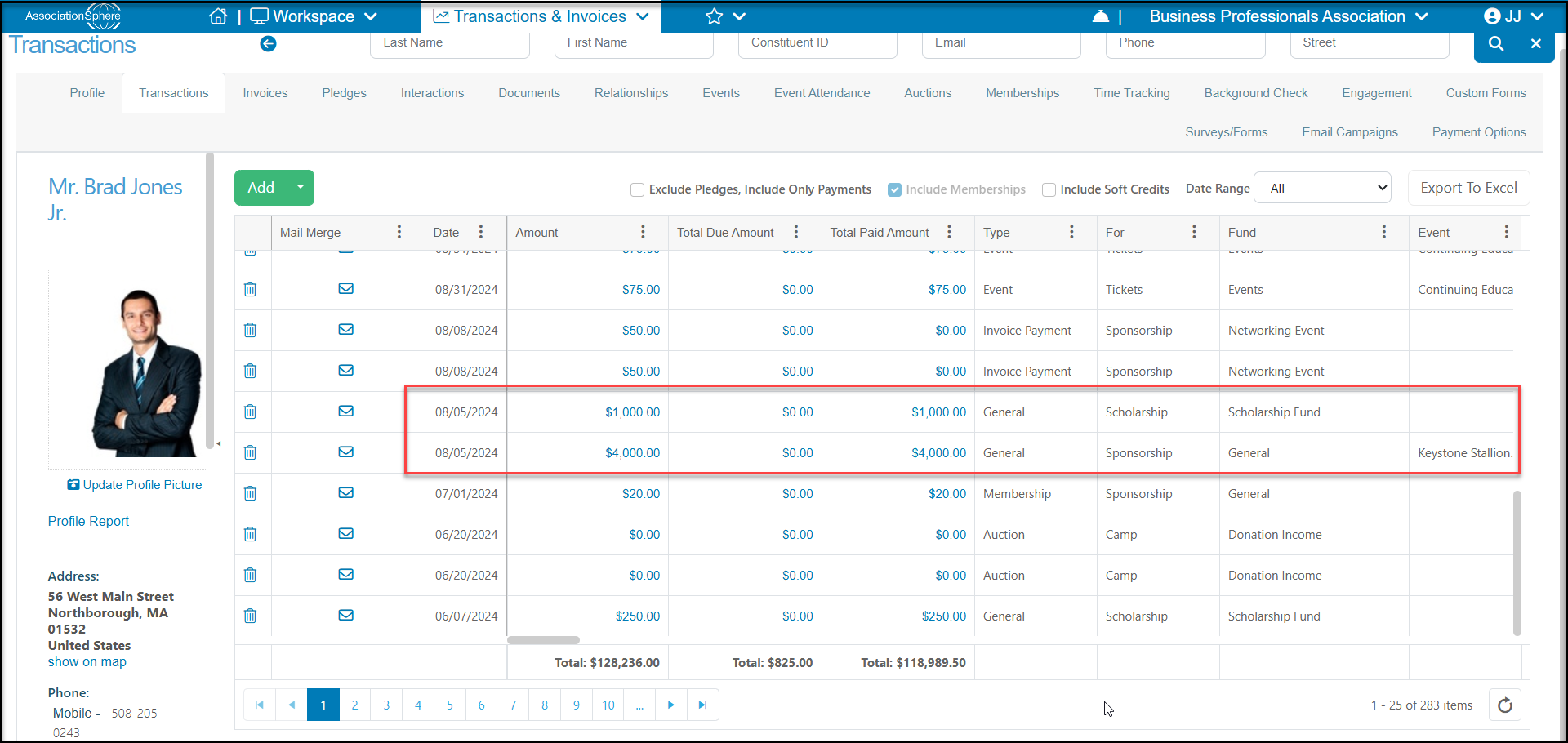
There will be a row on the Transaction grid and the constituent's Transactions tab for every row that appears on the split transaction. This allows you to see the most detailed view of the transaction. For example, if you split a $5,000 transaction into 80%/20%, you will see two rows on the Transaction Grid. One will be for $4,000 and the other for $1,000.
Clicking on either amount will open the original split transaction.
Was this article helpful?