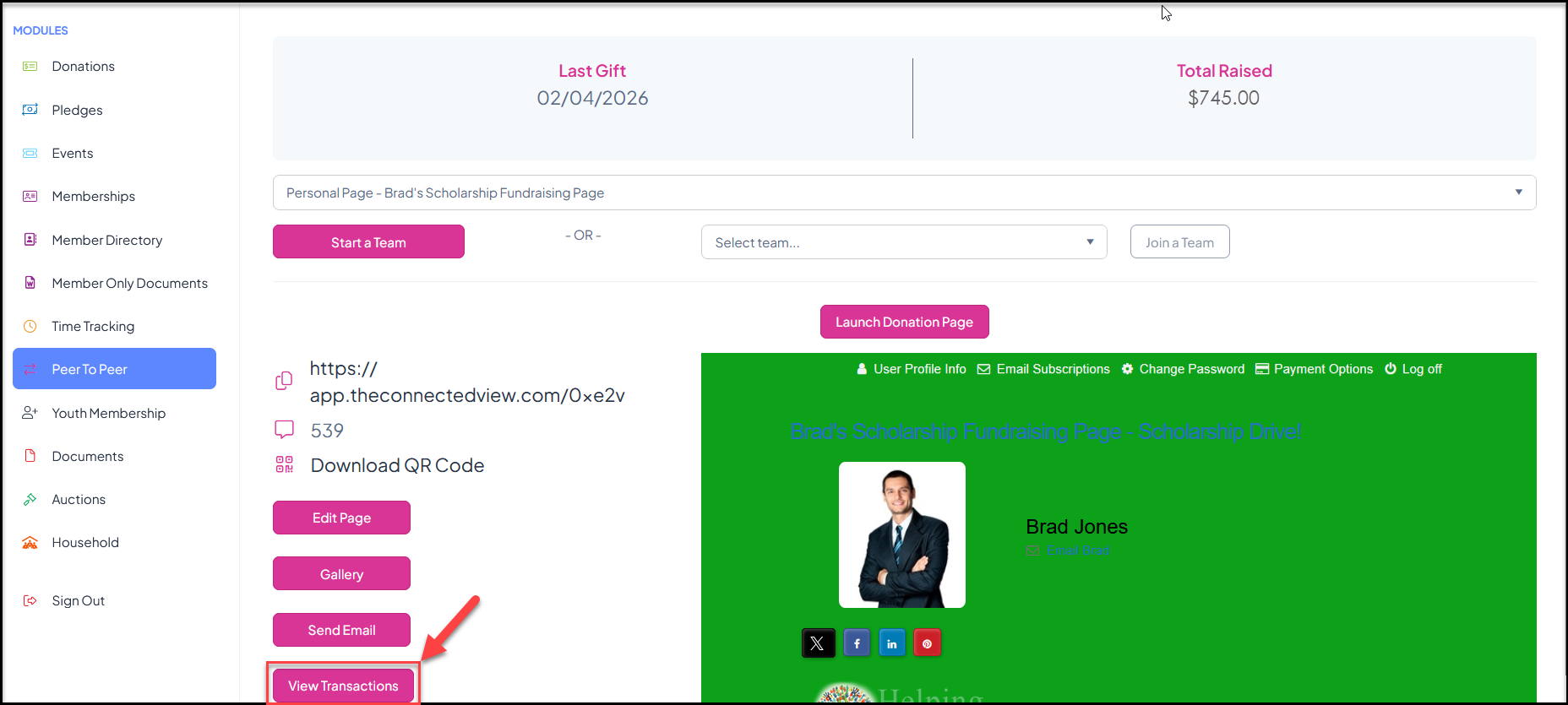
If you have allowed your fundraisers to see this information on your P2P Campaign Page Settings tab, from the participant's portal account, they can go to the P2P module and select their fundraising page to view this information. Clicking on View Transactions will open the list of all donations that have been received.
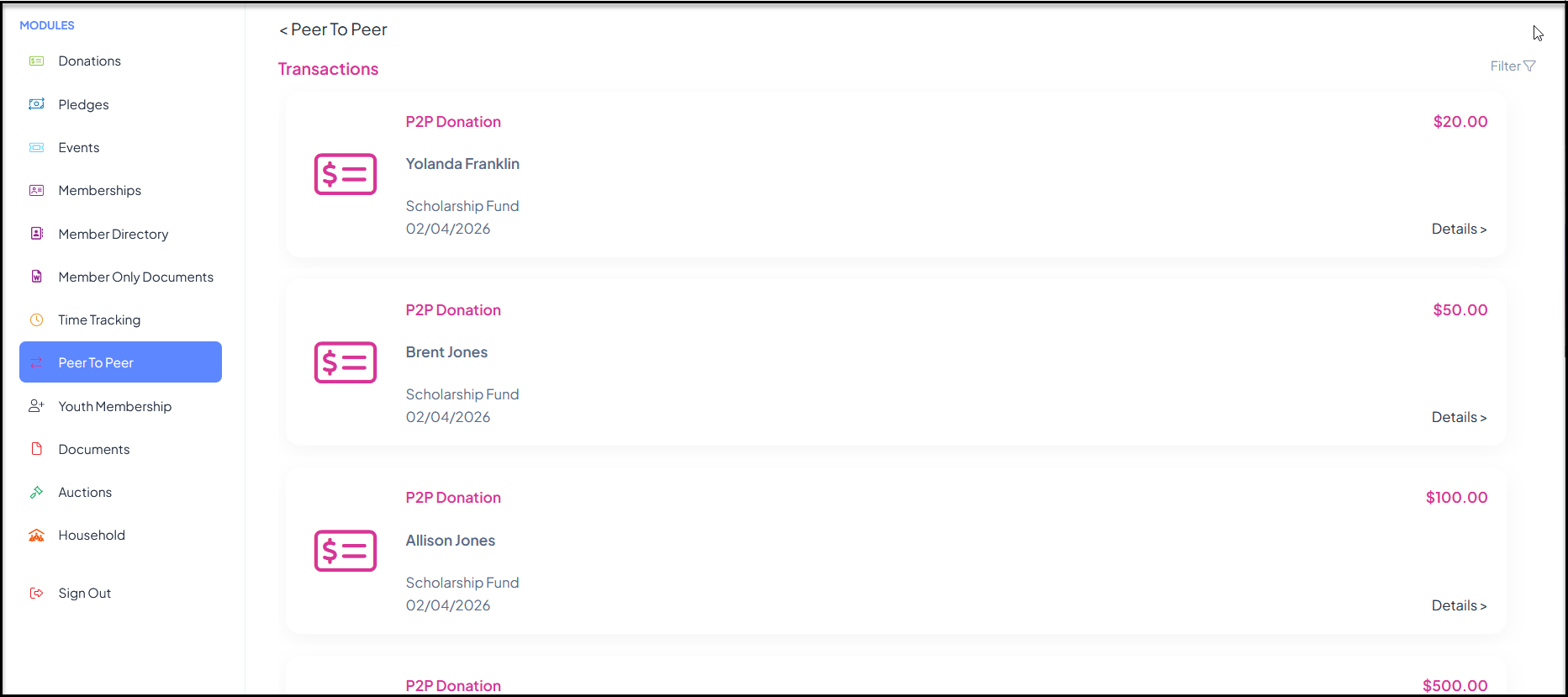
Fundraisers can see the name, amount and date of the contributions. Clicking on Details will open a pop up window with additional information.
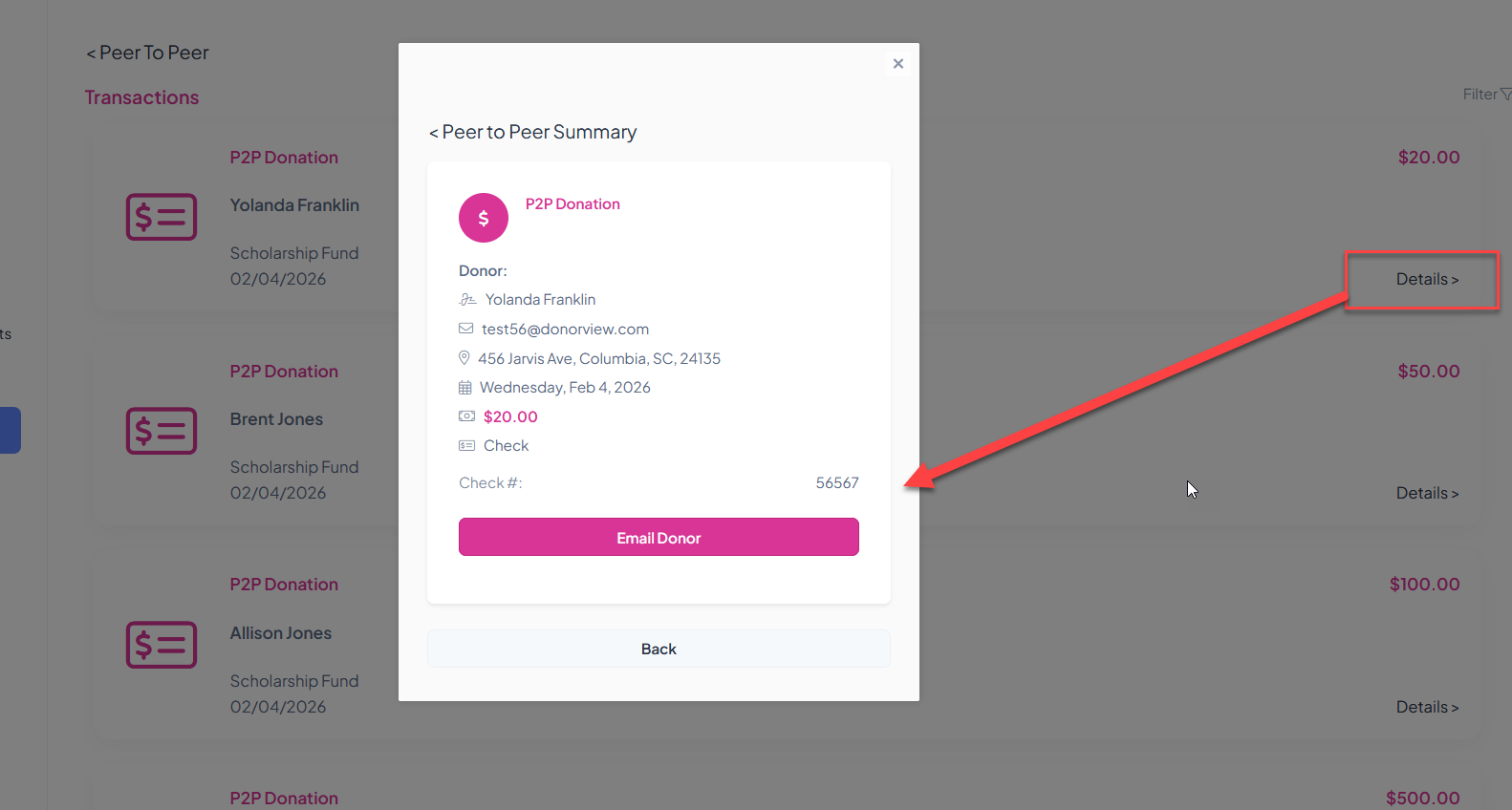
If the donor provided an email address, the fundraiser can send a personal message to the donor by clicking the Email Donor link.
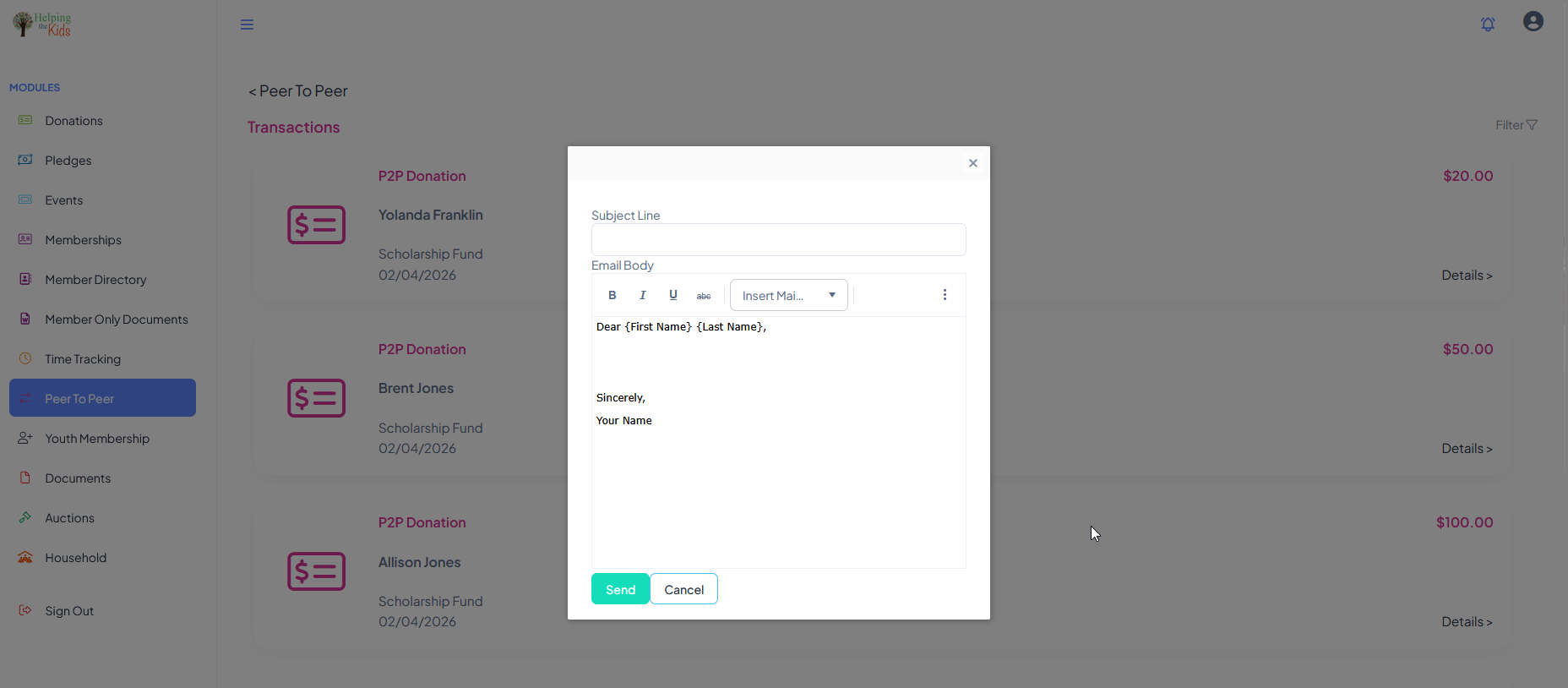
The message can be personalized with mail merge fields using the Insert Mail Merge Fields drop down to insert the person's First Name and/or Last Name into the message. Click Send to send the message from the portal. It will be shown as from the fundraiser's personal email address and name.