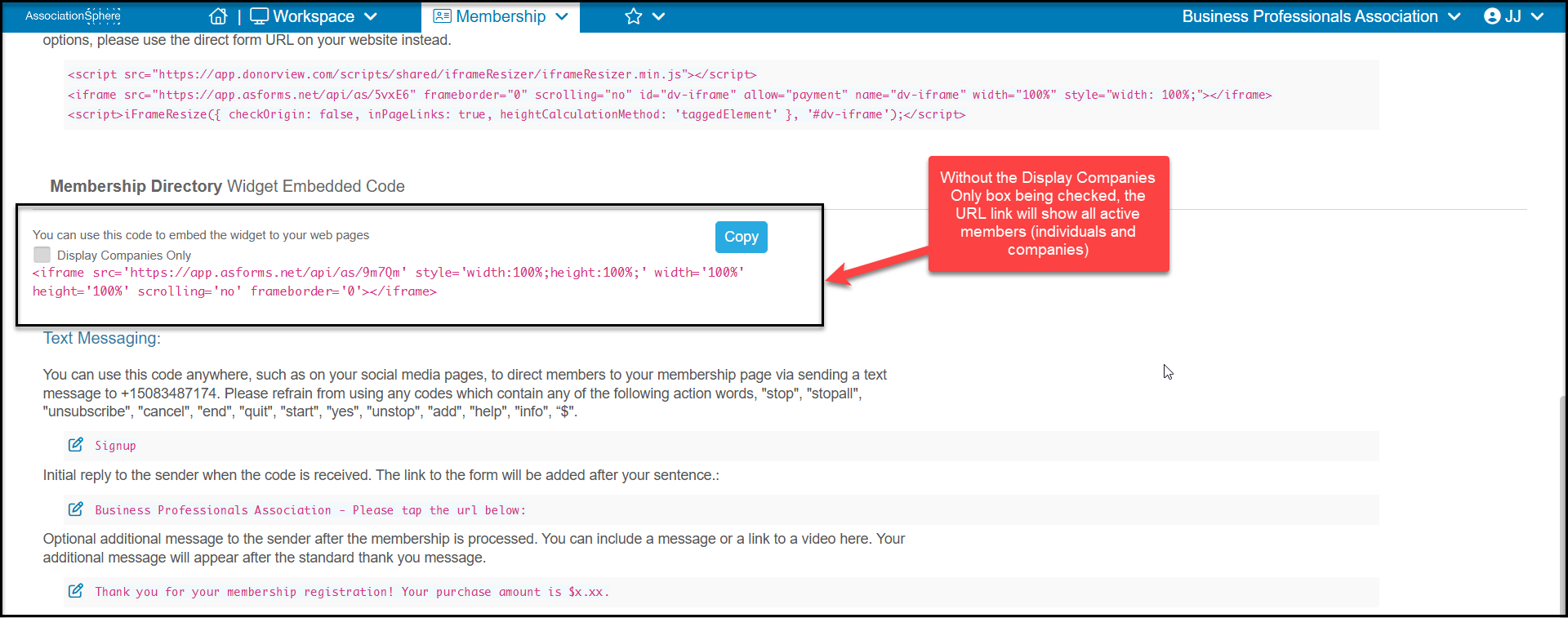
To show only companies on your membership directory, you can find a special URL on the Preview & Publish tab of either the membership page or global directory page.
Under the Membership Director Widget Embedded Code, you will find the link to your directory. With the Display Companies Only box unchecked, the directory will display all active members, both company and individual constituents that are active members.
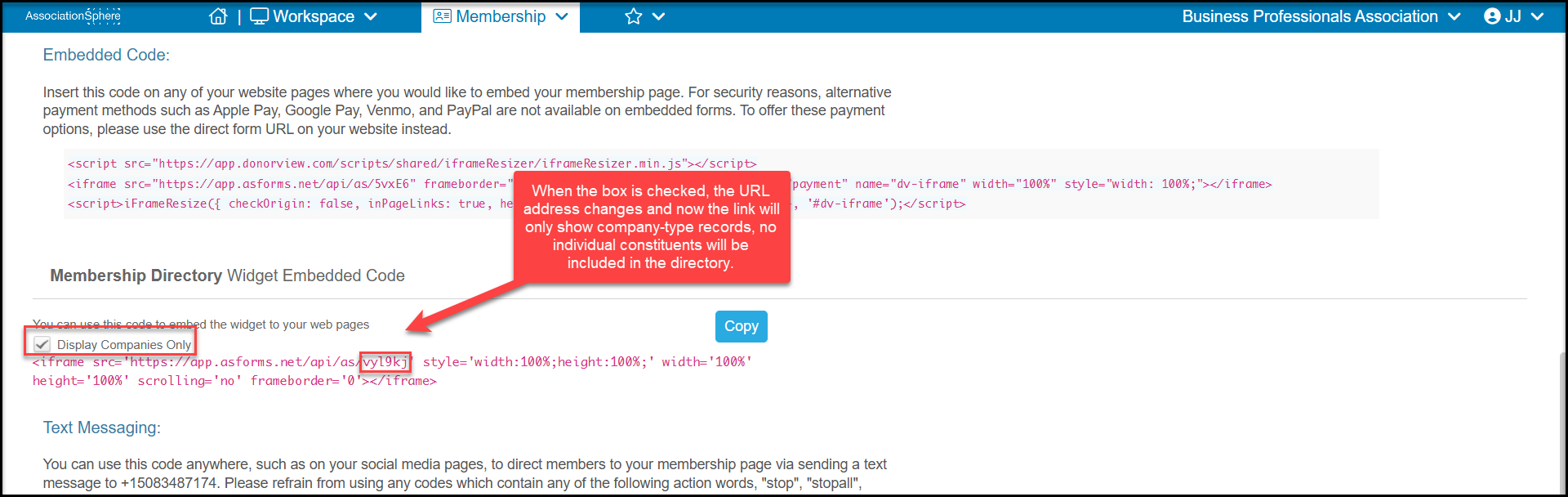
When the box Display Companies Only is checked, it will only display members who are company-type constituents. The URL changes when the box is checked.
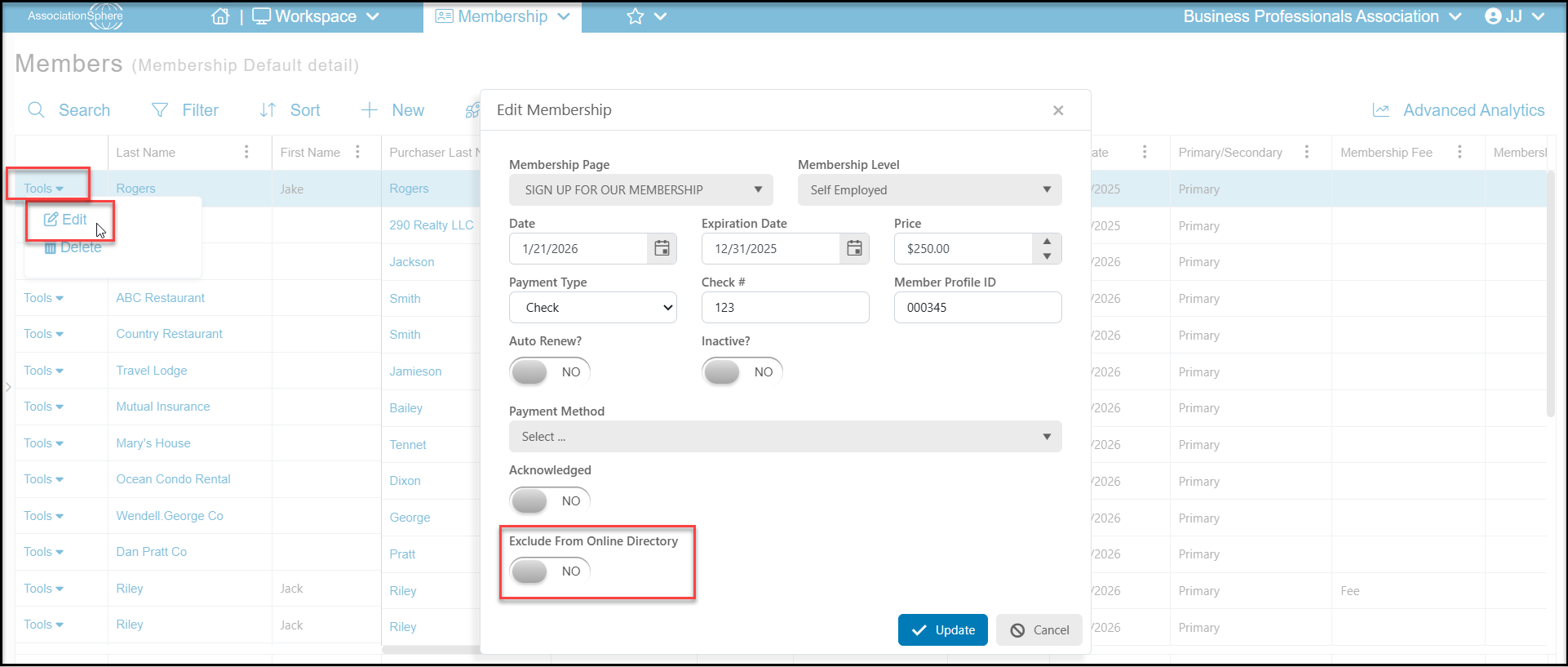
Individuals can also be excluded on a case-by-case basis by using the Tools menu from the Details View. Find the member, click on Tools, then Edit. In the new window toggle Exclude From Only Directory to YES and click Update to save the changes.