
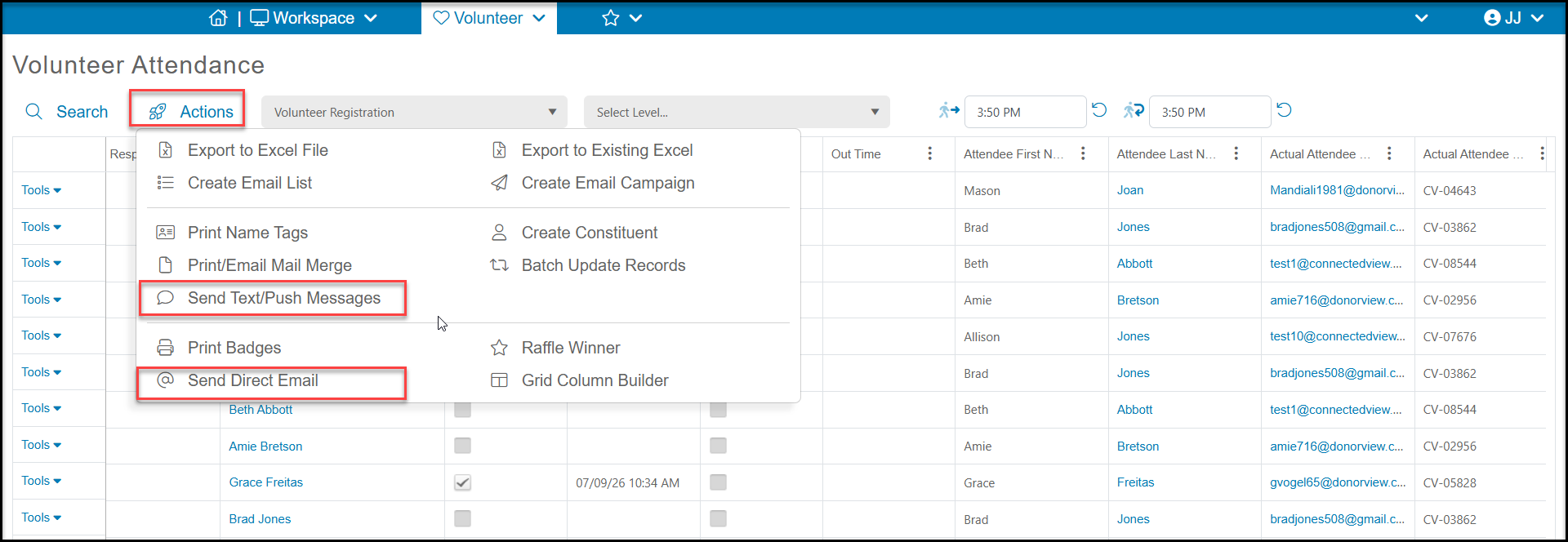
You can manually send reminders using the Actions menu on the Attendance grid with the Send Text/Push Messages or Send Direct Email options. Be sure that you filter the grid first to communicate with the correct constituents, for example filtering by Event Start Date to only send messages for upcoming dates.
You can also set up automated reminders using the Events Module's Auto Reminders feature. You can learn more about setting these up in this article "Event Auto Reminders."