
Questions
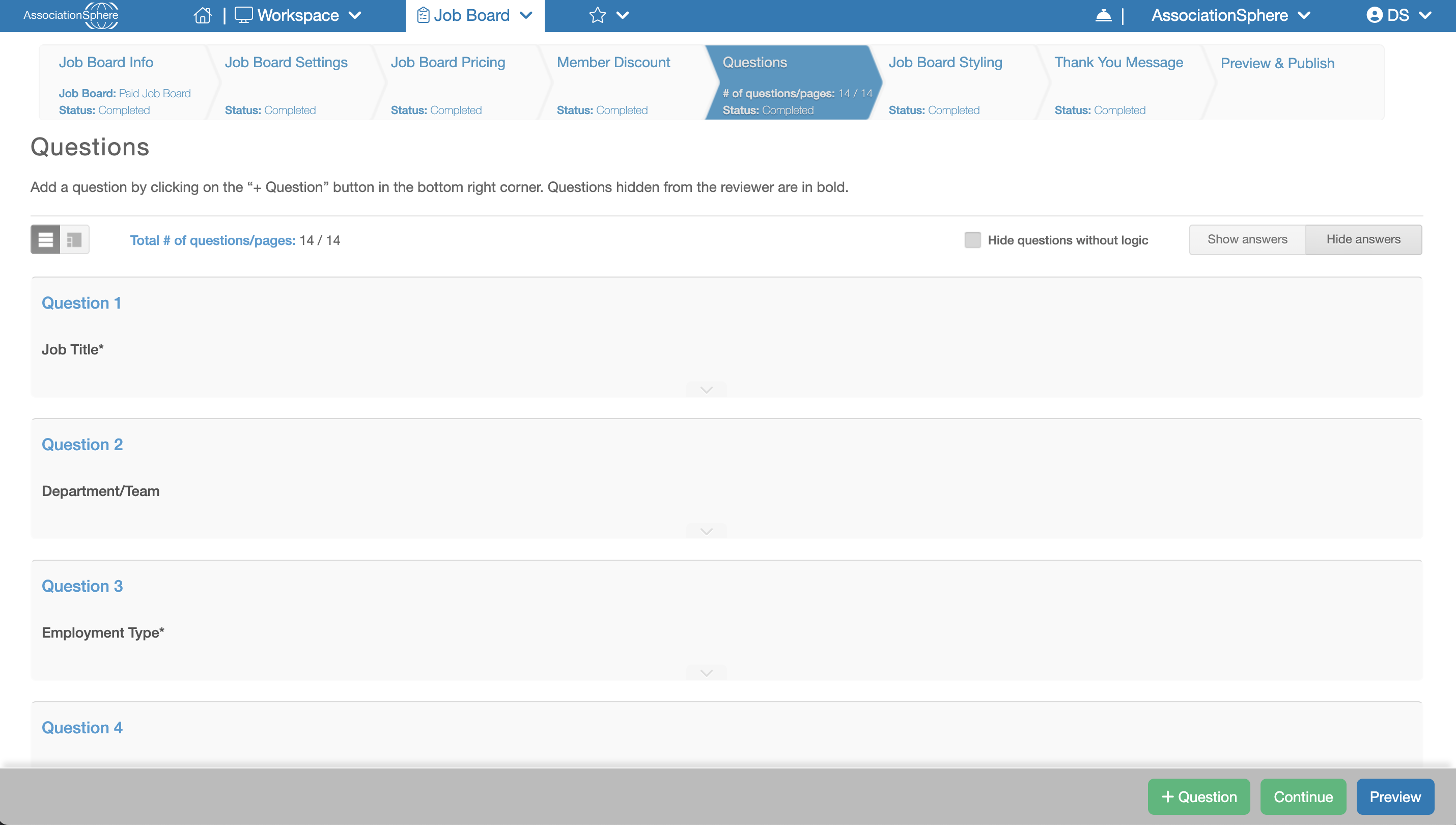
The next step in the setup of a Job Board after is Questions. Depending on the setup of your Job Board this step could come after Job Board Settings, Job Board Pricing or Member Discount.
Before a Job Posting can be submitted, the employer must complete the Job Posting Application. The Questions tab allows you to configure the questions that will appear on this application.
By default, the software includes 14 standard questions designed to collect the information typically required for a Job Posting. These default questions cannot be edited or removed.
In addition to the default questions, you can create your own custom questions to collect any additional information your organization requires. To add a new question, click the + Question button.
After you have finished creating any additional questions, or if you do not need to add any custom questions, click Save & Next to save your changes and continue to the next step of the setup process.