
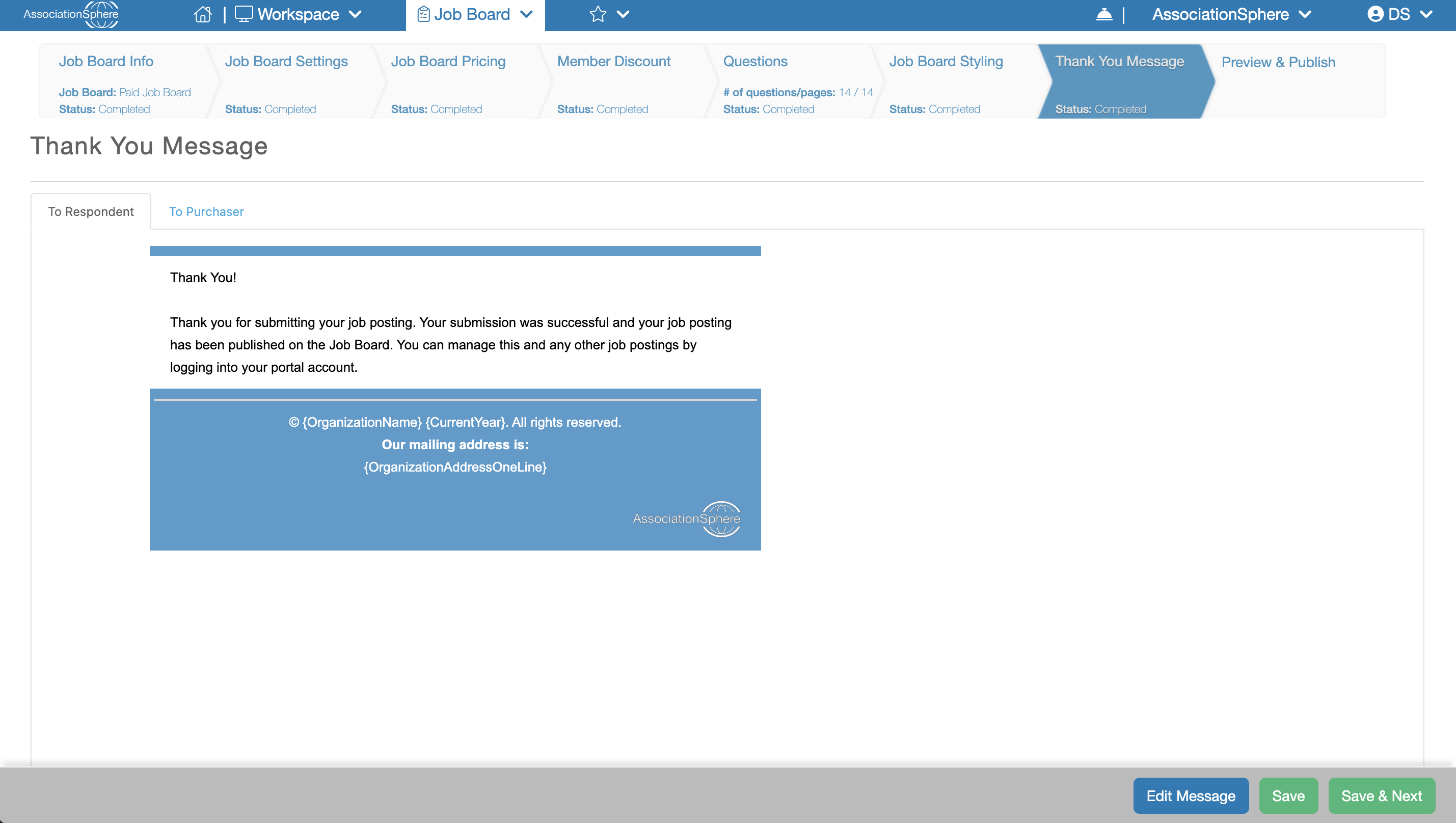
The next step in the setup of a Job Board after Job Board Styling is Thank You Message.
The Thank You Message tab allows you to customize the confirmation messages displayed after a Job Posting is submitted. A copy of the message is also emailed to the recipient.
If your Job Board includes paid postings, you can configure two separate confirmation messages:
- To Respondent – This message is displayed to the employer after they submit a Job Posting through the application. A copy of this message is also emailed to the Job Poster.
- To Purchaser – This message is displayed after a purchase is completed. A copy of this message is also emailed to the purchaser.
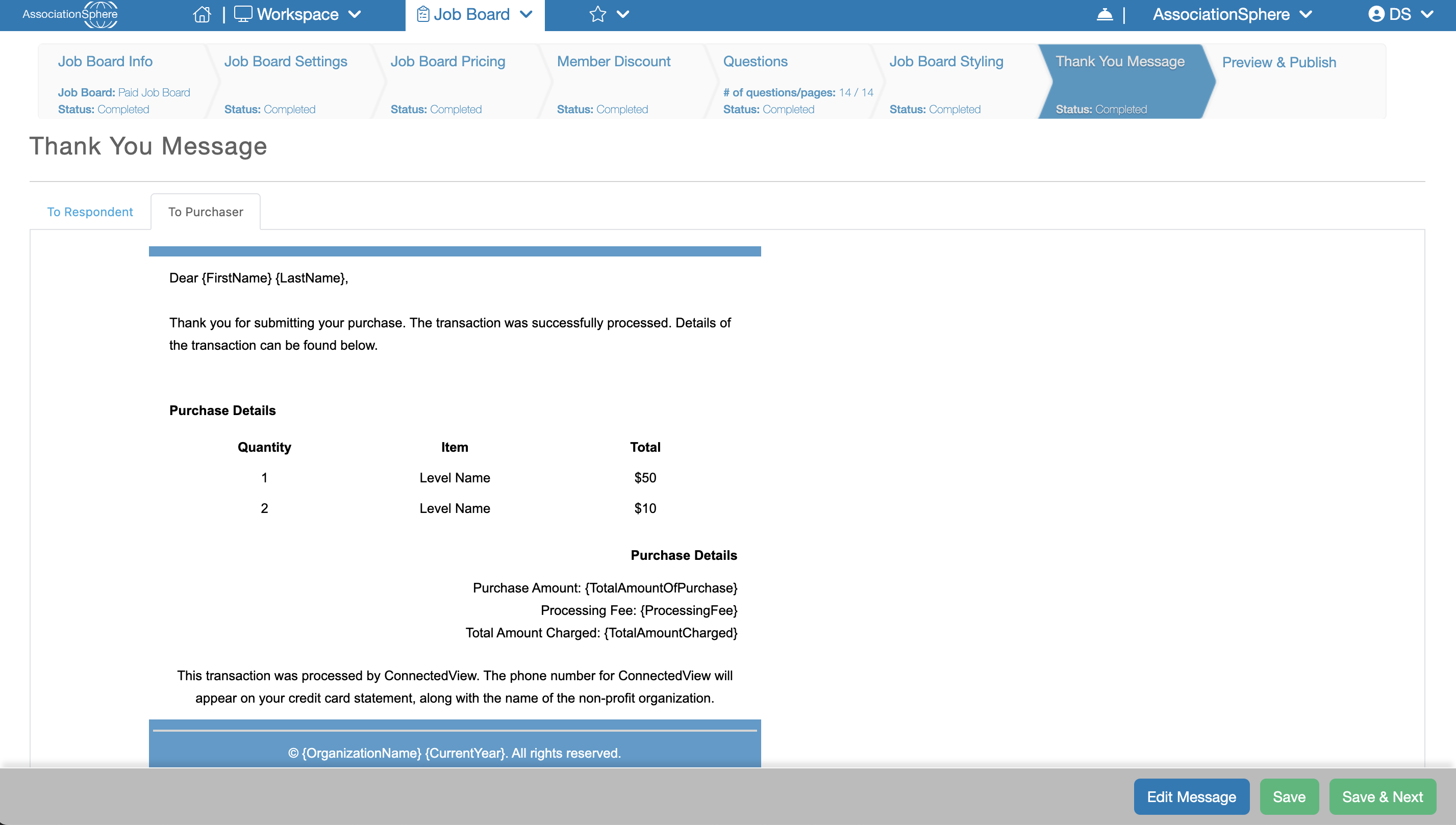
Both messages include default text, formatting, and purchase details that you can customize. To edit a message, select the appropriate tab (To Respondent or To Purchaser) and click the Edit Message button in the lower-right corner. The message will open in the Email Template Editor, where you can modify the content, formatting, and styling.
When you have finished making your changes, click Save to save your work and remain on the current tab, or click Save & Next to save your changes and continue to the final step of the setup process.