What is a Follow Up?
Information on the Follow Up feature available with interactions, sponsorship tasks, and automated actions.
A follow up is a task or activity for a specific constituent. It can be linked to an interaction, sponsorship task, or generated by an automated action.
Follow ups linked to Interactions
When you record or edit an interaction for a constituent, you have the option of creating a follow up associated with that interaction.
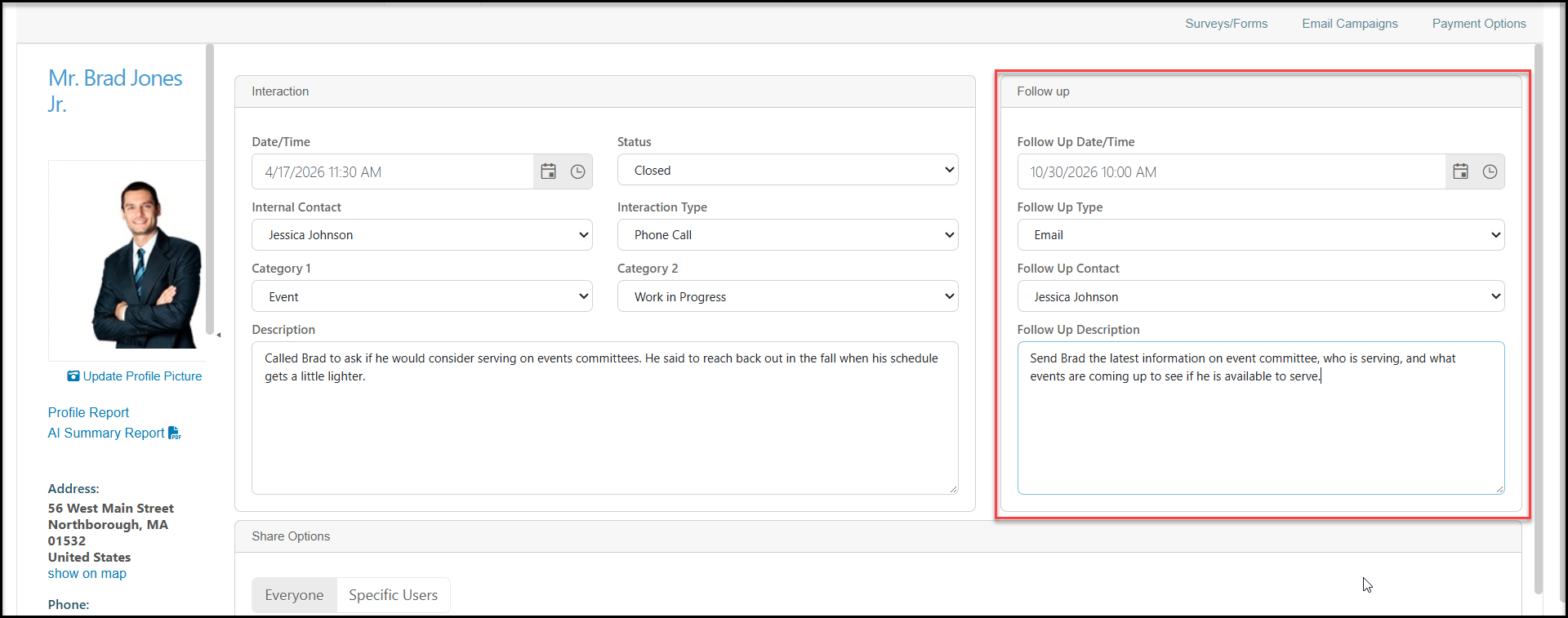
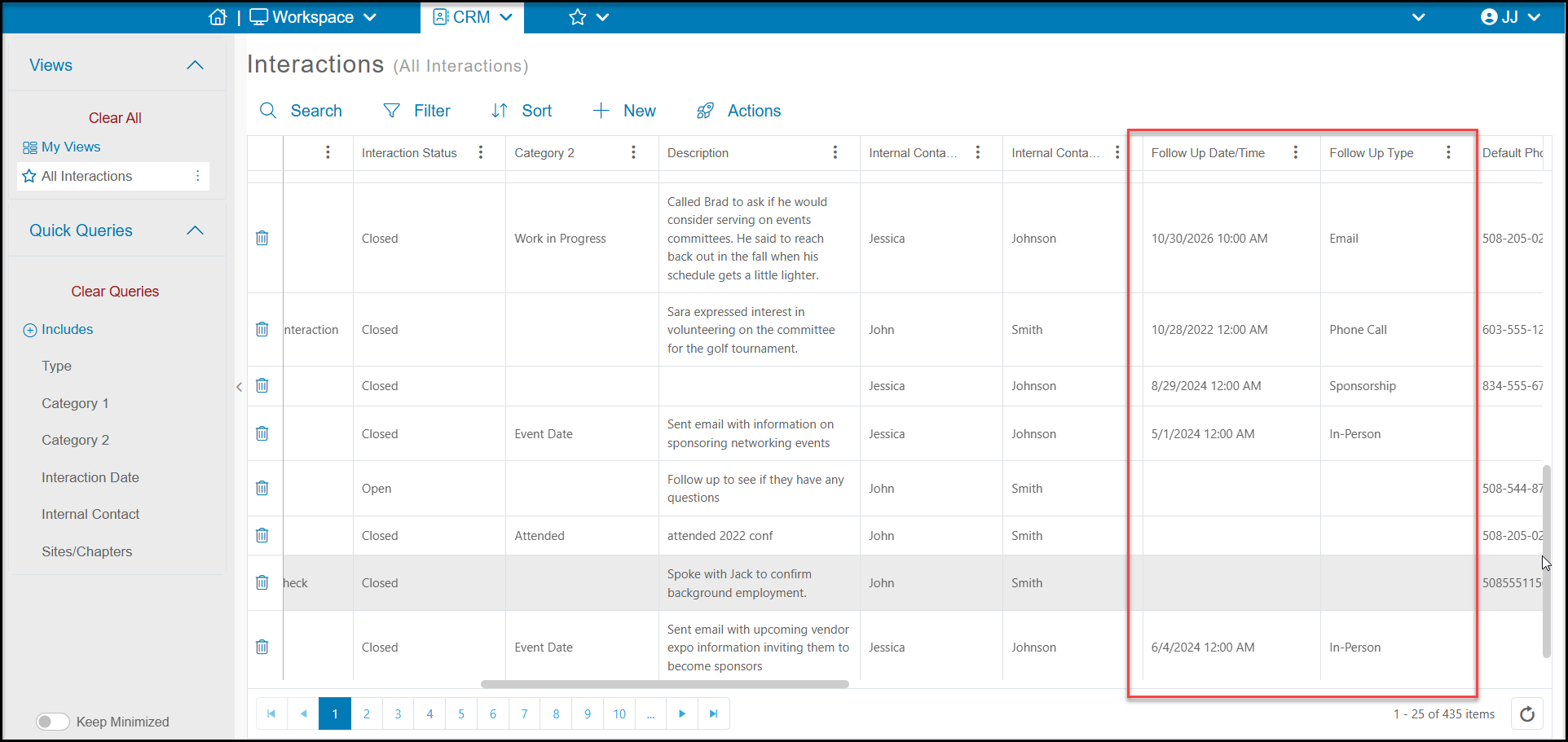
If there is a follow up associated with an interaction, you can see the Follow Up Date/Time and Follow Up Type on the Interactions grid. The follow up will also have its own row on the Interactions grid as well as a row on the user's My Follow Ups grid.
Follow Ups Linked to Sponsorships
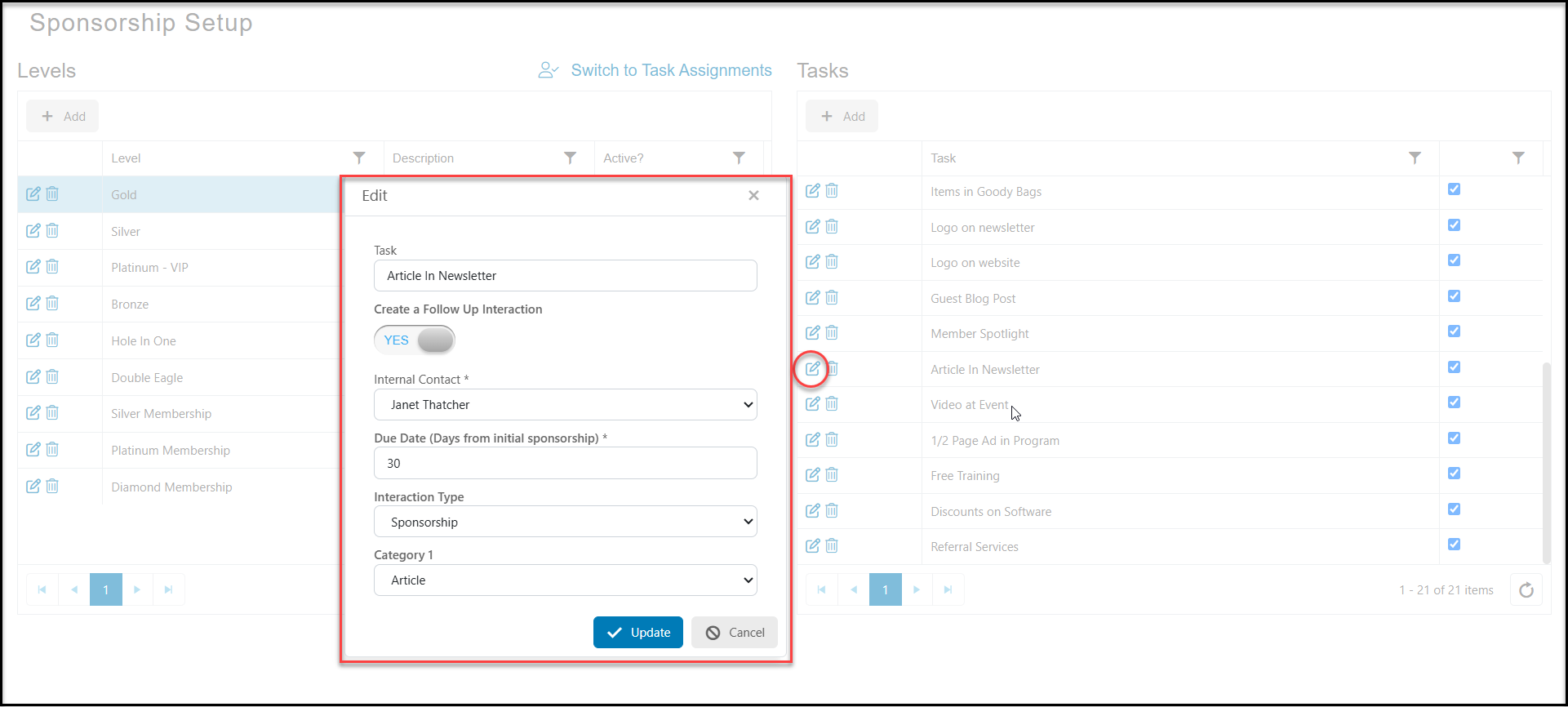
Follow ups can also be created when a sponsorship task is created using the Sponsorship Task Setup feature in the Transactions & Invoicing module. The follow up will be shown as its own row on the Interactions grid as well as a row on the user's My Follow Ups grid. You can learn more about follow ups associated with sponsorship tasks in this article: How do I assign a task for a Sponsorship Follow Up?
Follow Ups from Automated Actions
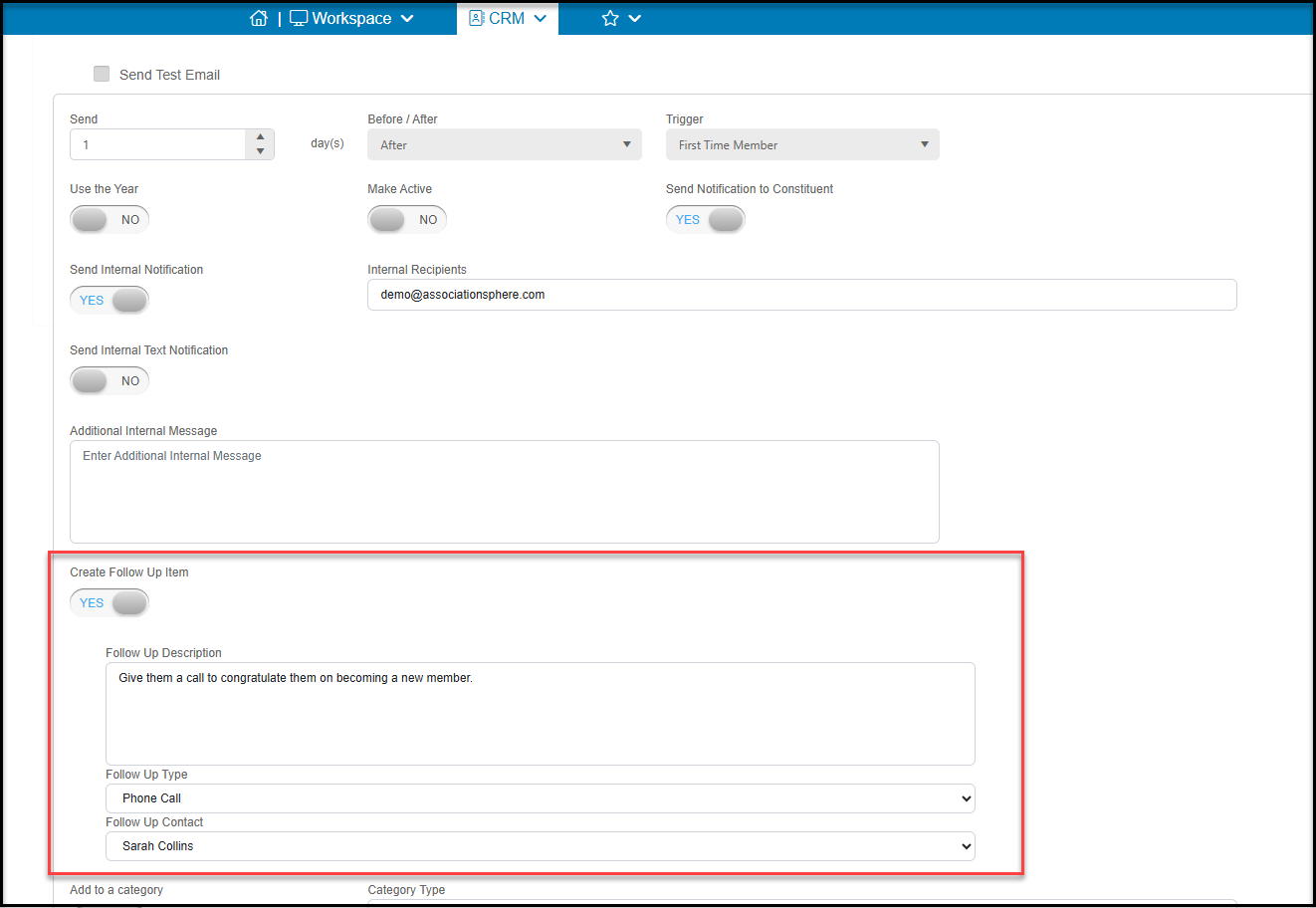
You can also generate a follow up using Automated Actions. Once you have set up your automated action, you can create an follow up anytime that trigger is activated. The follow up will be shown as its own row on the Interactions grid as well as a row on the user's My Follow Ups grid. You can learn more about setting up your follow ups with automated actions in these articles: How is a CRM Automated Action Set Up? and Automated Action Triggers