
Can I reset a Portal Users password?
Updated Oct 7, 2026·1 min read
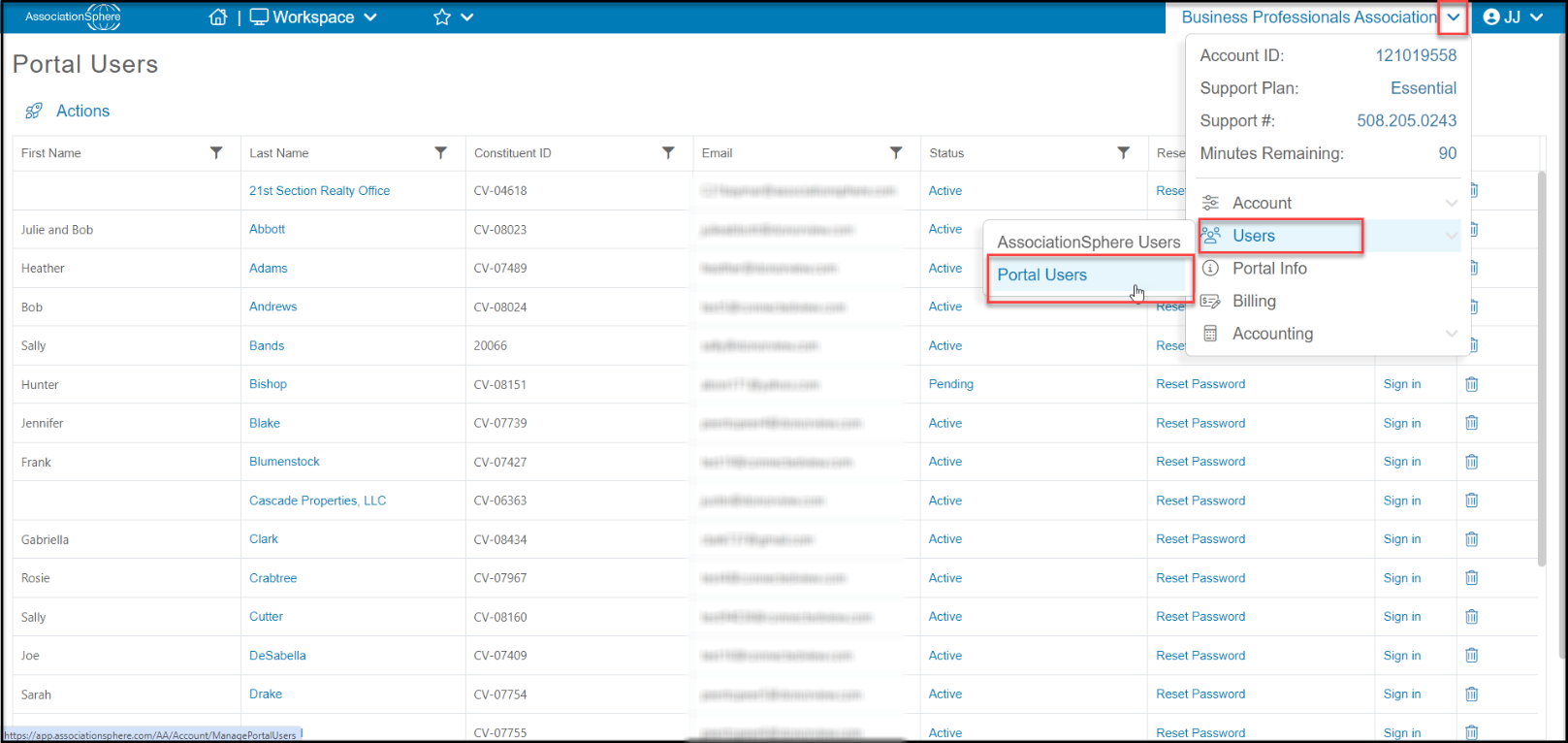
Yes, on the Portal Users page you will find a grid of all your current portal users.
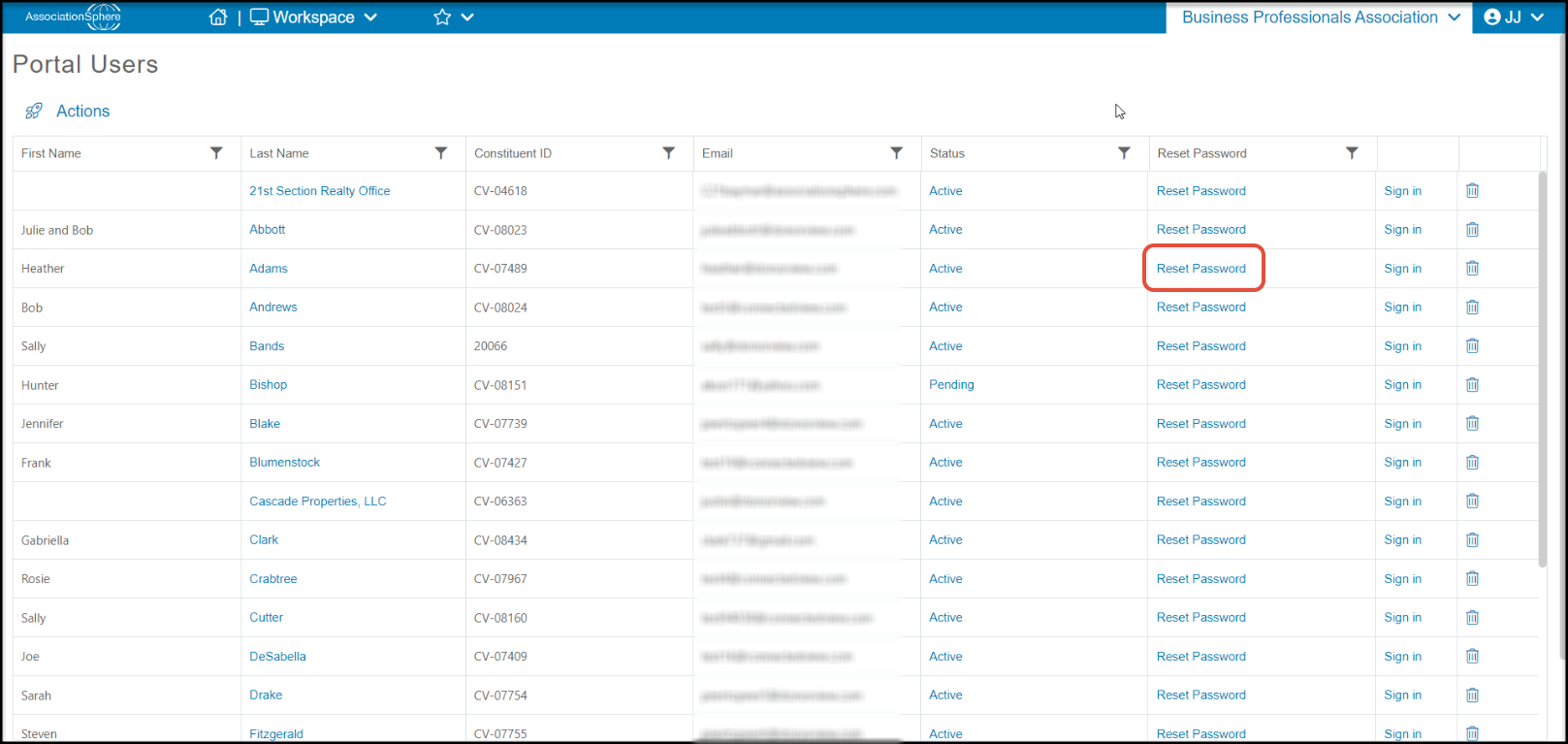
Find the row with the constituent and click on Reset Password.
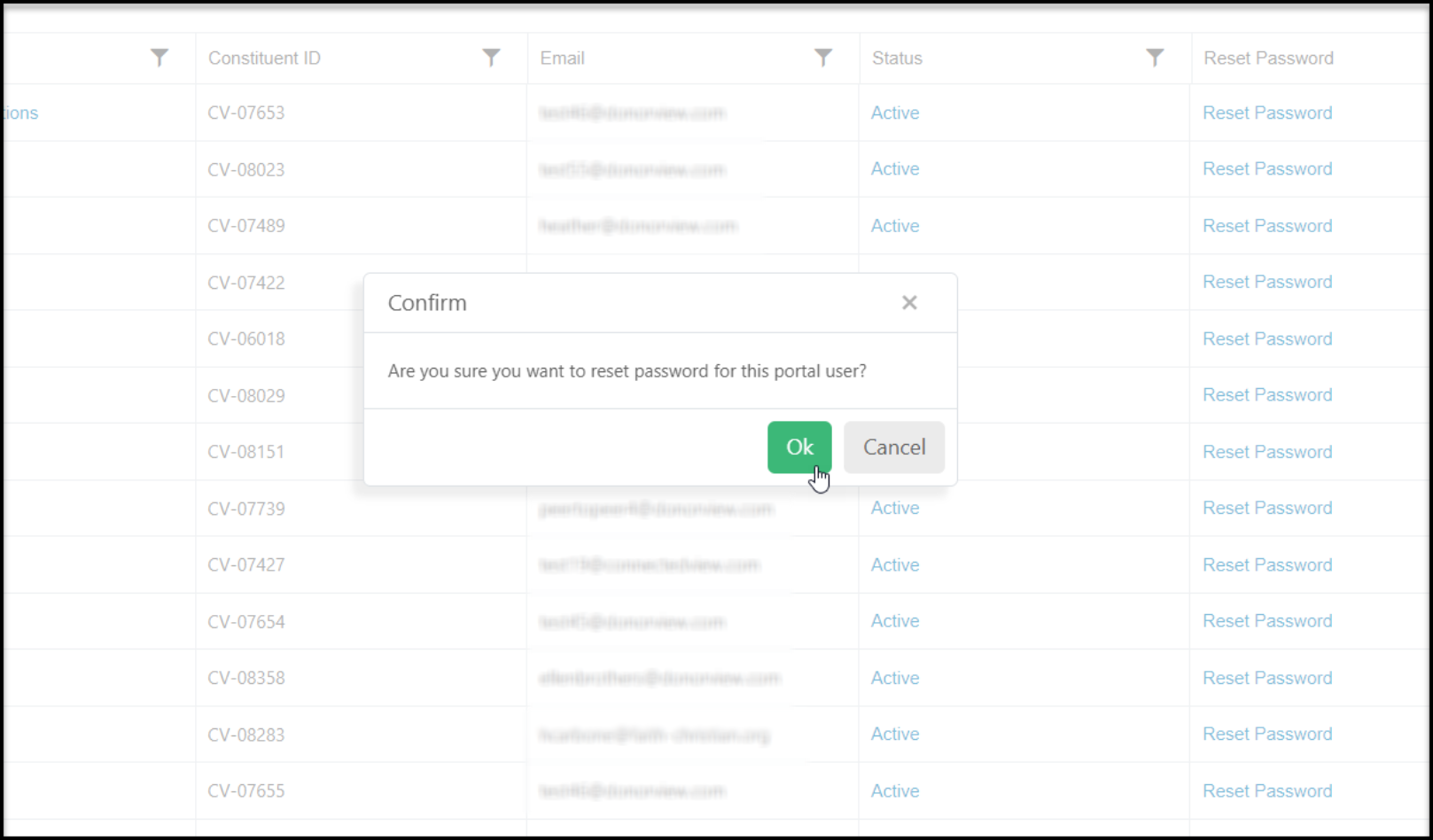
A new window will open to confirm that you want to rest the password. Click OK to continue or Cancel to return to the grid without changing the password.
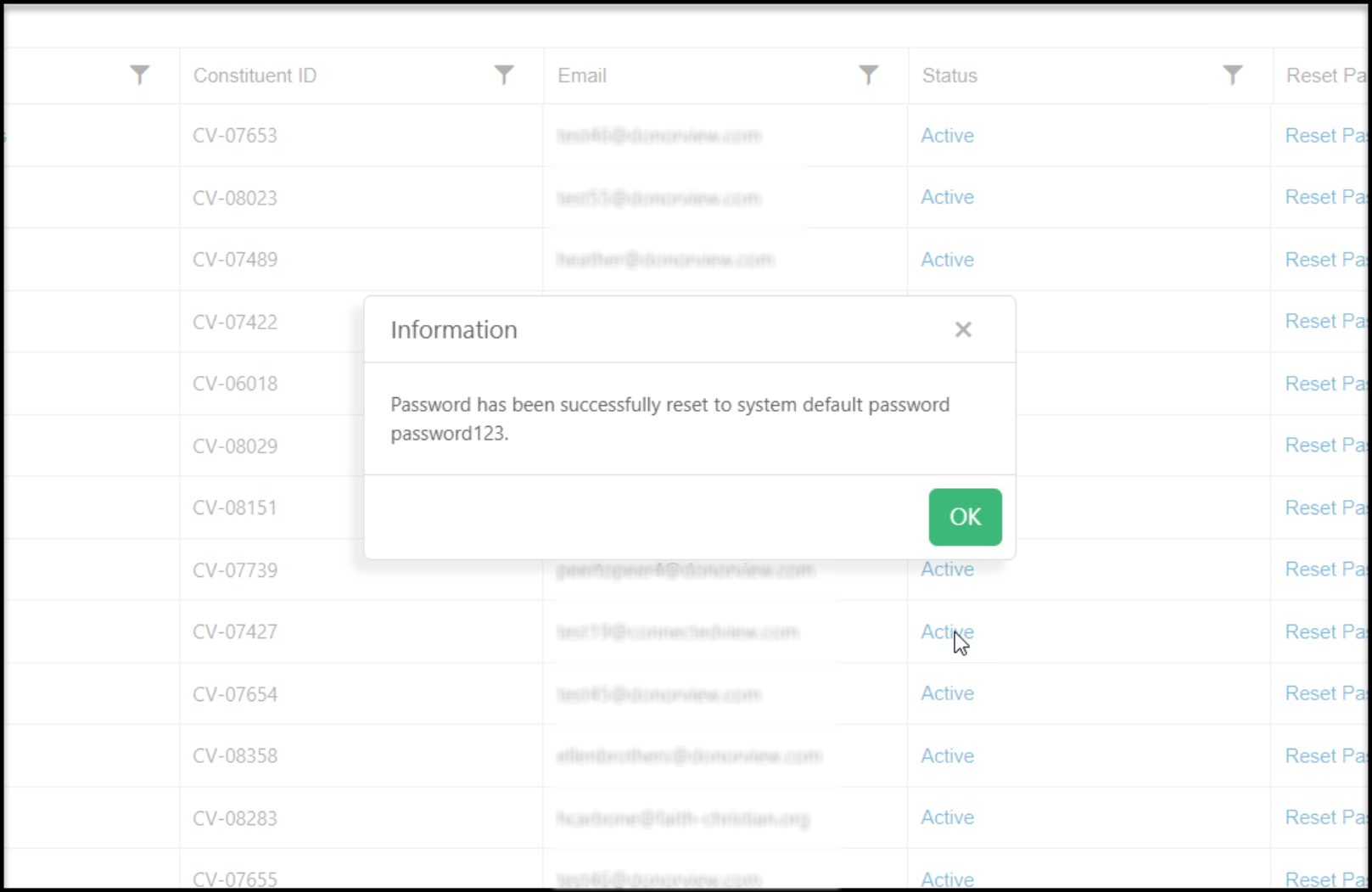
The password will be changed to "password123" which you can share with the constituent. Click OK to return to the grid.
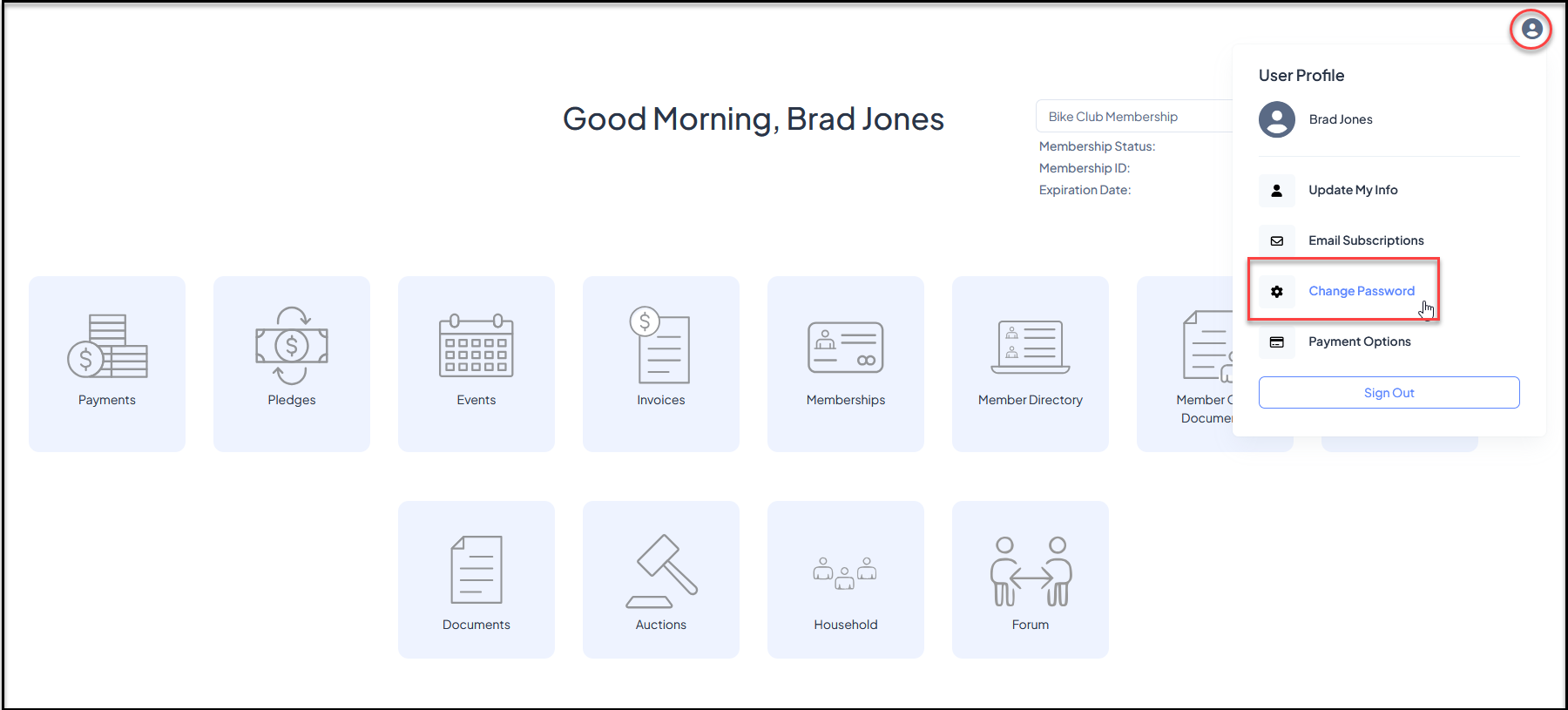
After reset, the constituent should update their password after they log in to the portal by clicking on Change Password under their name in the top right corner of the portal.
Was this article helpful?