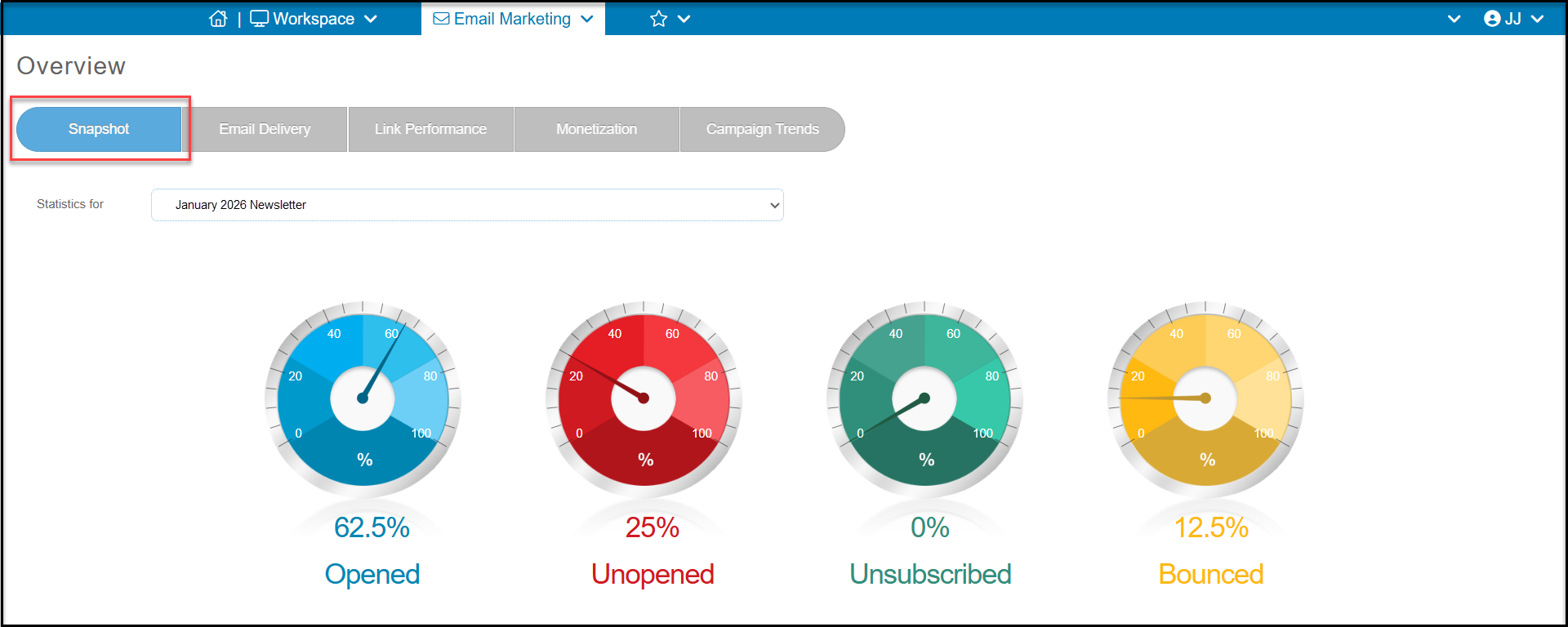
The Snapshot tab shows your campaign results at a quick glance for all campaigns. Using the dropdown list next to "Statistics for" to select the campaign sent, you can view the percentage opened, unopened, unsubscribed, and bounced.
- Opened - the recipient opened the email
- Unopened - the email address was good and the message was delivered, however the recipient did not open the email. The email could have been delivered to a spam or junk folder.
- Unsubscribed - the recipient clicked the link to “unsubscribe” from your email marketing. They will not receive any email marketing messages, including auto reminders for events or membership renewals.
- Bounced - the email address was not deliverable. There are a variety of reasons an email will be shown as “bounced” and you can learn more in this article "Email Campaign Bounce Statuses."