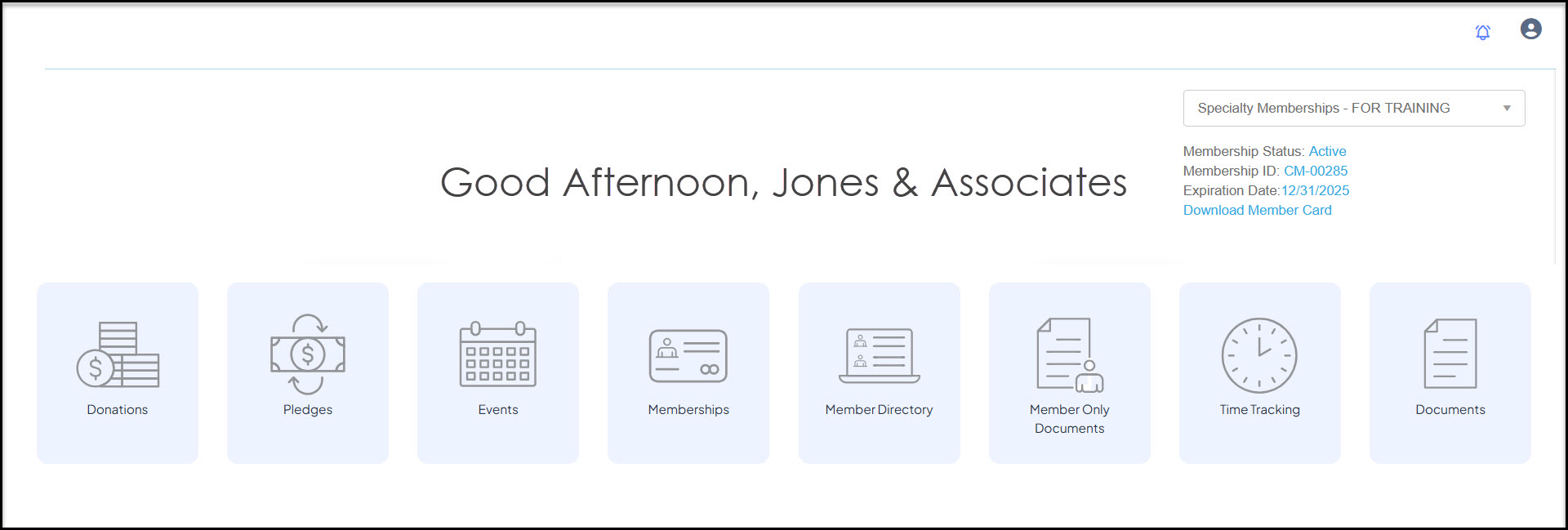
Company constituents can have a portal account created to manage the company account including memberships, invoices, event purchases and all of the other features you have made available on the portal. Individual constituents who are listed as the Primary 1 or Primary 2 company contact for a company will be able to access the company account.
Each portal user must have a unique email address, multiple portal users cannot be created with the same email address. If you wish there to be two portal accounts, one for the company and one for the individual constituent, each must have a unique email address. In the example below, Jones & Associates has a company login for the portal with a main company email and Brad Jones, the Primary 1 company contact for Jones & Associates, also has a login to the portal.
If the company and individual share the same email address, it is recommended that the individual create an individual portal account using the exact same name and primary email as is listed in their record. Ensure that individual is identified as the Primary 1 or Primary 2 contact for the company, and the individual will be able to manage their own account as well as the company account.
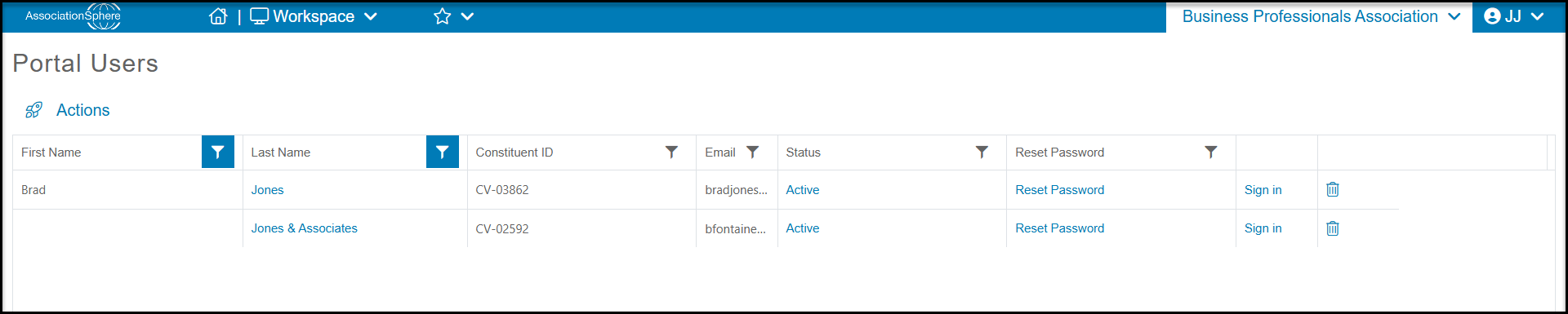
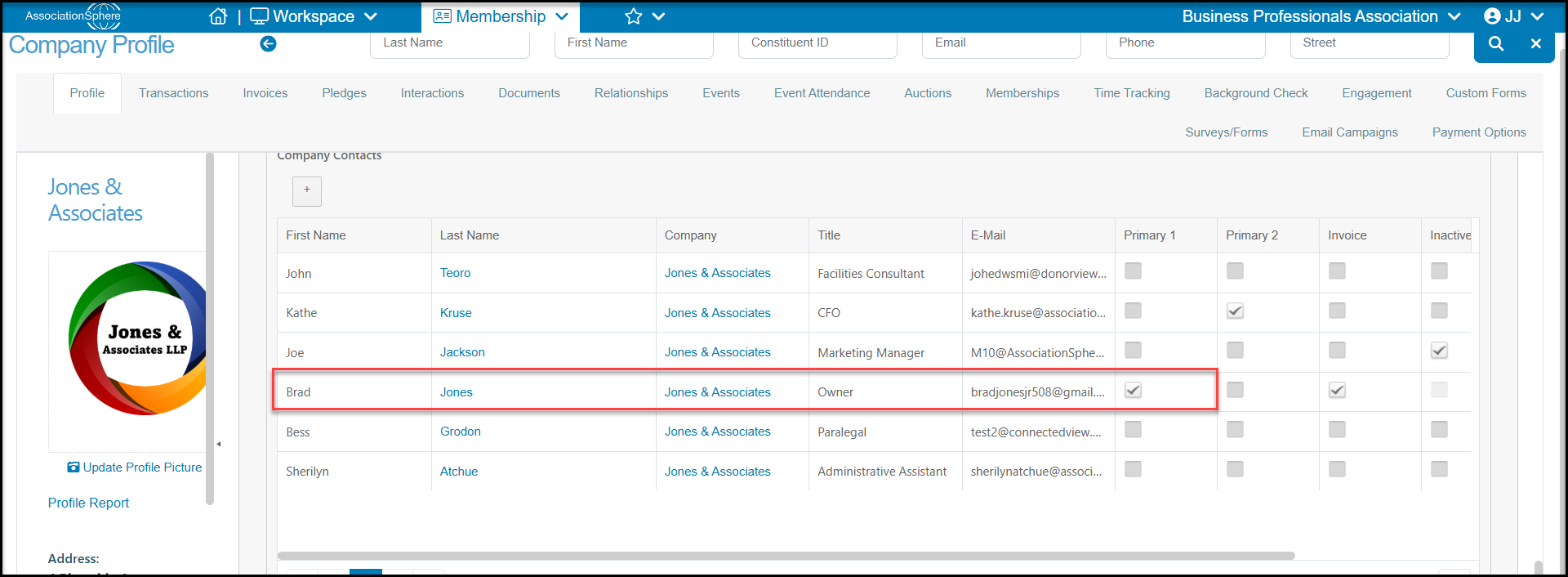
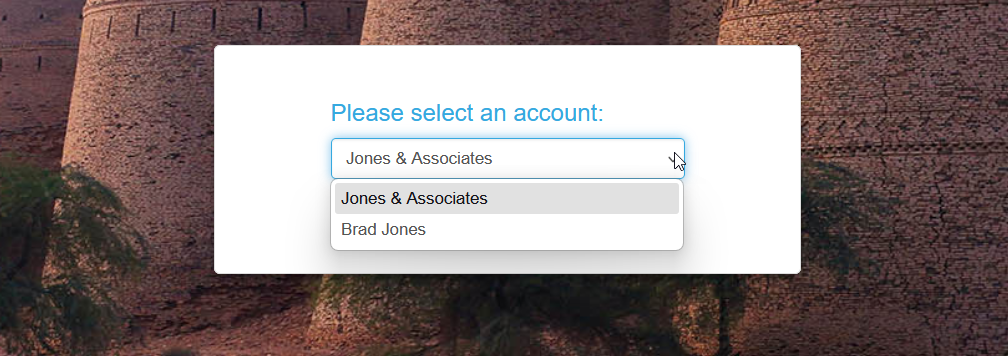
Because Brad Jones is the primary contact for his company, Jones & Associations, when Brad logs into the portal he will see an option to login to his personal account or login to manage the company account.
If a Company type portal account was created, and the email address associated with that company is used to login, they will proceed directly to the company information. This type of login is useful if individuals do not need to manage their personal accounts, for example registering for events, accessing personal documents, or logging their volunteer time. The company login can be shared with anyone within their company to manage the company account.
Creating a Company type portal account is usually only used when the company record has its own unique email address, like info@company.com, and this email address is not shared with any company contacts (employees) or other records in the software.