
How can I see what partial invoice payments have been made?
Updated Aug 21, 2026·1 min read
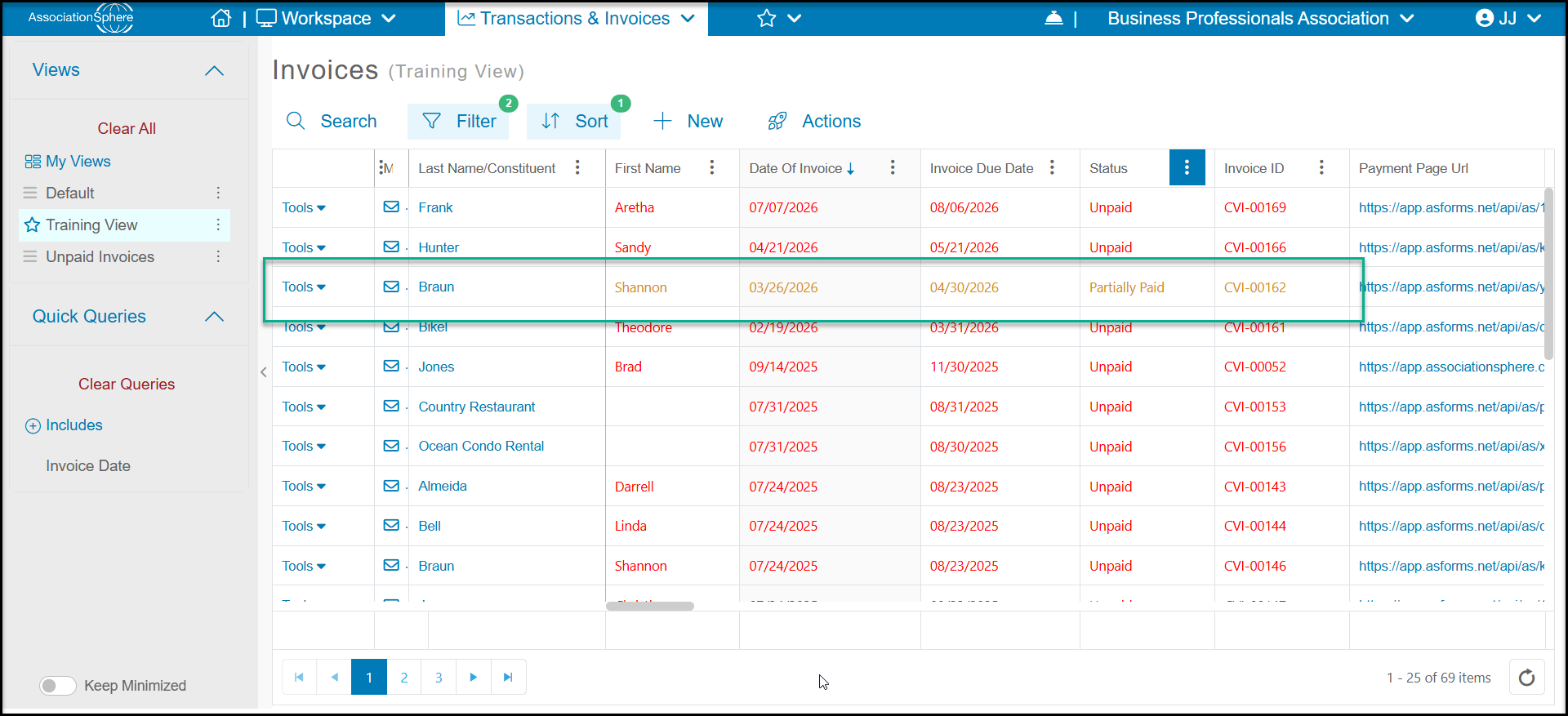
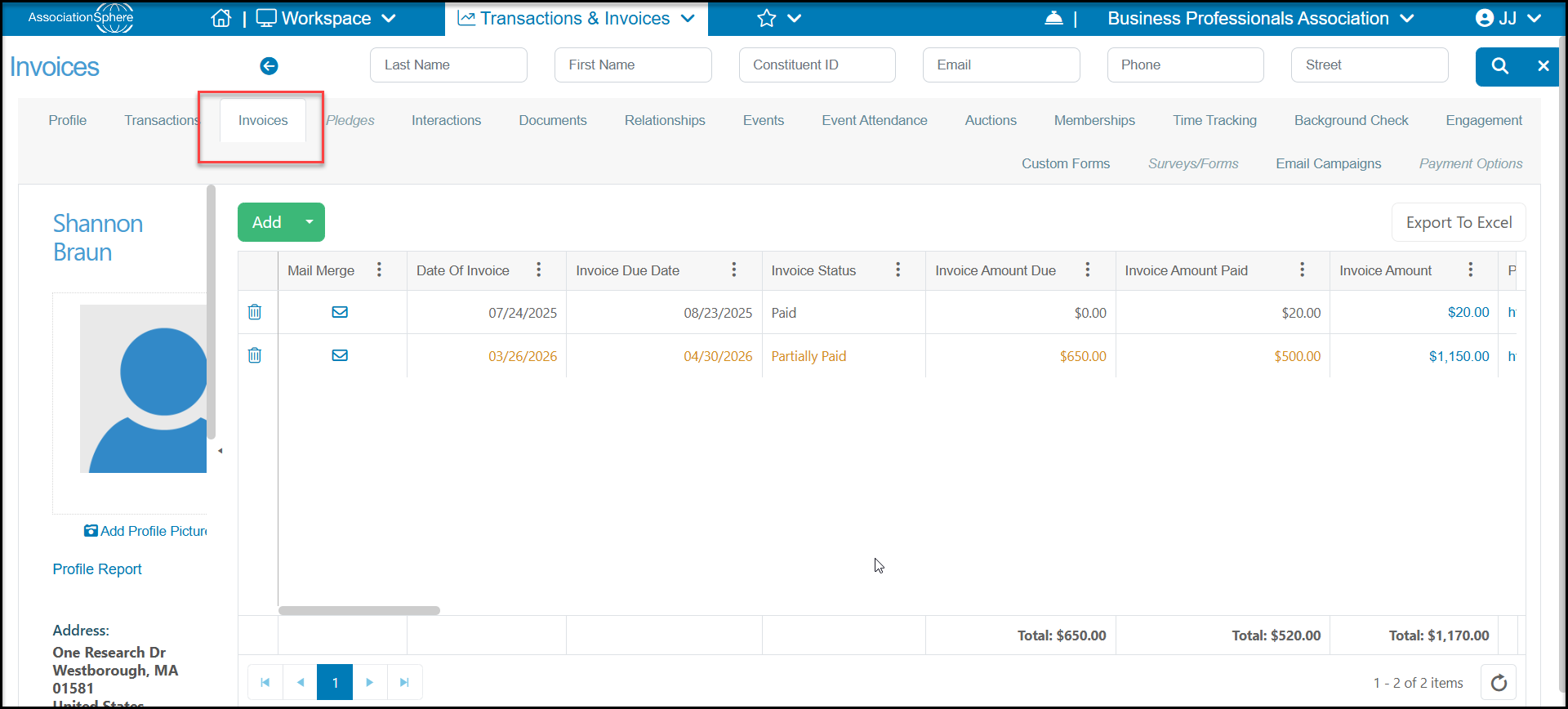
From the main Invoices Grid in the Transactions & Invoices Module or from the constituent's Invoices Tab, you will see invoices with partial payments with orange text and "Partially Paid" in the status column. You will also see columns for the Invoice Amount, Invoice Amount Due, and Invoice Amount Paid.
You can also see the information on a constituent's Invoices tab.
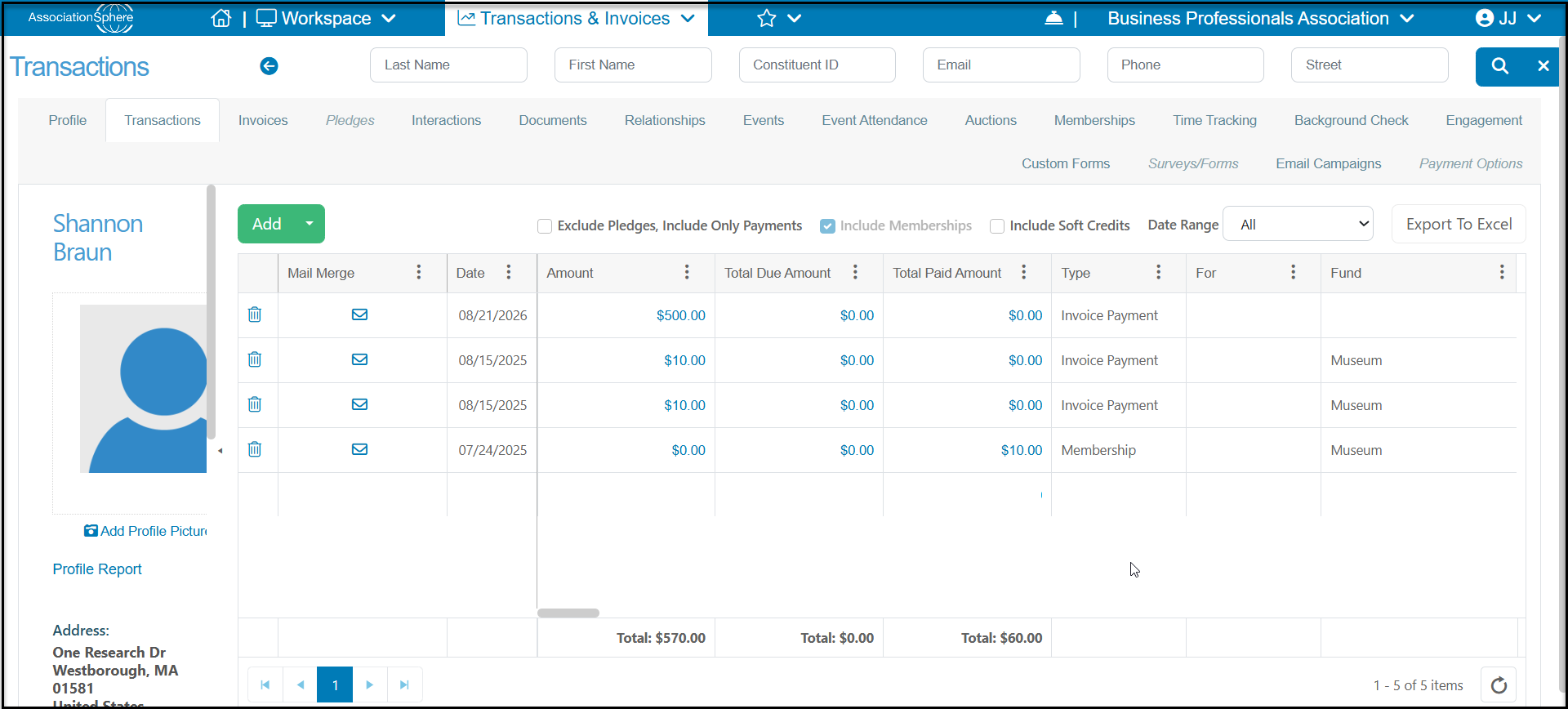
The Transactions grid and constituent's Transactions tab will show the details on invoice payments including the date and payment method.
Was this article helpful?