
How do I find which memberships are about to expire?
On every membership transaction, there is an Exp Date field that can be used to determine when that specific transaction will expire. You will also find a column on the Memberships grid called # of days until expiration. This column can be helpful if you don’t wish to filter by a specific date range but rather everyone who expires within a certain number of days. You can filter the list to identify the groups of constituents you would like to send a renewal reminder to and use the Actions menu to send a mail merge letter, text, or direct email.
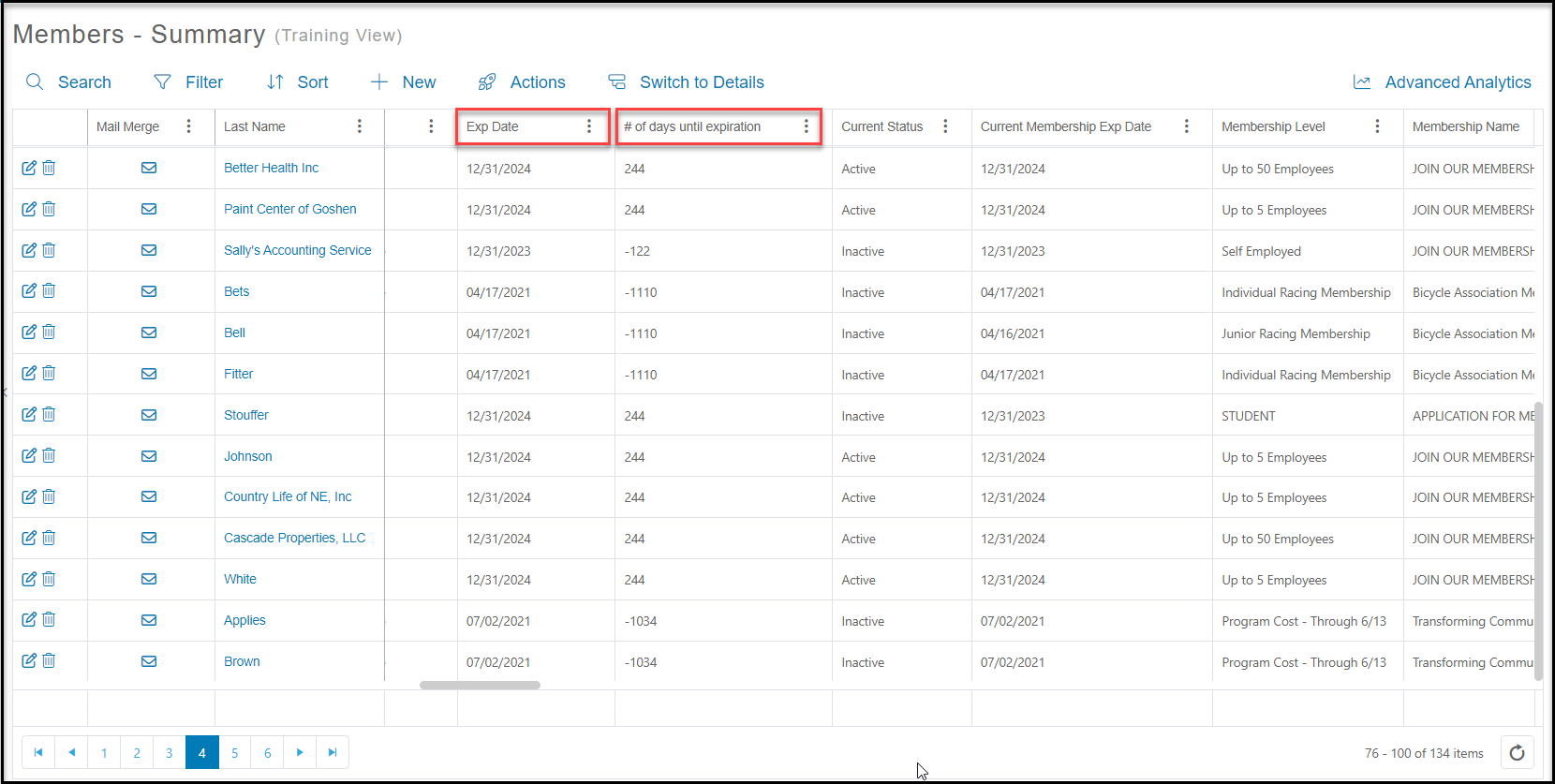
While looking at the Exp Date, it might be worth also paying attention to the Current Expiration Date column. If you see a different date listed there, this means this constituent has a newer membership transaction with a different expiration date that is farther into the future.