
How do I use the software for multiple clients, if I am a service provider or a consultant to many AssociationSphere customers?
Updated Jul 17, 2024·1 min read
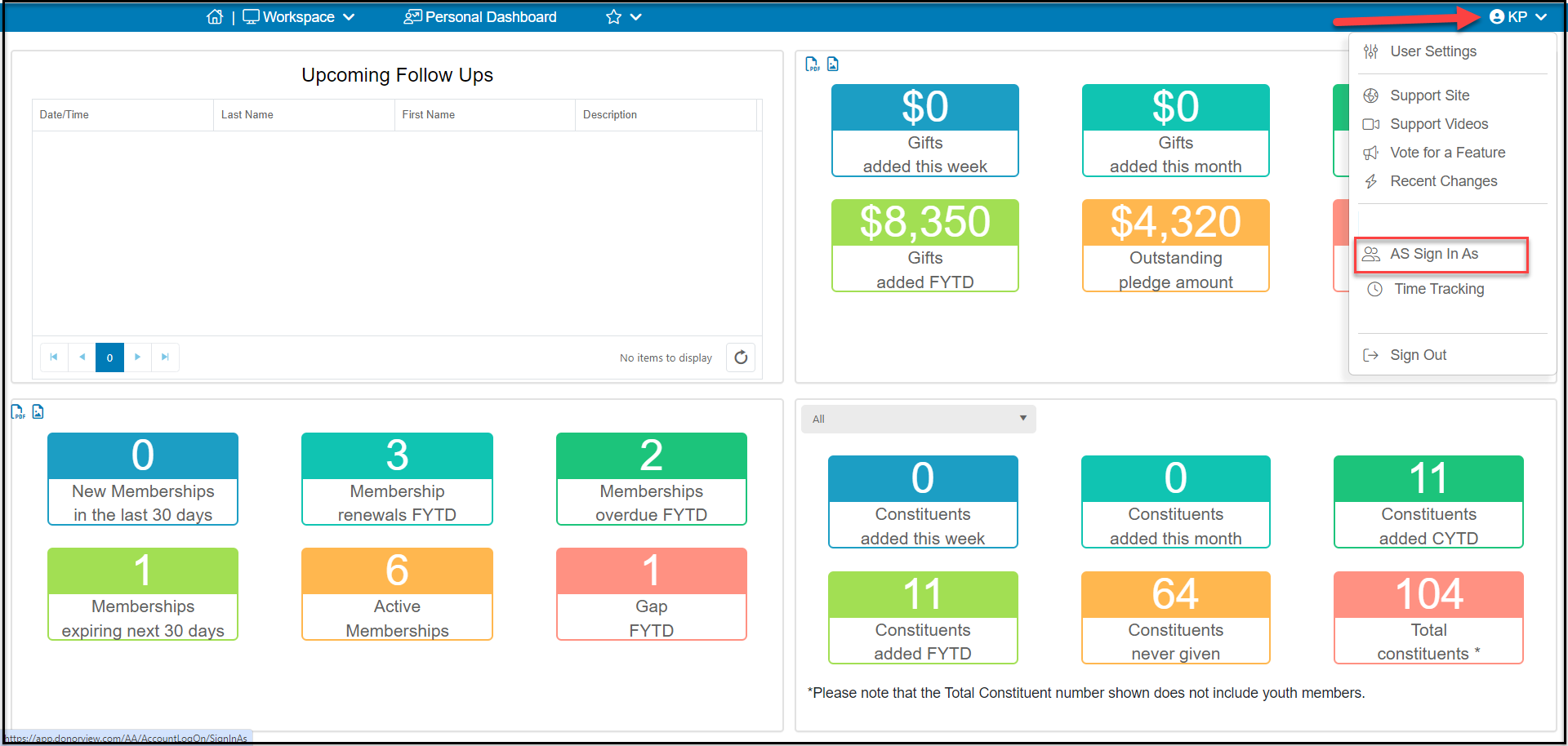
If you are a service provider, you must be invited by your customer first. Once your account is successfully linked, you will be able to log into AssociationSphere using your original login email and password. Upon successful login, you can click the down arrow next to your initials in the top right corner of your screen and select “Sign in As.” You will be presented with a list of your clients and you can select which client account to use.
Was this article helpful?