
Starting an email marketing campaign from the Actions menu
Updated Jul 19, 2024·1 min read
An email list must be created prior to creating an email marketing campaign from the Actions menu.
- First, filter your grid to show the constituents you wish to communicate with in this campaign.
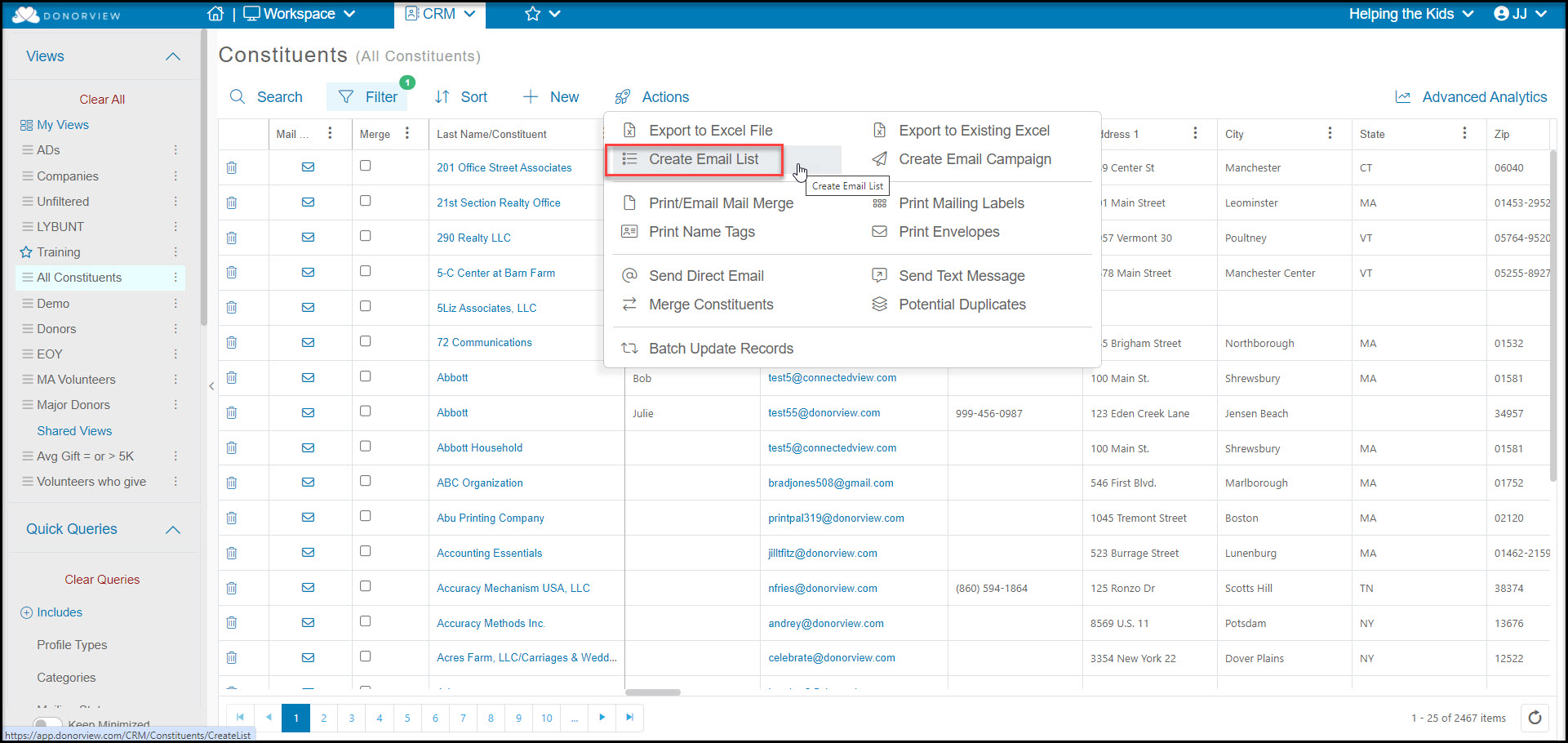
- Next, create a new email list or add the constituents showing on your grid to an existing list using the Create Email List function from the Actions menu.
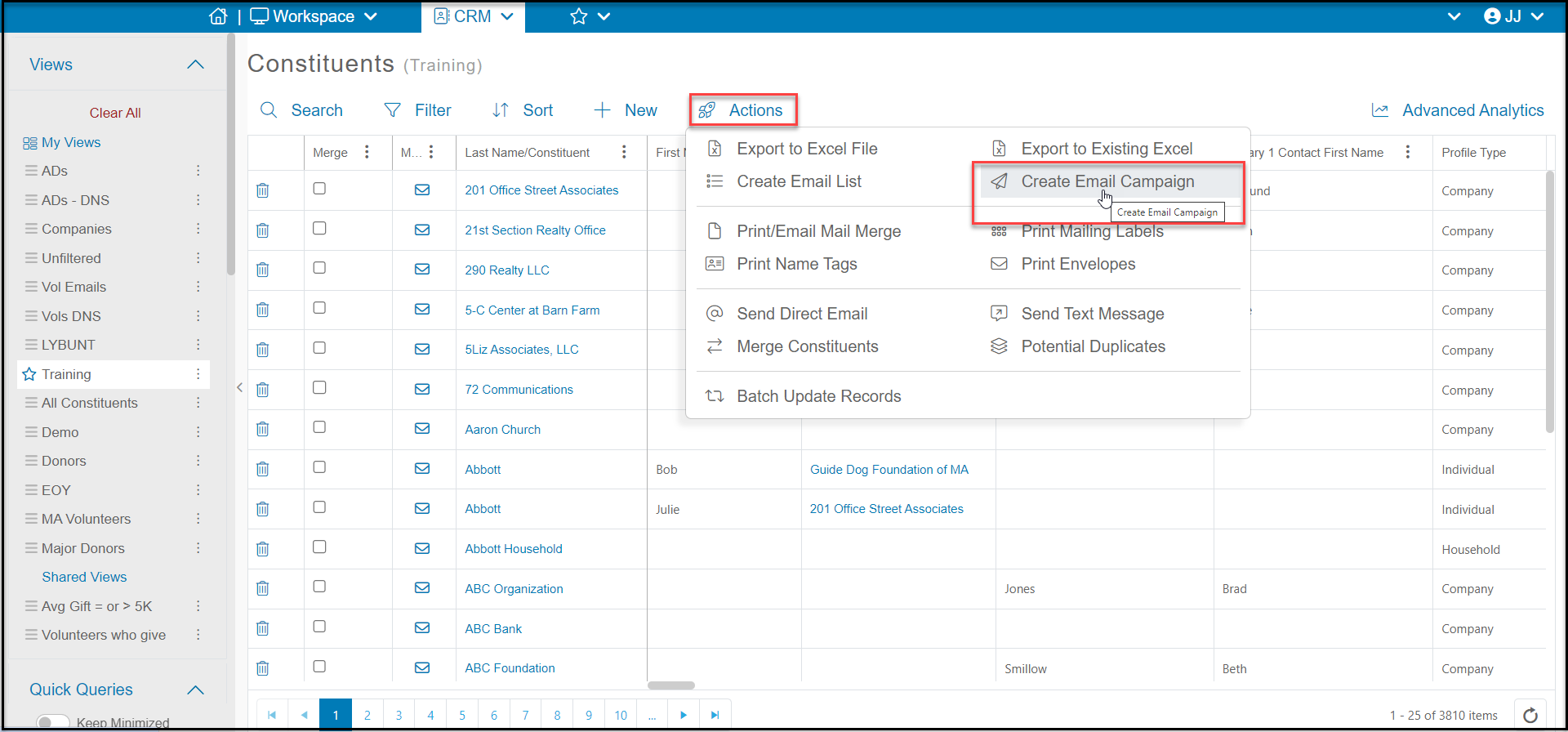
- With the email list, you can now select Create Email Campaign.
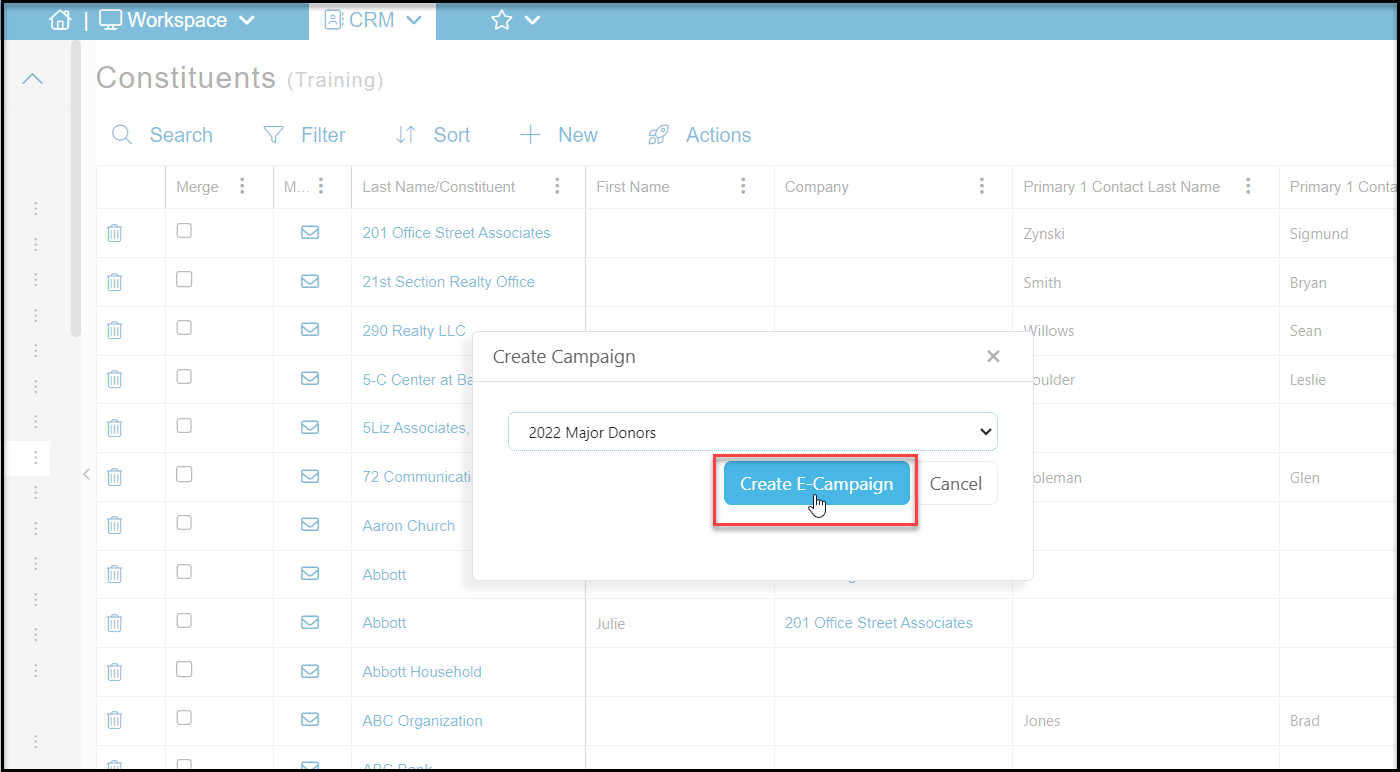
- You will choose the appropriate email list, the click on Create E-Campaign.
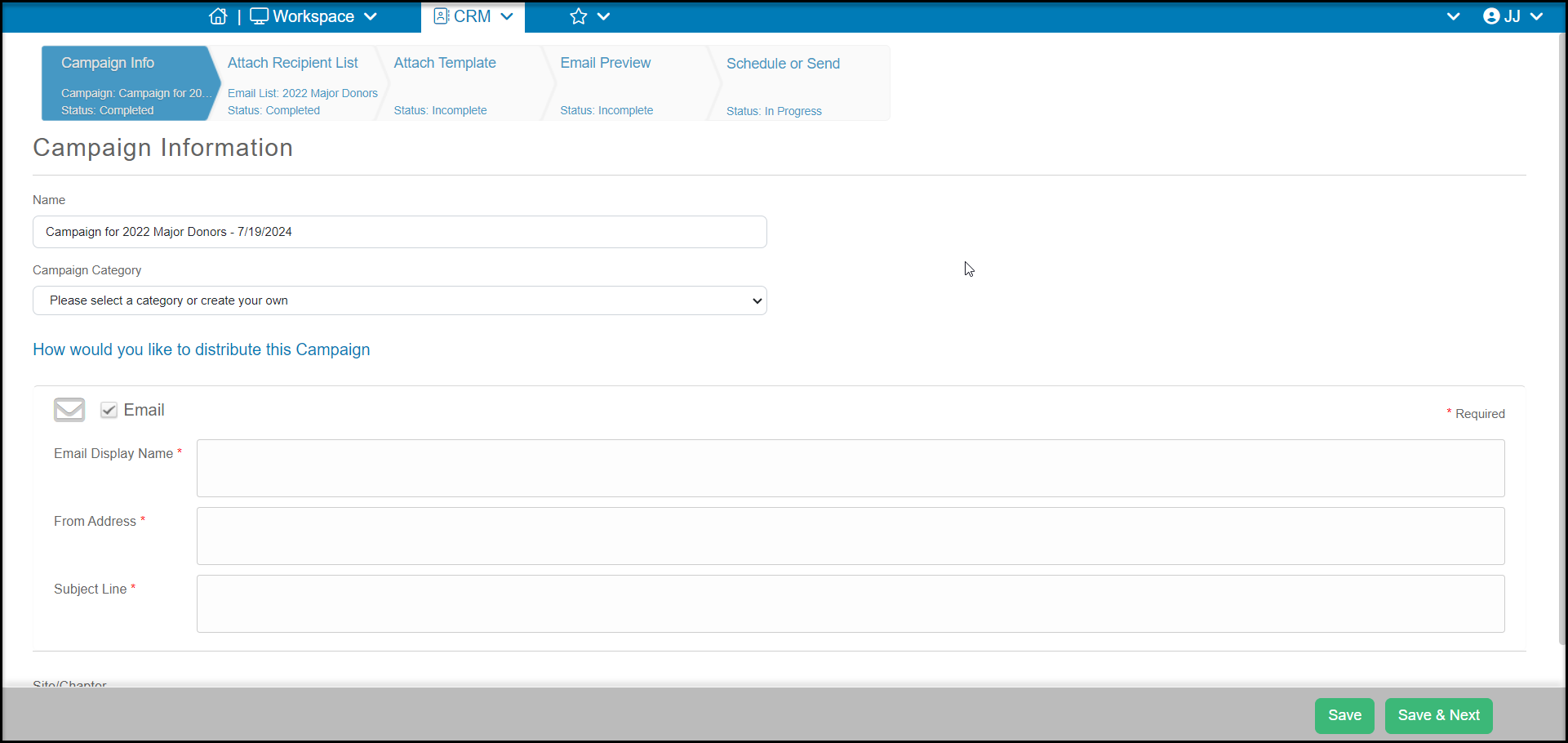
This will take you to a page to set-up a new Email Marketing Campaign. You can learn more about email marketing campaigns in these articles: https://support.donorview.com/en/support/solutions/folders/9000130331https://support.associationsphere.com/en/support/solutions/folders/67000537399
Was this article helpful?