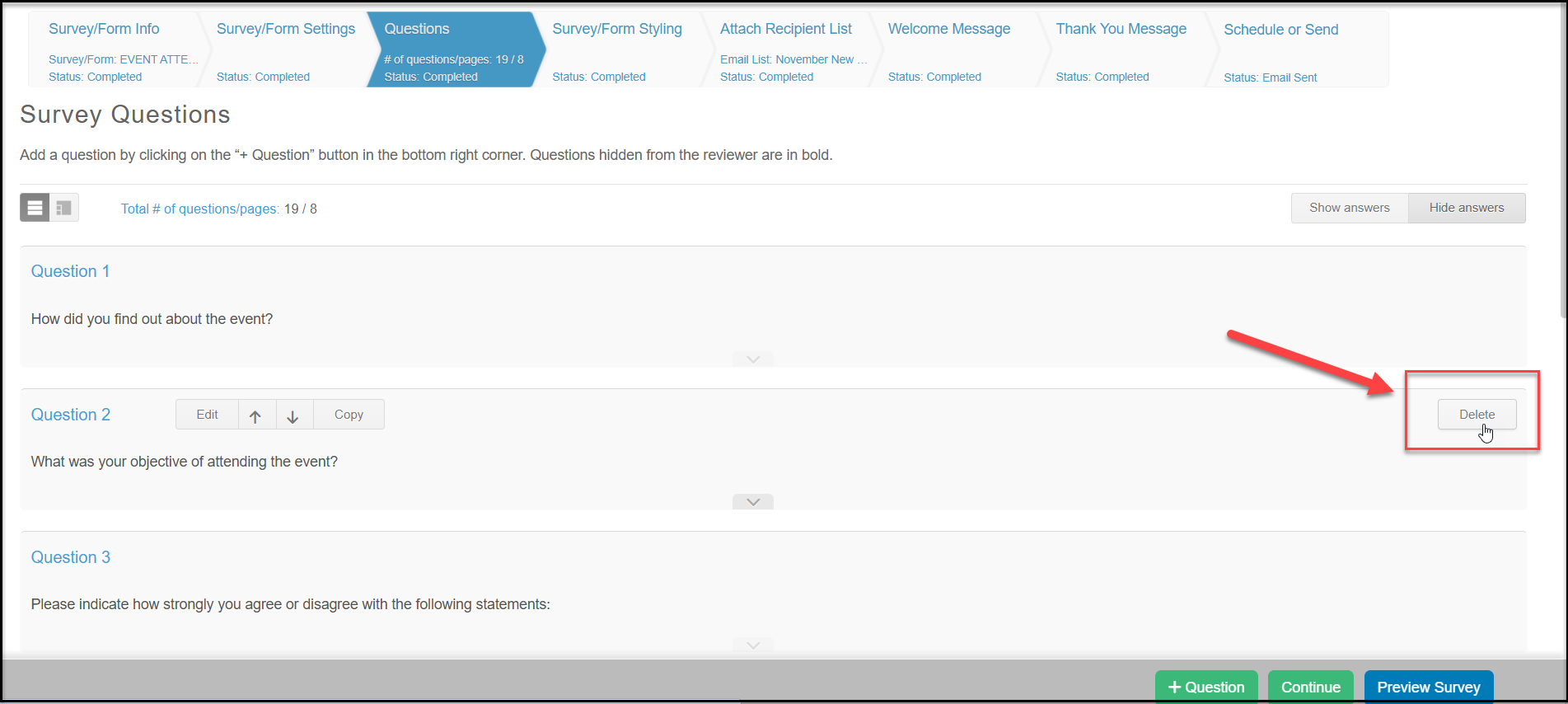
You can delete a question by going to the survey questions page. Deleting a question will also delete any responses to that question that have already been received.
Place your mouse over the question that you would like to delete. Click the “Delete” button on the right side of the question. A box will appear that says “Are you sure you want to delete the question?” If you are sure click “Yes” if you are unsure click “Cancel”. Once you have deleted a question you cannot retrieve it.