Internal surveys can be used to track information about constituents like training, client services, evaluations, or progress through a particular process, like moves management for fundraising.
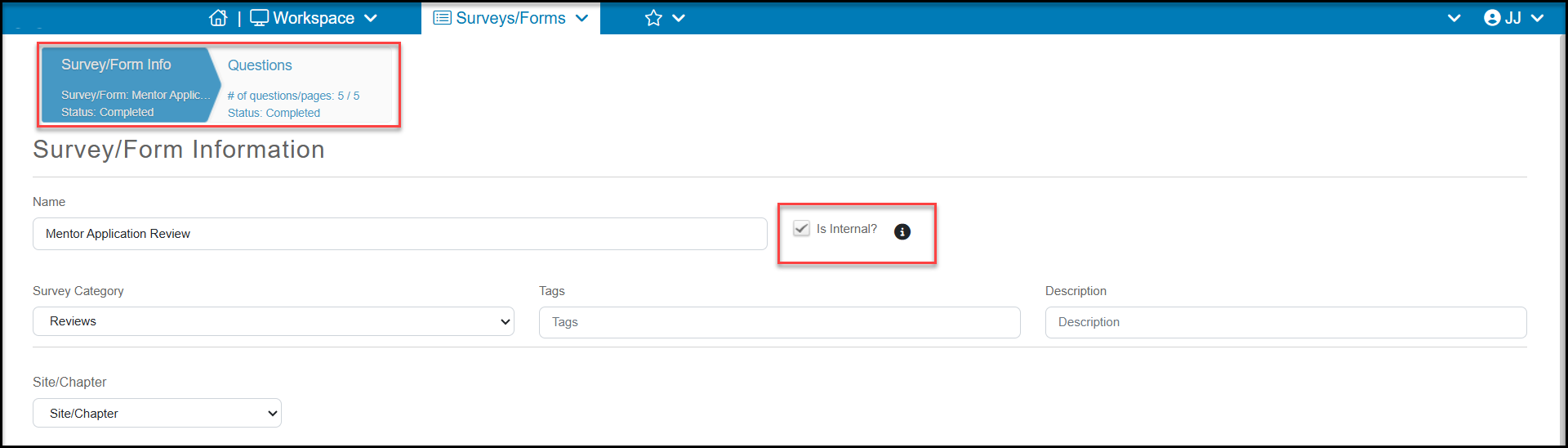
Internal surveys are not shared with the public and are only accessible by internal DonorView users. When a survey is marked “Is Internal” the only tabs available are the Survey/Form Info and the Questions. Internal surveys cannot have logic applied and all the questions will appear on one page. The questions types are all available, so you can create any questions you would like. It is not necessary to include the constituents name and email, since that information will be automatically linked when the survey is completed.
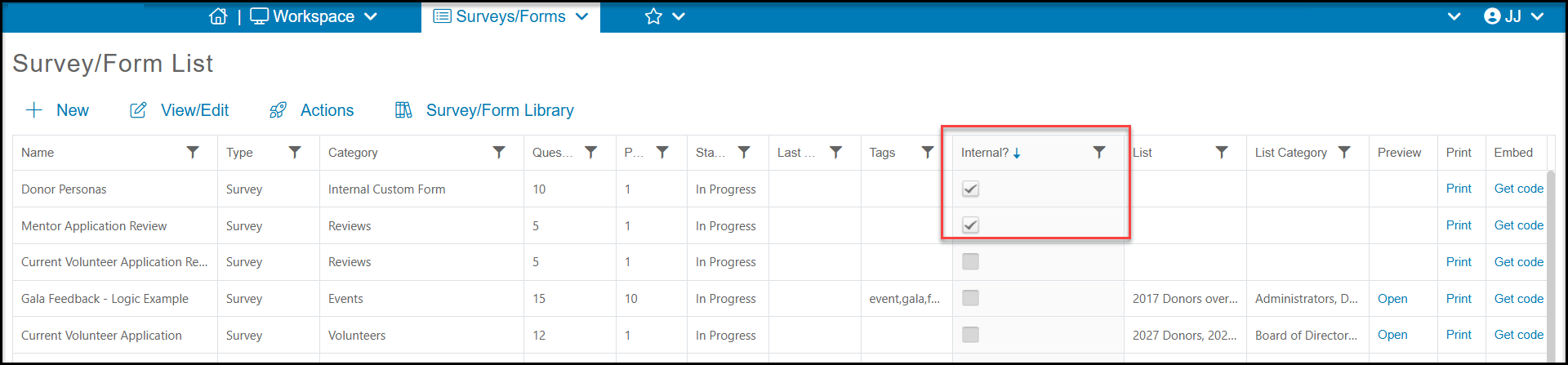
Internal surveys will have a checkmark in the column under Internal? on the Survey/Forms List.
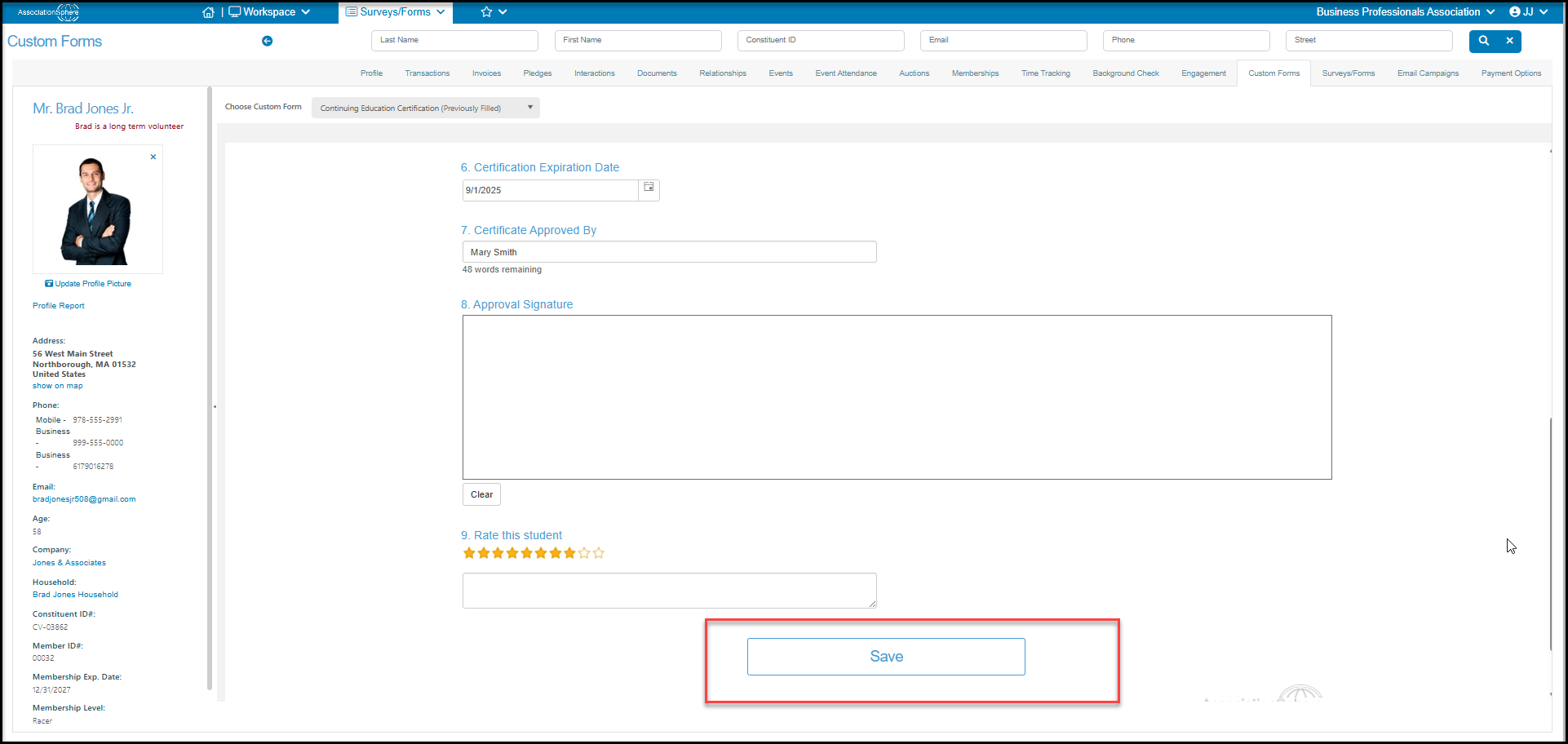
The only place to add information in an internal survey is from a constituent's record on their Custom Forms tab. At the top of this tab you will find a dropdown list of all the internal surveys you have created in the Choose Custom Form field. The form will default to the most recent form created. If any internal surveys had been submitted before, it will say “Previously Filled” in parenthesis after the name.
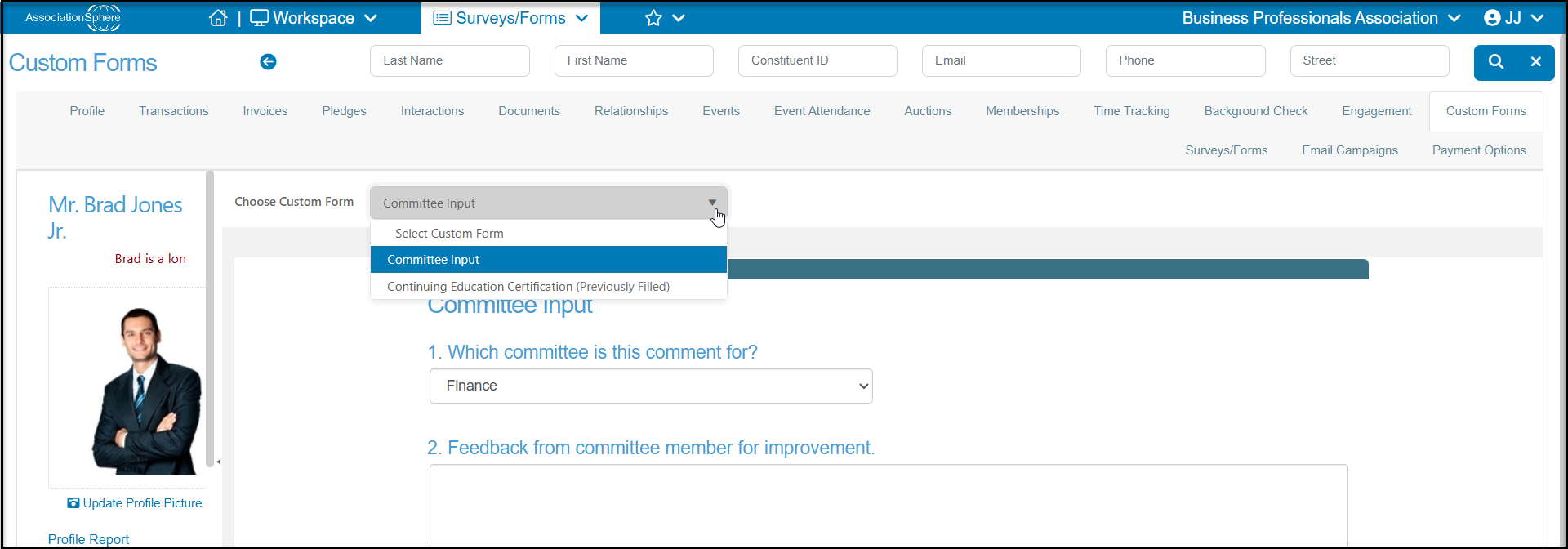
To complete an internal survey, select it from the dropdown list and select Save to record the submission.
Unlike other surveys, the internal surveys can be updated anytime. You can select a previously filled survey and update the information and click Save to save your changes. The old information is completely overwritten with the new information.
After clicking Save, you will see a confirmation. If you would like to refresh the page and start over, click on Reload Page to show the survey again with no information completed.
To see the information you just entered, use the dropdown menu next to Choose Custom Form and select the survey. It will show all the information that was submitted.
Since internal surveys can be continually updated, you can use them as an extension of profile information. This is helpful when you only need to collect additional information about small subset of your constituents.
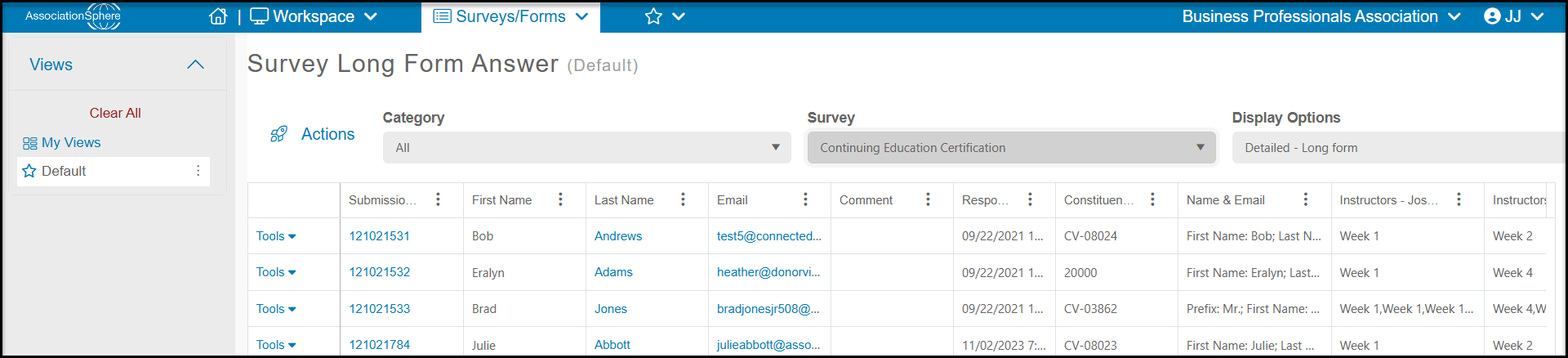
You can see the submission for all internal surveys in the same place as regular surveys and polls, on the Survey/Forms Results page. All the same functionality is available and you can click on a constituent's Last Name to open their record and make updates as needed.