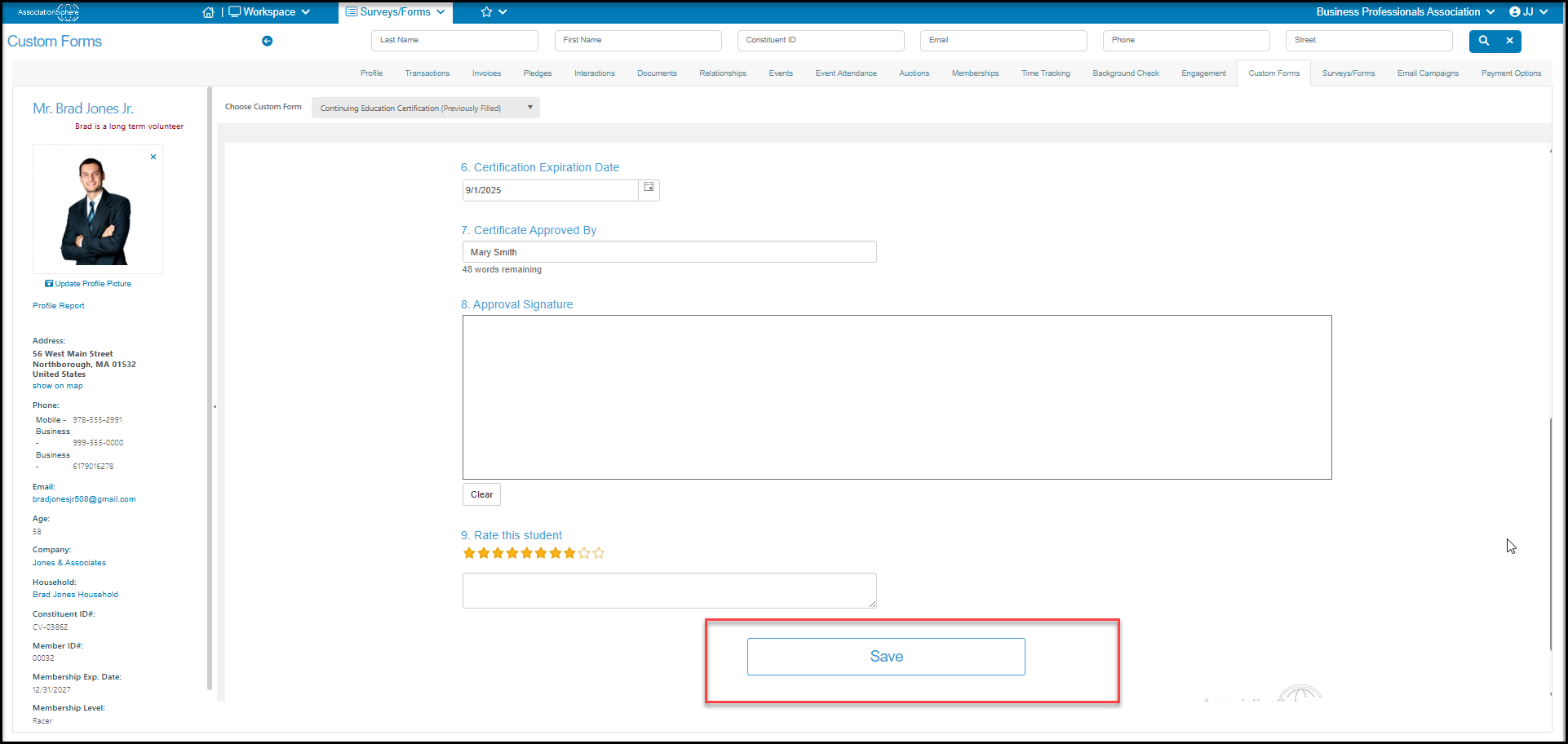
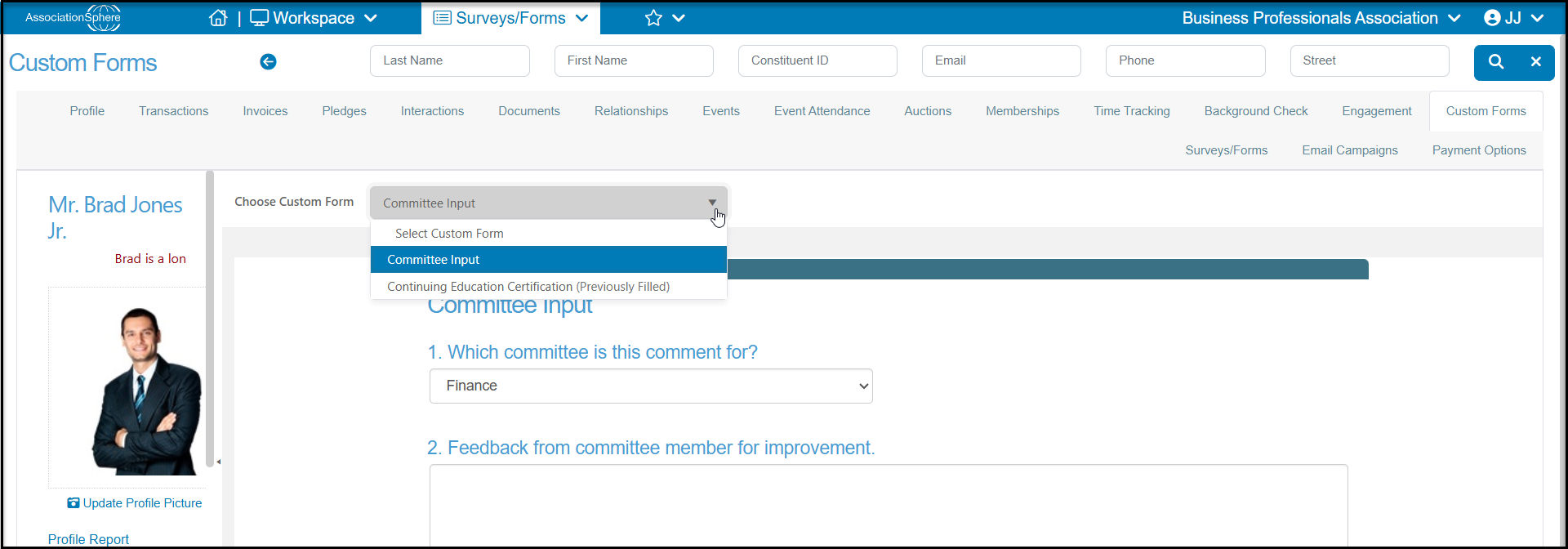
Yes, anyone with user access to that module and constituent profiles can edit the responses to an internal only survey. Go to the constituent's Custom Forms tab and select the survey to edit from the dropdown list Choose Custom Forms. The form will default to the most recent form created. If any internal surveys had been submitted before, it will say “Previously Filled” in parenthesis after the name.
Unlike other surveys, the internal surveys can be updated anytime. You can select a previously filled survey and update the information and click Save to save your changes. The old information is completely overwritten with the new information. The old information is not saved, only the new information will appear of the Custom Forms tab and on the Survey/Forms Results grid.