Time Tracking Overview
Time tracking is a tool which allows you to track services provided to your organization as well as services you provide to constituents, like mentoring or education programs.
Time tracking can be added manually in each constituent's record, via batch updates from the Actions menus on grids, and automatically. The automated feature is included when creating events and you have the option to add time tracking upon check in to the event. When the constituent is “checked in” a time tracking record will automatically be created for the preset values you establish.
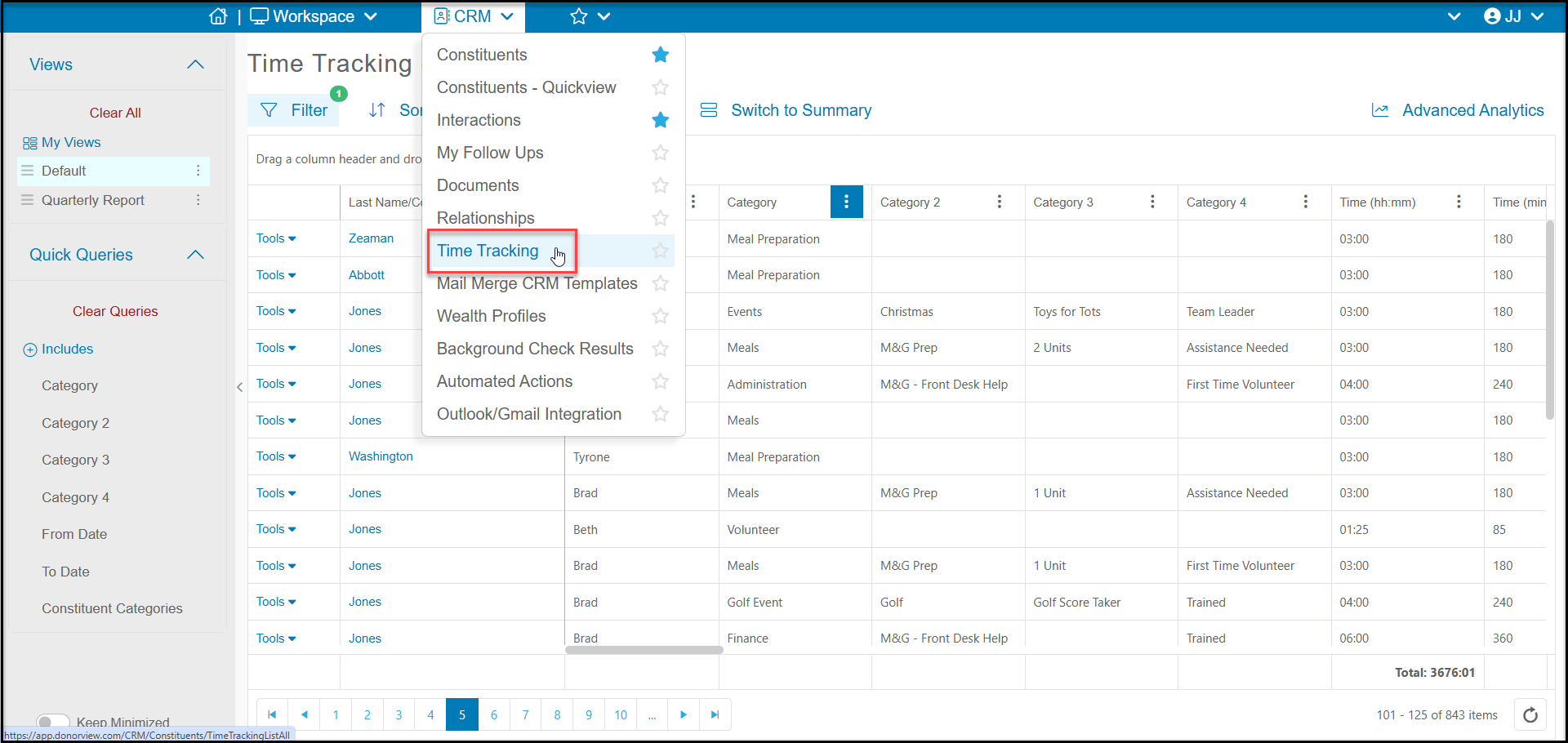
You can find the Time Tracking grid in the CRM Module. You can also find a constituent's Time Tracking tab in their personal record to see just their particular time tracking records.
Note that there are two Time Tracking grids in the database, one is in the CRM Module and the other is in the Volunteer Module. The grid in the CRM Module is the universal grid which shows all records. The grid in the Volunteer Module will only show time tracking records for constituents who are assigned to the Constituent Category of "Volunteer." This allows you to see separate grids for volunteers if you also use time tracking to track services you provide, like education CEUs.