
Can I edit or delete an address?
Updated Oct 7, 2026·1 min read
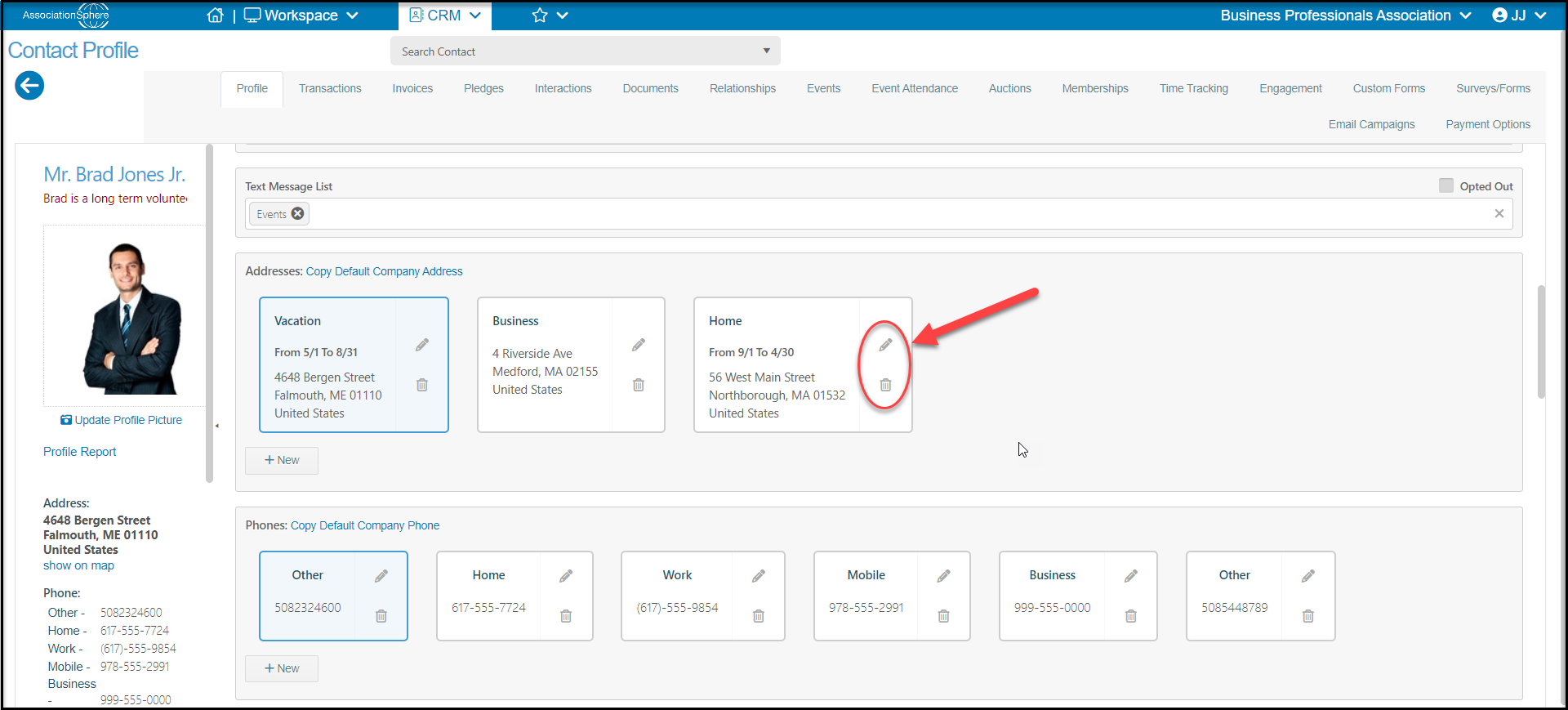
To edit an address, go to the constituent’s profile and click on the Pencil icon in the upper right corner of the saved address. Once the address has been edited, click Update to save the changes.
To delete an address, click on the Trash Can icon in the lower right corner of the saved address. You will need to confirm by clicking Delete in the warning box to save the changes.
Was this article helpful?