What happens when a constituent is marked as deceased?
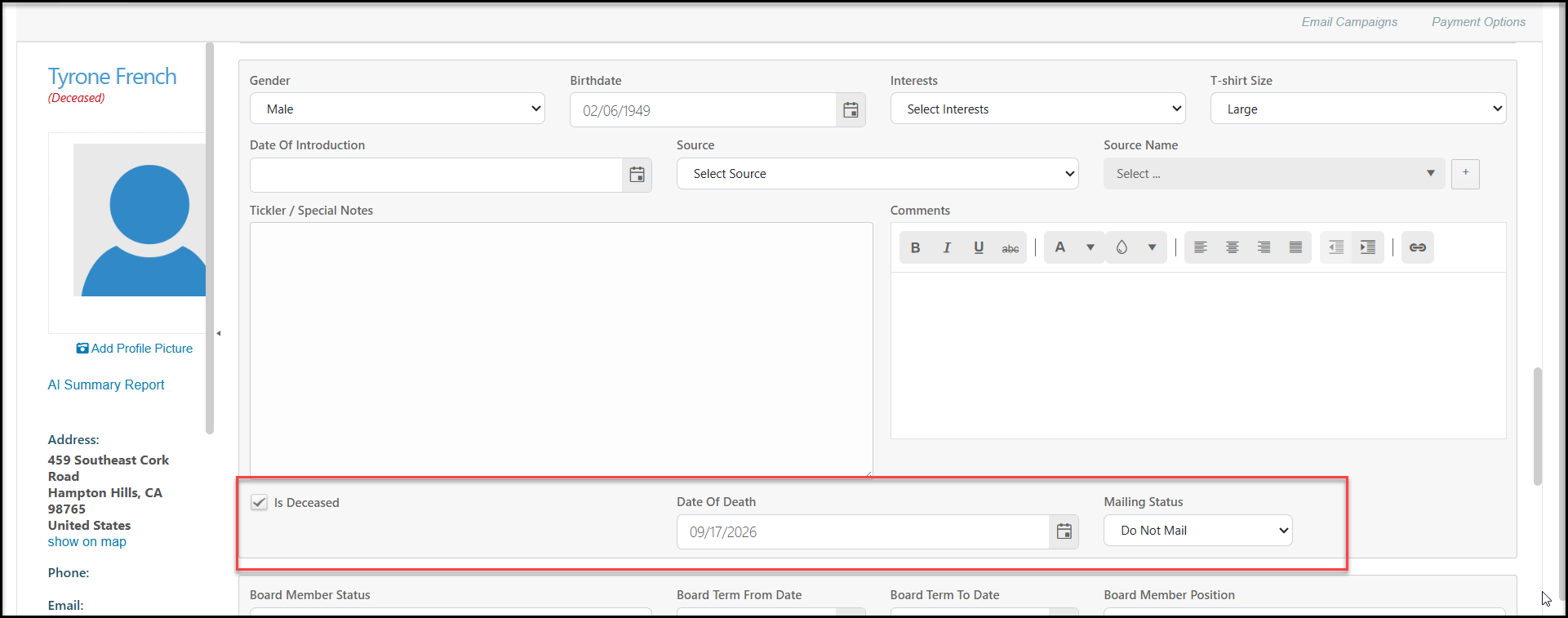
If the Is Deceased box is checked in a constituent's profile record, the following updates will happen when you click Save on the profile. (Note that entering the Date of Death is optional)
1. The Mailing Status will automatically be assigned "Do Not Mail."
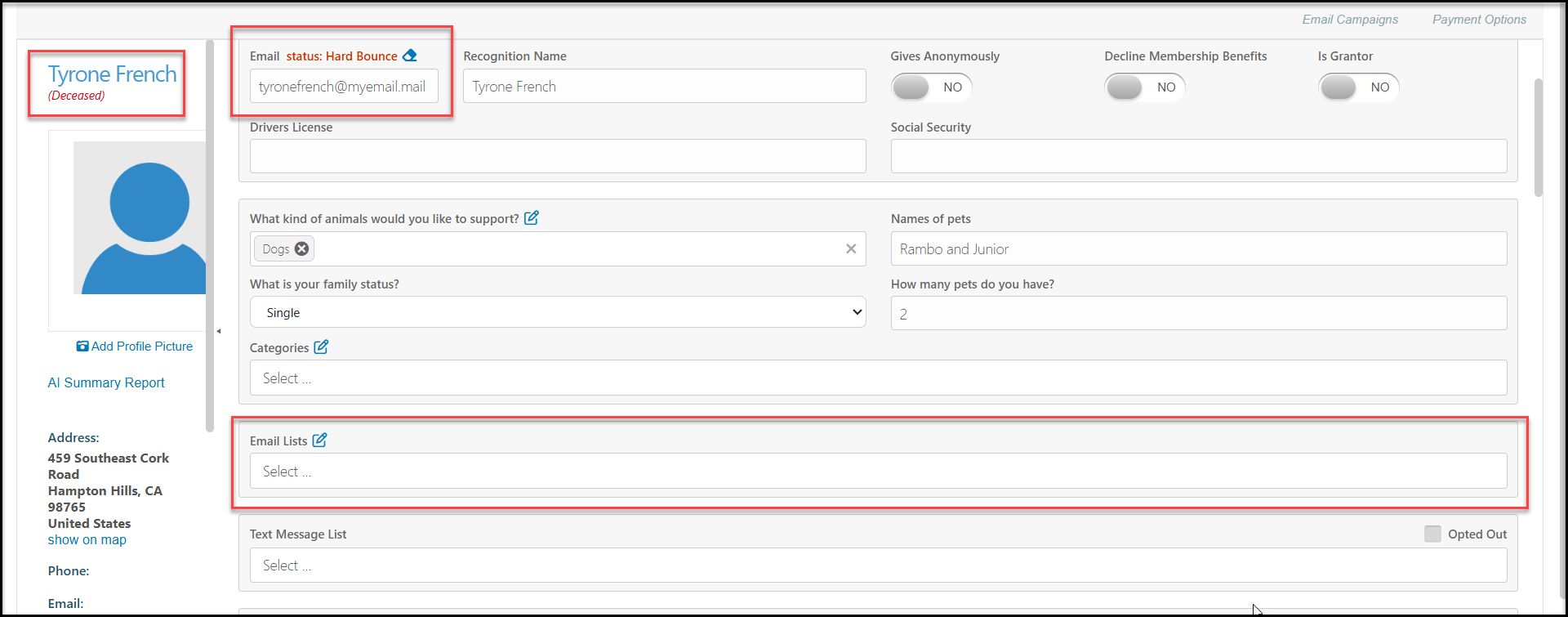
2. If the constituent had an Email address, it will be assigned a Hard Bounce status to prevent it from being included in future email lists.
3. The constituent will be removed from any Email Lists.
4. A Deceased note will be added under the constituent's name on their contact card.
5. For constituent's with group memberships, be sure to transfer the membership to another member of the group prior to identifying the constituent as deceased.
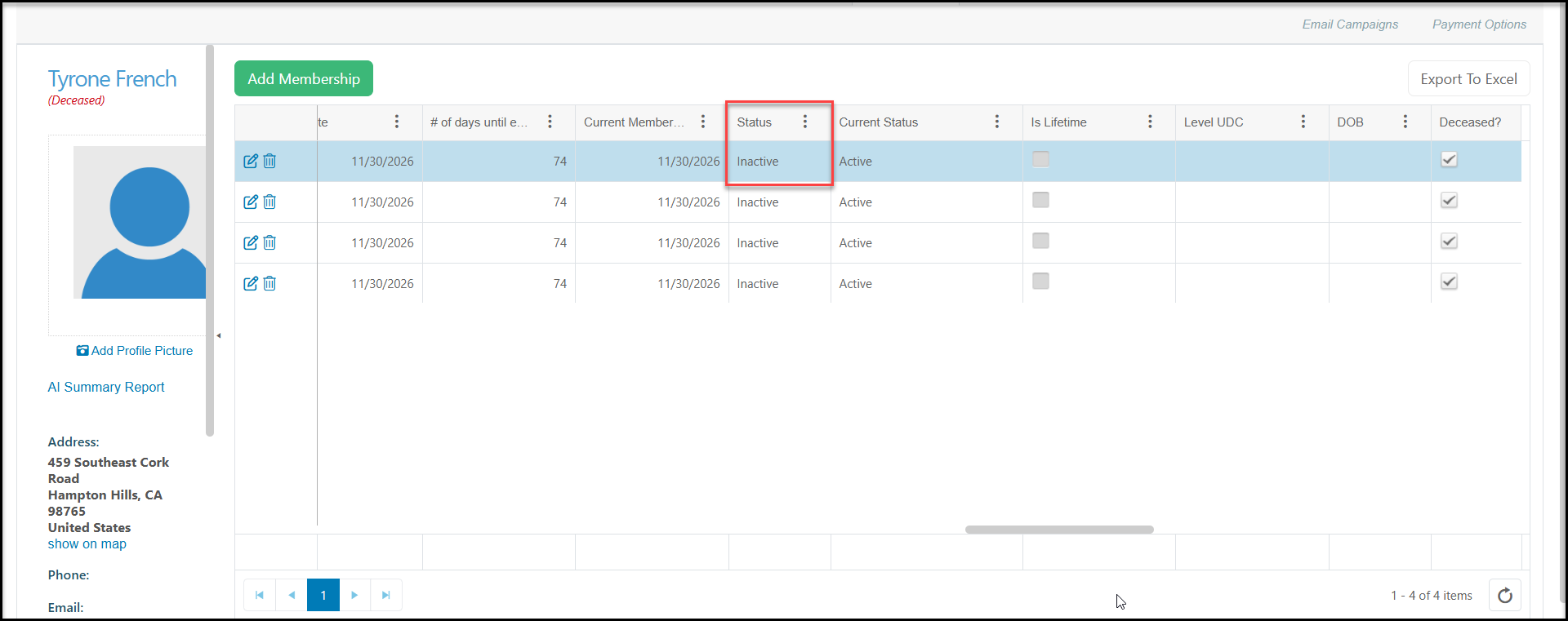
6. Deceased members will have their membership Status automatically marked as "Inactive."
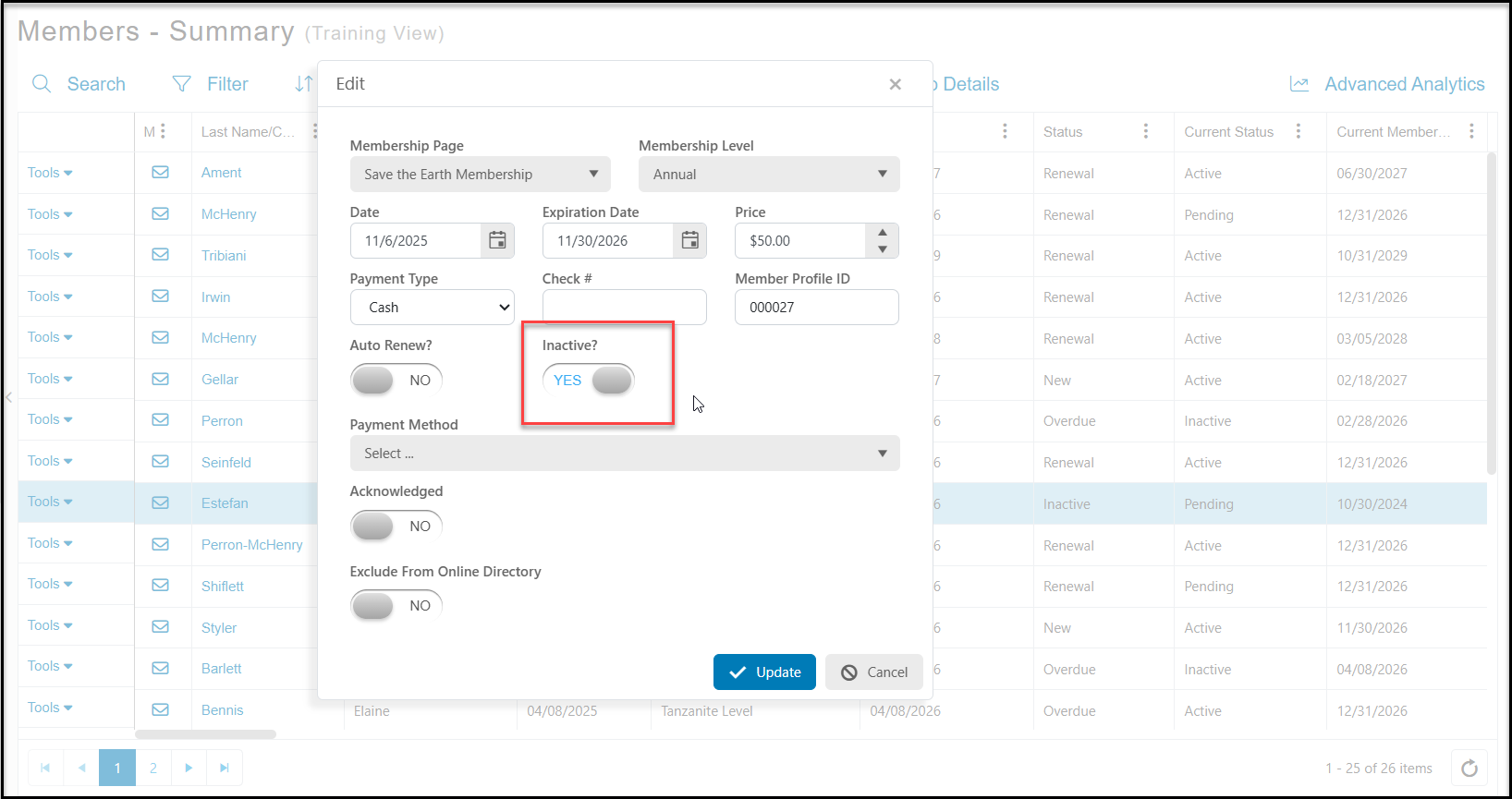
7. If the constituent was marked deceased prior to a membership transfer, you can still transfer the membership, but you will need to go to the Memberships - Summary grid and update the status of the membership. Use the Tools menu on the left side of the new membership owner's row and select Edit. Switch Inactive to NO and click Update to save the changes.