
How do I add or edit a Bidder ID number?
Updated Apr 8, 2024·1 min read
- Within the Event page editor, on the Event Settings tab, the Allow To Edit Bidder # must be set to YES in order to add or edit bidder numbers.

-
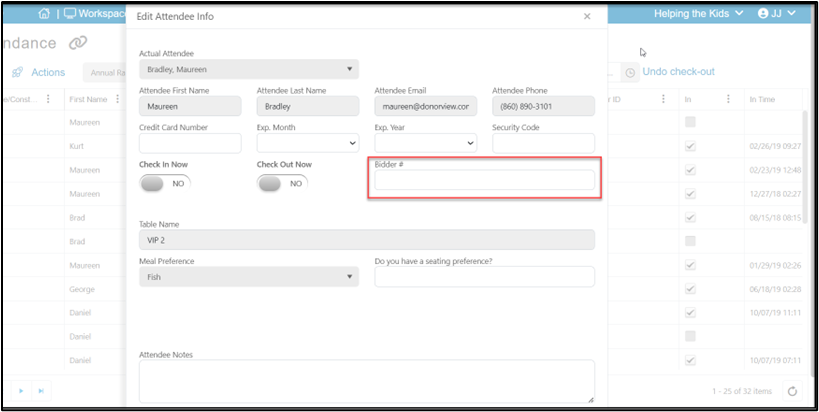
Bidder numbers can then be added by clicking on the edit icon from the Event Attendance grid.
-
Bidder numbers can only be added one at a time, not in a batch.
Was this article helpful?