
How do I expand the table layout area and add more tables?
Updated Oct 11, 2024·1 min read
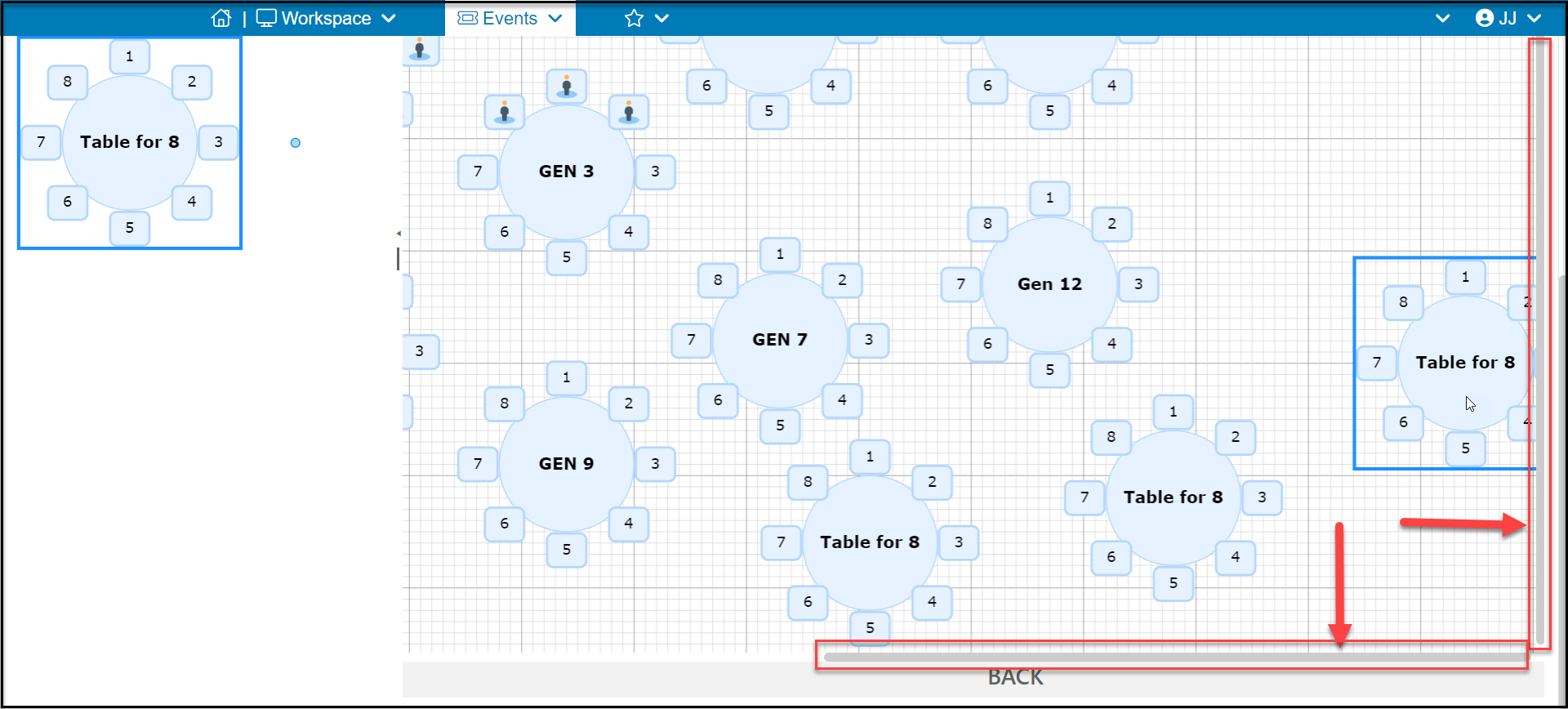
You can expand the table layout by dragging a table towards the right or bottom edges of the chart. As you expand the layout, gray slidebars will appear to allow you to view tables to the right and bottom.
Was this article helpful?