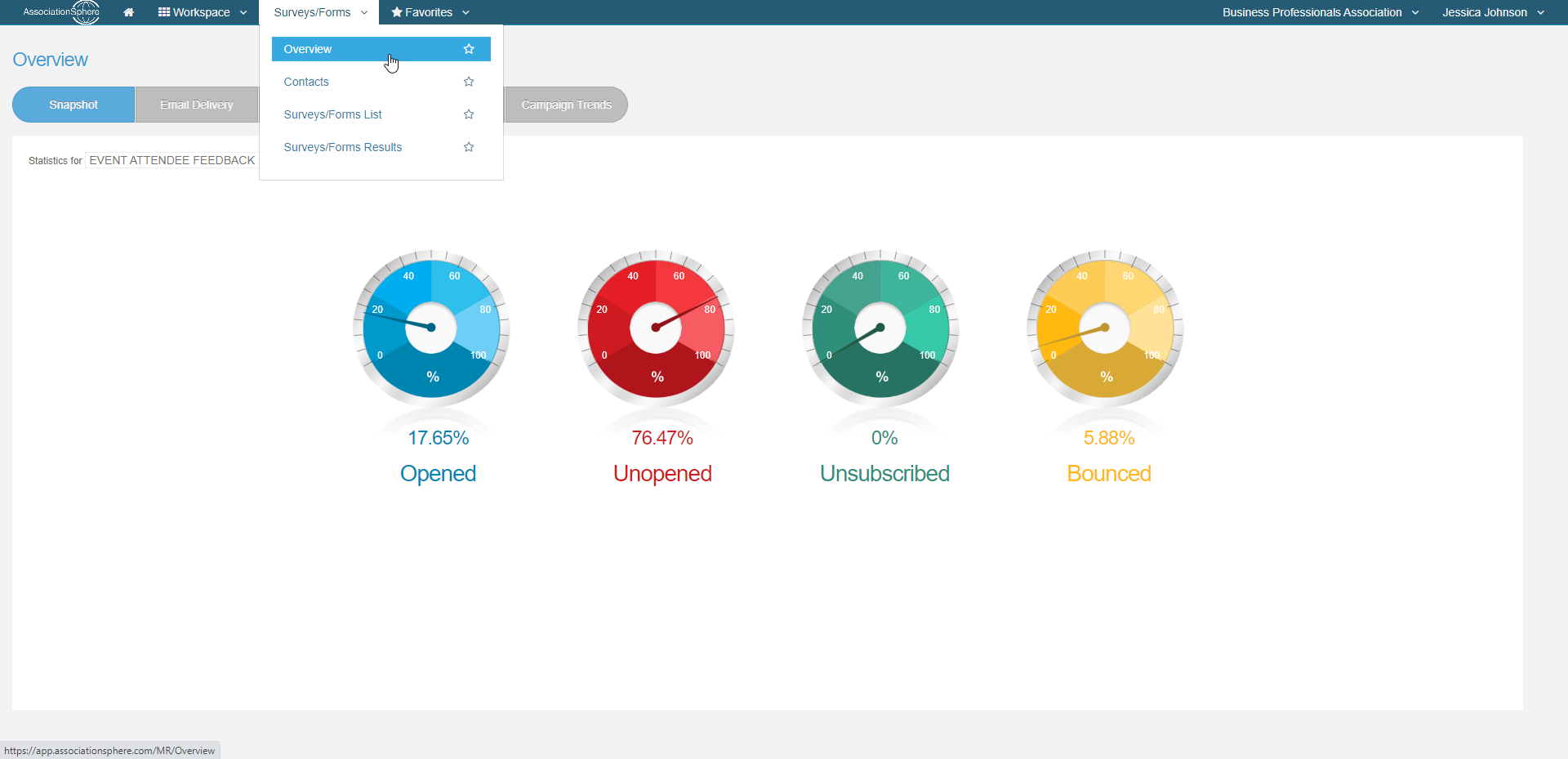
Help center/Surveys/Forms Module/Surveys/Forms Overview - For Email Response RatesHow do I get to the Overview page?Updated Dec 23, 2022·1 min readFrom the Workspace menu, go to Surveys/Forms then click on Overview. Was this article helpful?YesNoRelated articlesCan I resend a survey to the people who have not taken it yet?Where can I see what links were clicked on for an email survey campaign?How do I see the delivery statistics of this survey campaign compared to my other survey campaigns?What is the Overview Page for?Where can I see the delivery status for my email campaigns?NextWhat is the Overview Page for?