
Is there a way to only see unassigned tickets?
Updated Oct 7, 2026·1 min read
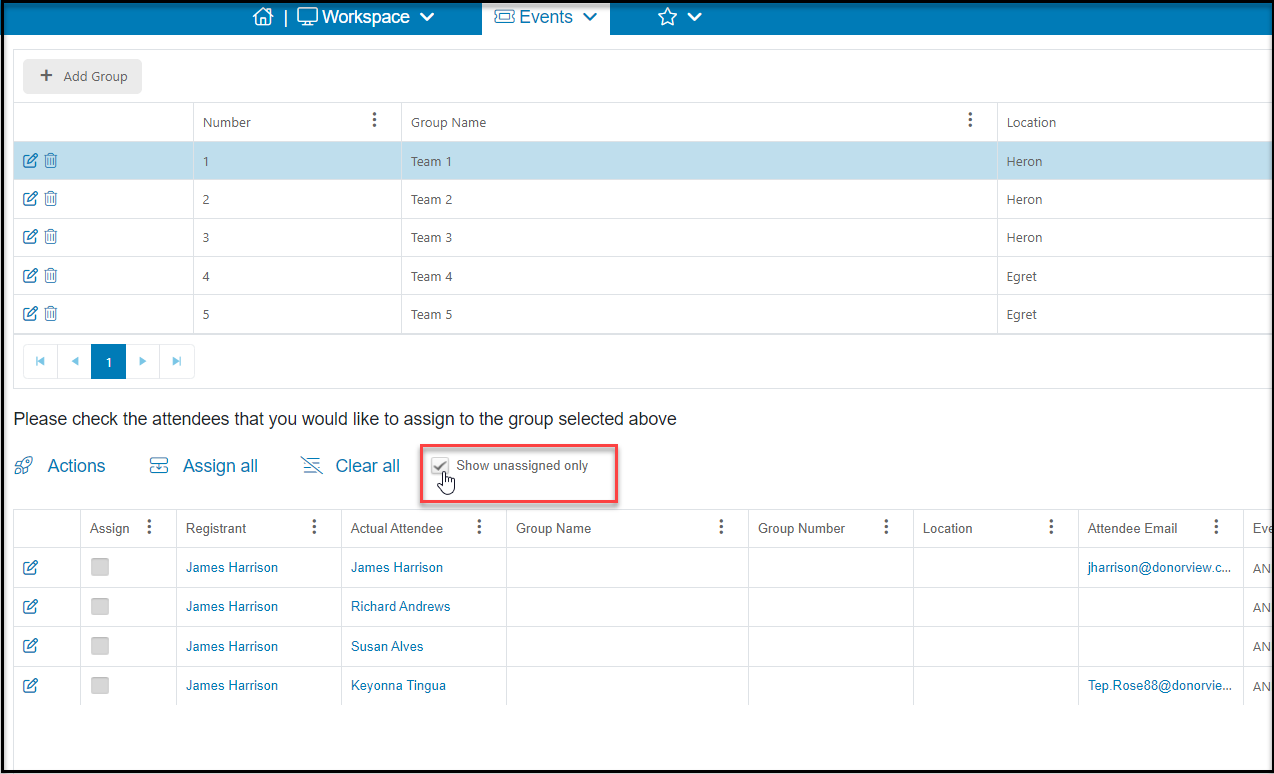
Yes, just below the group list there is a box to check to "Show unassigned only." The grid below will then be filtered to only show attendees who have not been assigned to a group. You can add those unassigned to a group by selecting a group from the list above and checking the box under Assign or by clicking on the edit icon on the left side of each row.
Was this article helpful?