How does a donor make an online donation?
A donor makes an online donation by going to a donation page that you have created in AssociationSphere or you can activate an option to collect donations along with your event or membership page.
For donation pages, you can post this onto your website, emails, social media and supporters can fill out their info on the page and make a donation.
How Do I Create/Edit a Donation Page? Steps to Set up an Online Simple Donation Page
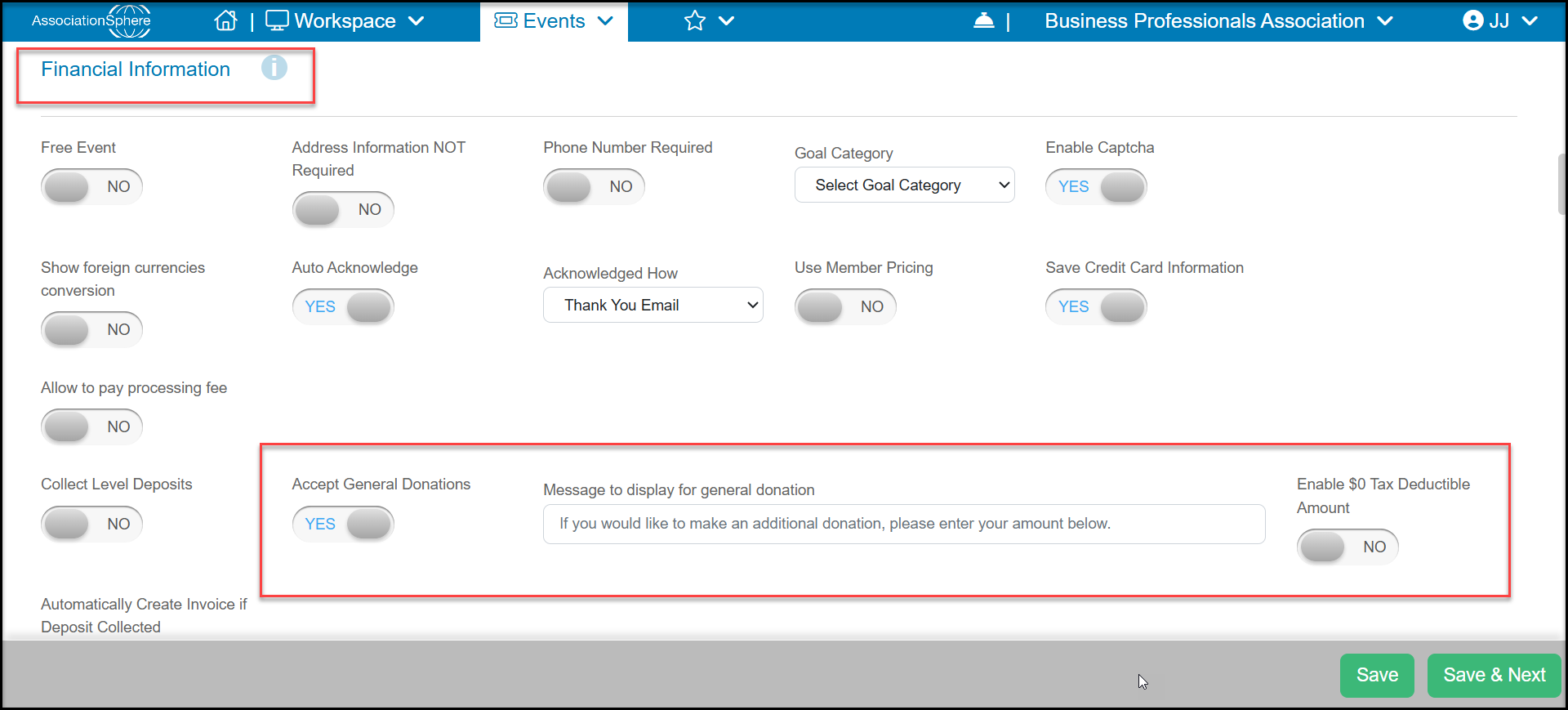
For Membership and Event pages, in the Financial Information section of the Settings tab, you can activate an option to make a donation. Set Accept General Donationsto YESand you can customize the Message to display for general donation. If this transaction will not be eligible for a tax-deduction, you can set Enable $0 Tax Deductible Amount to YES.